L
O
A
D
I
N
G


Zoho, Odoo, ERPNext, Dynamics 365 and custom ERP, delivered by one accountable team.

We configure Zoho Expense so receipts are captured when they are spent, policies are checked automatically and finance gets clean entries with the VAT details intact.
Zoho Expense is Zoho's travel and expense application that lets UAE employees photograph receipts on their phones, checks claims against spending policy, routes reports for approval, reconciles corporate cards and records reimbursements. Approved expenses post to Zoho Books with account, cost centre and tax details set, helping finance claim input VAT only where a valid tax invoice with a TRN exists.
Zoho Expense UAE implementations usually follow a familiar month-end scene: sales staff hand in crumpled fuel receipts, petty cash does not reconcile, and finance cannot claim input VAT because half the receipts are missing a TRN. Zoho Expense moves that process onto the phone, where employees photograph receipts on the spot and submit reports for approval.
Zoho Expense is Zoho's travel and expense management application. It reads receipts with its autoscan feature, checks them against your spending policy, routes reports through approvals, reconciles corporate card transactions and records reimbursements. Approved expenses flow into Zoho Books with the account, cost center and tax details already set.
We set up Zoho Expense for sales teams on the road, project companies charging costs to client jobs, and groups with staff traveling across the GCC. For teams comparing tools beyond Zoho, our expense management software page covers other options, and approval workflow software explains how approvals can extend to purchases.
Edition choice matters here. Zoho Expense is sold on its own and is also part of Zoho One, and the features available, such as advanced approval rules or card feeds, differ by plan. We check what you already pay for before recommending an upgrade. Many of our clients find their existing Zoho One subscription already covers Zoho Expense and simply has not been switched on, so the real work is policy design, category mapping and training rather than new licenses.

The products we configure, integrate and support on projects like this one.






Product names and logos are trademarks of their respective owners and are shown only to identify the software we implement.
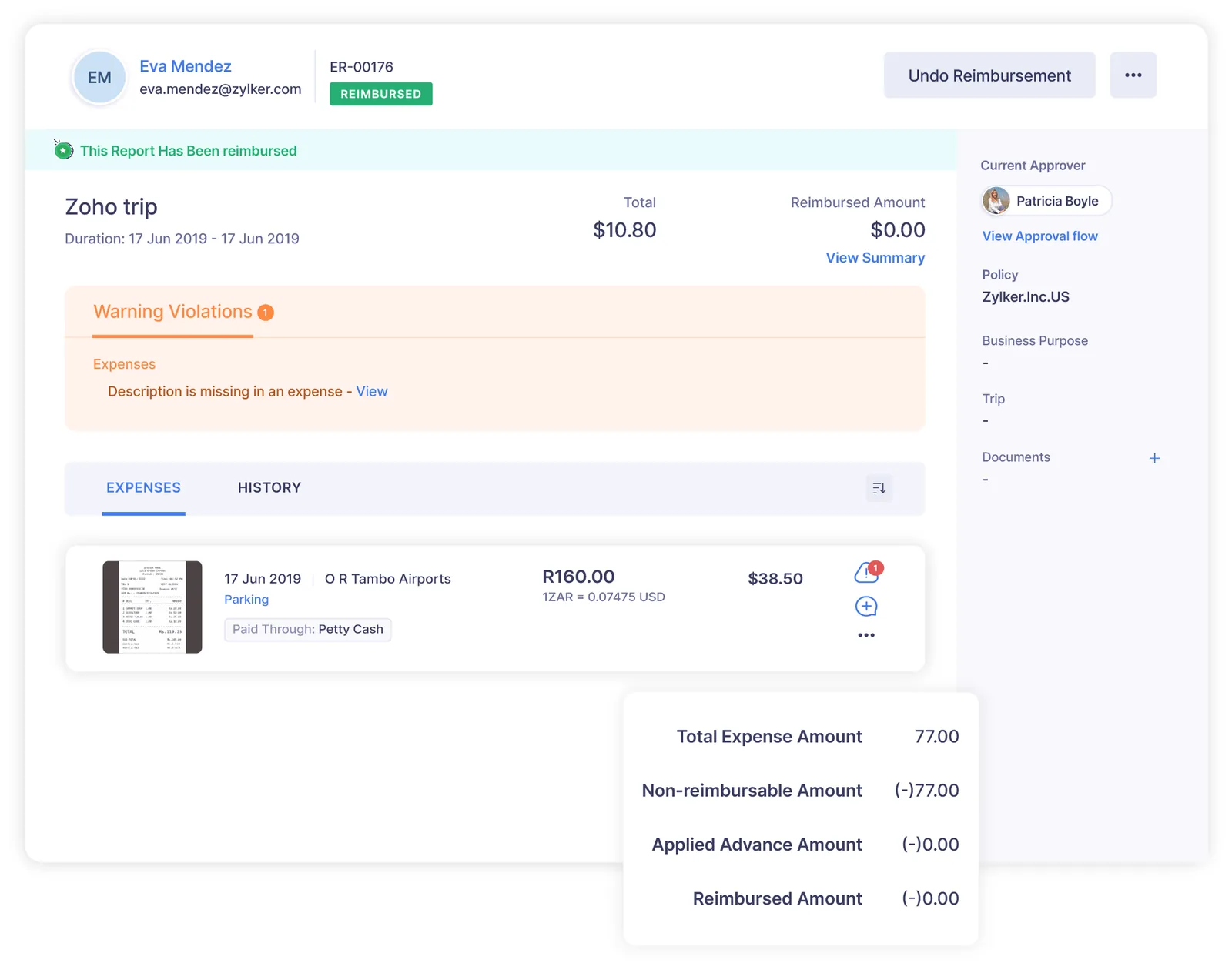
Finance needs visibility before reimbursement, not after the money has gone out.
This is the claim flow we configure for most clients, with optional steps for advances and projects.
One shared database: every step updates stock, finance and reports in real time.
These features cover employee claims, company cards and travel, the three main sources of employee spend.
Reads merchant, date, amount and tax from receipt photos so employees confirm rather than type.
Limits per category, grade or location, with receipt-required thresholds and blocked categories.
Approvals by reporting manager, project owner, department head or amount band.
Card feeds or statement imports matched to receipts, highlighting unreported transactions.
Cash advances issued and settled against later claims, so petty cash balances stay visible.
Distance-based mileage claims and daily allowances for trips across the GCC or abroad.
Pre-approval for trips with estimated cost before tickets and hotels are booked.
Expenses in SAR, USD, EUR or other currencies converted to AED for reimbursement.
Expense data is most useful when it reaches accounting, payroll and projects automatically.
Zoho Expense captures the data; your tax treatment depends on your facts. Confirm with your tax advisor.
Input VAT is generally recoverable only with valid tax invoices or qualifying simplified invoices showing the supplier's TRN. Zoho Expense captures tax amounts and supplier details so finance can check them before claiming on the VAT return.
UAE VAT rules restrict input tax recovery on certain entertainment and personal-use expenses. Separate categories make it easier to apply the right tax code.
Under the corporate tax law, client entertainment expenses are only partly deductible. Tagging these expenses separately helps your advisor prepare the tax computation.
Receipts stored against each claim support VAT and corporate tax record-keeping requirements, which run for several years.
As UAE e-invoicing phases in through Accredited Service Providers, more supplier invoices for business purchases will arrive electronically rather than as paper receipts. Expense categories and approval rules may need adjusting as that happens, so check the latest Ministry of Finance and FTA guidance.
General information, not tax or legal advice. Rules change; confirm current FTA, MOHRE and Ministry of Finance guidance with your advisor.
The software is simple; the policy decisions behind it are what take time.
See how Zoho Expense connects to accounting, payroll and approval tools.
We configure the system for the rules UAE businesses report against, and test it before go-live.
General information, not tax or legal advice. Confirm current requirements with the FTA, MOHRE or your advisor. See all UAE compliance guides.
On-site workshops in Dubai, Abu Dhabi and Sharjah, and remote or on-site delivery across the Northern Emirates and free zones.
Official sources and references
Facts on this page were checked against these sources in October 2026. Rules change, so confirm current requirements before acting.
Still have a question? Our consultants are happy to help.
Ask an ExpertAutoscan works best with clear printed receipts. Results on Arabic or handwritten receipts vary, so employees should review the scanned fields before submitting. The receipt image is always kept for checking.
It captures the tax amount and applies the tax rate set for the category. Finance should still check that a valid tax invoice exists before the VAT is claimed.
Yes. Claims can be entered in the currency spent and converted to AED using exchange rates, with the original amount kept for reference.
Approved claims can be paid by bank transfer recorded in Zoho Books or added to the next salary run in Zoho Payroll, depending on your policy.
Yes. Expenses tagged as billable to a customer or project can be pulled onto the client invoice in Zoho Books.
With a clear policy and chart of accounts, setup and a pilot often take 2-4 weeks. Card feed setup and multiple entities may extend that.
Related Solutions
Related Industries
Related ERP Platforms
Share your current expense policy and approval chain, and our Dubai team will set up Zoho Expense around it.
Dubai, United Arab Emirates