L
O
A
D
I
N
G


Zoho, Odoo, ERPNext, Dynamics 365 and custom ERP, delivered by one accountable team.

Zoho does not sell a single product called ERP. We design the right mix of Zoho apps for your UAE company and connect them so they behave like one system.
Zoho ERP in the UAE is not one product but a connected set of cloud apps, typically Zoho Books, CRM, Inventory, People, Payroll, Projects, Desk, Analytics and Creator, that together cover mid-market ERP needs. Zoho Books' UAE edition handles 5% VAT and TRN on tax invoices. As a Zoho Premium Partner, UAE ERP Experts designs which app owns each record before configuration.
When people search for Zoho ERP UAE, they usually want one thing: a single system that handles invoicing, VAT, stock, customers and staff without five disconnected spreadsheets. Zoho reaches that goal differently from Odoo or Dynamics 365. Instead of one large application, it offers a family of cloud apps (Zoho Books, Zoho CRM, Zoho Inventory, Zoho People, Zoho Payroll, Zoho Projects, Zoho Desk, Zoho Analytics and Zoho Creator) that share a common user directory and integrate natively.
For many UAE trading firms, service companies and growing SMEs, that structure is an advantage. You can start with accounting and CRM, then switch on inventory or HR when the business needs it, without a second migration. The risk is the opposite: if the apps are switched on without a plan, you end up with duplicate customer records, item lists that do not match, and reports that disagree with each other.
As a Zoho Premium Partner based in Dubai, we design the data model first: which app owns the customer, which owns the item master, where the sales order is created, and how VAT flows to the return. Then we configure, integrate and train. If you are still comparing platforms, our Zoho vs Odoo comparison lays out the trade-offs honestly.

The products we configure, integrate and support on projects like this one.












Product names and logos are trademarks of their respective owners and are shown only to identify the software we implement.
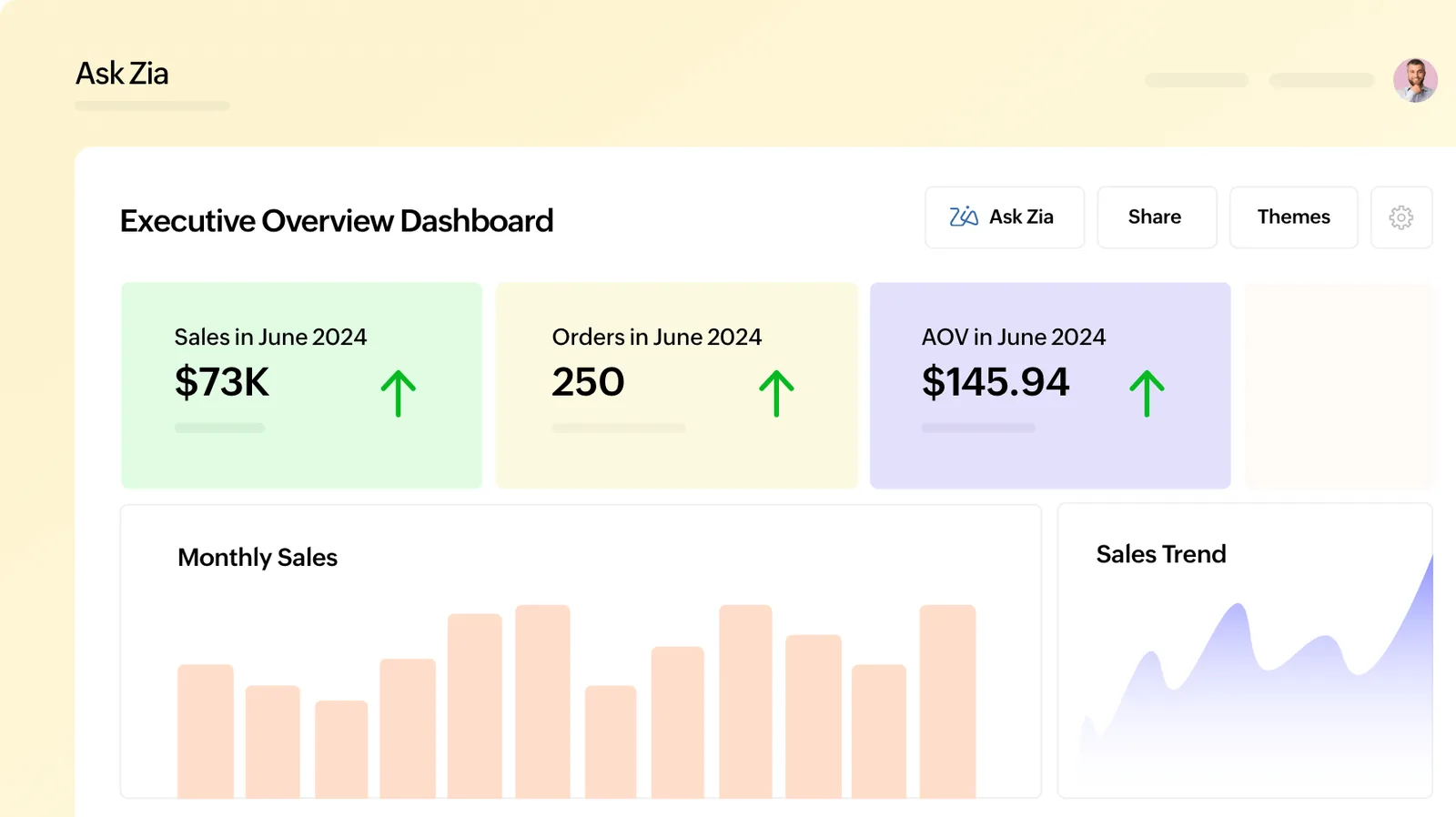
We build Zoho Analytics dashboards that pull from Books, CRM and Inventory together, so the owner sees one picture instead of three app reports.
Most of our Zoho ERP projects use some combination of these apps. Few companies need all of them on day one.
General ledger, invoicing, bills, bank reconciliation and the UAE VAT return report. It is the financial core and usually the first app we set up.
Leads, deals, quotes and account history, with Blueprint to enforce your sales process. Synced with Books so won deals become invoices.
Items, warehouses, sales and purchase orders, batches and serial numbers. Shares its item and contact data with Books.
Employee records, leave, attendance and document expiry tracking, plus payroll where available for your setup, with WPS file preparation handled per your bank's process.
Tasks, milestones, timesheets and project billing for consultancies, contractors and agencies.
Ticketing, SLAs and customer support history, linked to CRM accounts.
Cross-app reporting and management dashboards with scheduled email reports.
Low-code apps for processes no standard app covers, such as permits, inspections or job cards.
Zoho is not the right answer for every company. These are the situations where it tends to be a strong choice.
Everything runs in Zoho's cloud, so there is no hosting to manage and remote staff across emirates use the same system.
Tax rates, TRN fields, tax invoice formats and a VAT return report are part of the UAE edition of Zoho Books.
A focused Books plus CRM rollout is often live in weeks, not months, because the apps work with standard settings.
You can begin with two apps and move to Zoho One later without changing your financial system.
Sales reps, storekeepers and managers can approve, quote and check stock from phone apps.
Custom functions in Deluge handle UAE-specific rules without heavy custom development.
Zoho provides features that support UAE rules. How they are configured decides whether your filings are clean. Confirm treatments with your tax advisor.
Zoho Books supports standard, zero-rated, exempt and reverse-charge treatments, TRN on invoices and a VAT return report you review before filing in EmaraTax. We map each item and service to the correct tax code.
Under Federal Decree-Law No. 47 of 2022, taxable income above AED 375,000 is taxed at 9%. We set up the chart of accounts so non-deductible expenses and free zone income can be separated for your advisor.
UAE e-invoicing uses the PINT AE specification through Accredited Service Providers, mandatory from 1 January 2027 for businesses with revenue of AED 50 million or more and from 1 July 2027 for others. We review your Zoho data fields against the required list. Check the latest Ministry of Finance / FTA guidance.
Employee records, salary components and end-of-service gratuity under Federal Decree-Law No. 33 of 2021 are configured so the Salary Information File can be prepared for your bank or exchange house.
General information, not tax or legal advice. Rules change; confirm current FTA, MOHRE and Ministry of Finance guidance with your advisor.
Our approach keeps the scope tight and avoids the most common Zoho mistake: switching on apps before deciding which one owns which data.
We walk through quote-to-cash, procure-to-pay and hire-to-pay with your team and list every document you issue today.
We decide between individual apps and Zoho One based on user count, departments and budget, and explain the licensing trade-off.
Customers, vendors, items, price lists, tax codes and warehouses get one owner app and one naming standard.
We set up Books, CRM and other apps, then move opening balances and open documents from Tally, QuickBooks, Excel or your previous system.
Role-based sessions for accounts, sales and stores, followed by a hypercare period and optional ongoing support.
Zoho apps connect to each other natively. For outside systems we use Zoho's built-in connectors, Zoho Flow or the REST APIs.
Go deeper into specific Zoho apps and services.
We configure the system for the rules UAE businesses report against, and test it before go-live.
General information, not tax or legal advice. Confirm current requirements with the FTA, MOHRE or your advisor. See all UAE compliance guides.
On-site workshops in Dubai, Abu Dhabi and Sharjah, and remote or on-site delivery across the Northern Emirates and free zones.
45 detailed guides in this section.
Official sources and references
Facts on this page were checked against these sources in October 2026. Rules change, so confirm current requirements before acting.
Still have a question? Our consultants are happy to help.
Ask an ExpertZoho does not market one product as ERP, but Zoho Books, Inventory, CRM, People and related apps together cover the same ground as a mid-market ERP. The difference is that they are separate apps sharing data. With proper design, that works well for most SMEs and many mid-sized companies.
Zoho One bundles most Zoho apps under one per-user license and makes sense when several departments use several apps. If only finance and sales need Zoho, individual subscriptions can be simpler. We model both options for your headcount before you commit.
Yes. The UAE edition supports VAT registration details, tax invoices with TRN, reverse charge and a VAT return report. You still file through EmaraTax, and your tax advisor should confirm how specific transactions are treated.
UAE e-invoicing runs through Accredited Service Providers using PINT AE. Readiness depends on your data quality and on how Zoho and your chosen ASP connect. We check your fields and plan the connection, and recommend you follow the latest Ministry of Finance and FTA announcements.
A focused Books and CRM rollout is often 4-8 weeks. Adding Inventory, People and custom Creator apps typically extends that to a few months. Data quality and how quickly decisions are made matter more than the software.
Complex manufacturing with multi-level routing, or very large multi-entity groups with heavy consolidation needs, may fit Odoo, ERPNext or Dynamics 365 better. We implement all four and will tell you if Zoho is the wrong fit.
Related Solutions
Related Industries
Related ERP Platforms
Tell us how your business runs today and we will propose the right Zoho app mix, scope and rollout plan.
Dubai, United Arab Emirates