L
O
A
D
I
N
G


Zoho, Odoo, ERPNext, Dynamics 365 and custom ERP, delivered by one accountable team.

Attach every supplier bill, contract, trade licence and employee permit to the ERP record it belongs to, and get reminded before anything expires.
Document management software for UAE companies works best when each file is attached to the ERP record it supports: supplier bills on purchase invoices, delivery notes on deliveries, and Emirates ID copies and labour cards on employee profiles. Expiry tracking with reminders covers trade licences, visas, bank guarantees and insurance, with role-based access and version history in Zoho, Odoo, ERPNext or Dynamics 365.
Document management software UAE companies choose usually starts with a simple goal: stop searching shared drives and email threads for the one PDF an auditor, bank or government portal is asking for. The faster route is to keep each document attached to the ERP record it supports. The supplier bill sits on the purchase invoice. The signed delivery note sits on the delivery. The Emirates ID copy and labour card sit on the employee profile.
UAE businesses carry a heavier document load than many markets. Trade licences renew every year. Employee visas, Emirates IDs and labour contracts each have their own expiry dates. Customs declarations, certificates of origin and bills of lading support every import. Tenancy contracts, insurance policies and bank guarantees all have renewal dates that cost money when missed.
We set up document management inside or alongside Zoho, Odoo, ERPNext and Dynamics 365 so that files are captured once, named consistently, protected by role and found by searching a customer, supplier, employee or project. Where a company needs approval-heavy flows around documents, our approval workflow software page explains how those routings are designed.

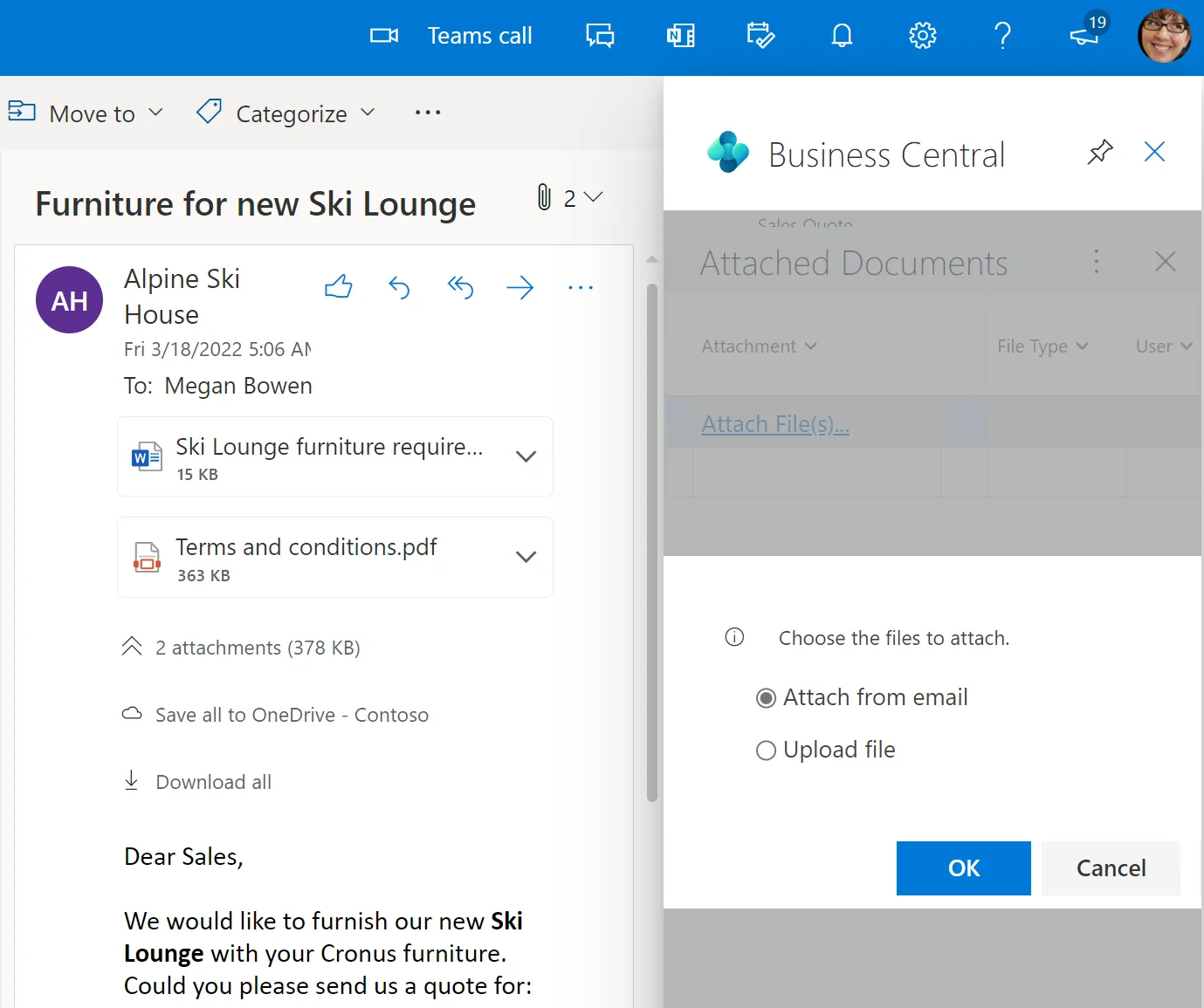
Admin and HR teams get a single view of what is missing, what is expiring and what is waiting for review.
Whether the file is a scanned supplier invoice or a signed customer contract, the path is the same. Each step is a place where we remove manual effort.
One shared database: every step updates stock, finance and reports in real time.
These are the capabilities we configure most often. Some are native to the platform; others use a connected storage service.
Suppliers send bills to a dedicated mailbox and the file lands in the ERP inbox, ready to be turned into a draft vendor bill. Fewer attachments lost in personal inboxes.
Where the platform supports it, scanned invoices are read to pre-fill supplier, date, TRN and amounts. A person still checks before posting.
Passport, visa, Emirates ID, labour contract and medical insurance stored per employee with expiry dates and reminders to HR and the PRO.
Payroll files visible only to HR, board papers only to directors. Access follows the user's ERP role, so leavers lose access when their user is disabled.
Revised contracts and drawings keep earlier versions. Teams always open the current one, and auditors can still see what changed.
Quotations, offer letters and agreements sent for electronic signature and returned to the same record once signed.
Each platform approaches documents differently. The right choice usually follows the ERP you already run rather than the other way round.
| Zoho | Odoo | ERPNext | Dynamics 365 Business Central | |
|---|---|---|---|---|
| Where files live | Attachments in each app; Zoho WorkDrive for team folders | Documents app (Enterprise) with workspaces linked to accounting, HR and projects | Attachments on any record, stored in the Frappe file manager | Attachments on records; SharePoint and OneDrive for libraries |
| Supplier bill capture | Zoho Books document inbox and email forwarding | Email aliases and digitisation of vendor bills in Accounting | Email-to-document setups; extraction usually needs an add-on | Incoming documents with optional OCR service |
| E-signature | Zoho Sign | Odoo Sign | Integration with a signature service | Integration with a signature service such as Adobe or DocuSign |
| Expiry tracking | Custom fields and workflows, or Zoho People for employee files | Activities and custom fields on documents and employees | Custom fields with notifications | Custom fields with Power Automate reminders |
| Access control | Per app and per WorkDrive team folder | Per workspace and per record rules | Role and user permissions on doctypes | Permission sets plus SharePoint permissions |
| Best fit | Zoho One users wanting one suite | Companies wanting files and processes in one database | Teams that want full control and self-hosting | Organisations already on Microsoft 365 |
Availability depends on edition and plan. We check your licence before recommending an approach.
Documents come from many places. These are the sources and destinations we link most often for UAE clients.
Document rules in the UAE come from several laws. Software helps you follow them; it does not interpret them. Confirm specifics with your tax advisor and legal counsel.
VAT and corporate tax rules require businesses to keep tax invoices, credit notes, import documents and accounting records for multi-year periods and produce them on request. Attaching source documents to ERP entries makes the FTA Audit File and any review easier to support.
Supplier tax invoices with a valid TRN support input VAT recovery. A DMS that stores the original next to the posted bill helps when the FTA or an auditor asks for evidence.
Employee and customer files contain personal data covered by the UAE Personal Data Protection Law and, in DIFC or ADGM, their own data protection rules. Access controls and access logs are part of a reasonable response.
Once e-invoicing applies, the structured PINT AE invoice exchanged through an Accredited Service Provider becomes the record, not a PDF. Plan how both will be stored and check the latest Ministry of Finance and FTA guidance.
General information, not tax or legal advice. Rules change; confirm current FTA, MOHRE and Ministry of Finance guidance with your advisor.
See how document management fits with signatures, approvals and the platforms we implement.
We configure the system for the rules UAE businesses report against, and test it before go-live.
General information, not tax or legal advice. Confirm current requirements with the FTA, MOHRE or your advisor. See all UAE compliance guides.
On-site workshops in Dubai, Abu Dhabi and Sharjah, and remote or on-site delivery across the Northern Emirates and free zones.
Official sources and references
Facts on this page were checked against these sources in October 2026. Rules change, so confirm current requirements before acting.
Still have a question? Our consultants are happy to help.
Ask an ExpertA shared drive stores files but does not know which invoice, employee or project a file belongs to. When the document is attached to the ERP record, anyone with access finds it from the transaction, and nothing depends on one person's folder habits.
Yes, if the files can be matched to records by something reliable such as invoice number, employee code or project code. We run a sample first to measure the match rate, then decide what to migrate and what to keep in an archive.
It reduces typing but does not remove review. Layouts vary widely among UAE suppliers, and Arabic or handwritten details are harder to read. A person should still confirm TRN, amounts and VAT before posting.
Yes. We add expiry fields to employee and company records and set reminders at intervals you choose, for example 60, 30 and 7 days before. The PRO or HR team then sees a single renewal list.
The UAE recognises electronic signatures under its electronic transactions legislation, with some exceptions for certain document types. Your legal advisor should confirm which of your documents can be signed electronically.
It depends on the platform and hosting choice. Some providers offer regional data centres and self-hosting is possible for ERPNext and Odoo Community. We discuss hosting with you if data location matters to your sector.
Related Solutions
Related Industries
Related ERP Platforms
Share your current folder structure and the documents you renew most, and we will map how they attach to your ERP.
Dubai, United Arab Emirates