
L
O
A
D
I
N
G


Zoho, Odoo, ERPNext, Dynamics 365 and custom ERP, delivered by one accountable team.

Expired stock is money you already spent and can no longer recover. Tracking expiry dates in the ERP turns them into alerts, receiving rules and decisions made weeks before the date, not after it.
An ERP tracks expiry by storing manufacturing and expiry dates on every batch at goods receipt, rejecting short-dated deliveries, alerting sales and purchasing at several thresholds before expiry, blocking expired stock from sale and moving it to quarantine, and recording write-offs with approvals. UAE food distributors, pharmacies, cosmetics traders and hospital stores use these controls to act weeks before dates pass.
An ERP for expiry date tracking in the UAE stores the expiry or best-before date of every batch you hold and uses it to drive action: rejecting short-dated deliveries, warning sales and purchasing as dates approach, blocking expired stock from sale and recording write-offs with the right approvals. Food distributors, pharmacies, cosmetics traders, FMCG wholesalers, chemical suppliers and hospital stores all live with dates, and in the UAE heat many products also carry storage conditions that shorten real shelf life if they are ignored.
Without system support, expiry control usually depends on one experienced storekeeper and a monthly spreadsheet. By the time the list reaches the sales manager, there are two weeks left on products that needed six weeks to sell through. Key accounts such as hypermarket chains and hospital pharmacies often refuse deliveries with less than a contractually agreed share of shelf life remaining, so stock that is still 'in date' can already be unsellable to your best customers.
Expiry dates live on batches, so this page builds on ERP for batch tracking. The picking rule that issues the earliest-expiring stock first is covered separately under FEFO inventory. Here we focus on capturing dates, alerting, and deciding what to do with stock that is running out of time.

These are the gaps that turn into write-offs in UAE distribution and retail.
Receiving staff check quantity and condition but not the remaining shelf life. Goods with a few weeks left enter stock at full cost and cannot be sold to customers with strict date rules.
A monthly near-expiry report gives sales no time to run a promotion or agree a return with the supplier. Most suppliers will only accept returns well before expiry.
If dates are not in the system, sales orders can be confirmed against expired batches, and the problem is only discovered at picking or, worse, by the customer.
Expired goods are destroyed or discarded without a documented approval, a destruction record or a matching stock adjustment. Auditors and tax advisors then question the inventory loss.
Different customers accept different remaining shelf life. Without the rule on the customer record, the warehouse cannot pick correctly and returns follow.
A sound process checks dates at the door, watches them while stock is held and forces a decision before value is lost.
One shared database: every step updates stock, finance and reports in real time.
Expiry control works when purchasing, sales and finance all see the same dates as the warehouse.
Shelf life in days, minimum remaining life required at receipt and alert thresholds stored per item.
GRN screens that require expiry dates and warn or block when remaining life is below the item's minimum.
Minimum remaining shelf life per customer or customer group, checked at allocation and picking.
Scheduled emails or tasks to category managers and buyers as batches reach each threshold.
Expired and damaged stock moved to non-sellable locations so it can never be allocated.
Return-to-vendor documents for near-expiry stock under supplier agreements, with debit notes; see return management.
Write-off requests routed for approval with photos and destruction records attached.
Write-offs posted to a dedicated expense account so expiry losses are visible in management reports.
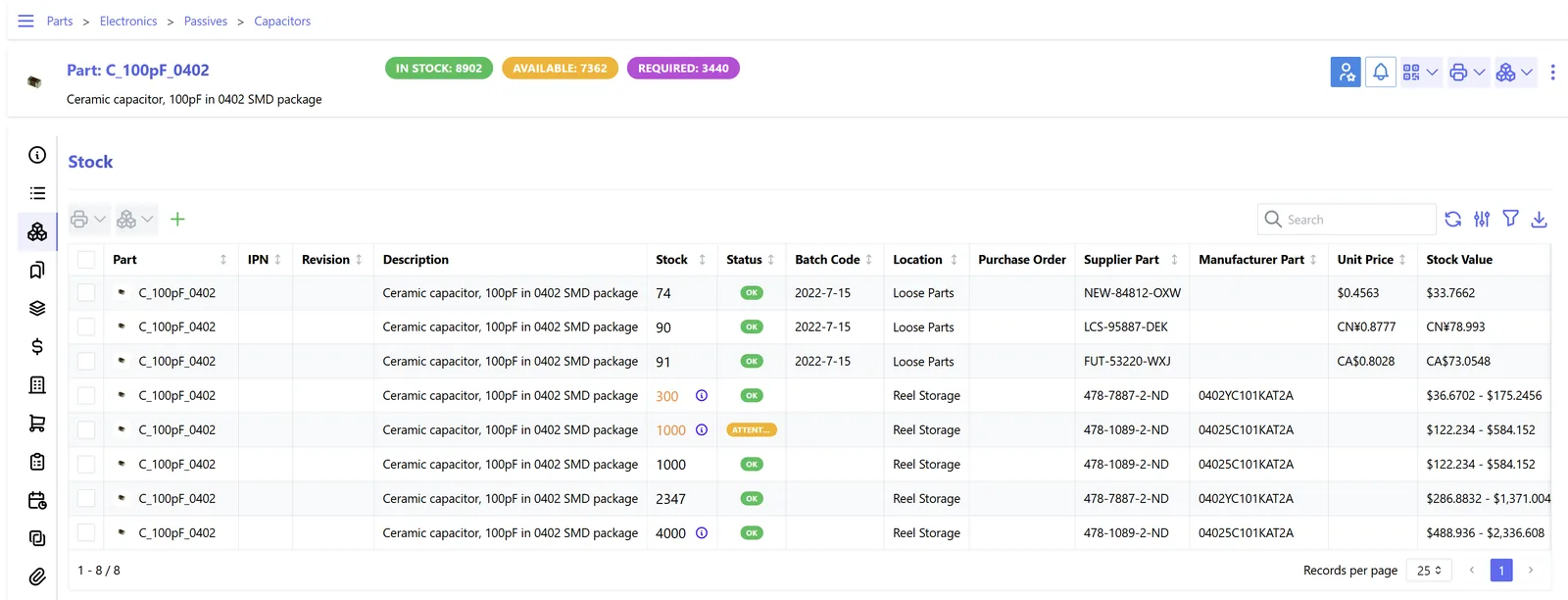
One view of value at risk lets purchasing slow reorders while sales moves the stock. It complements a stock aging report, which looks at time in stock rather than time to expiry.
All four platforms can store expiry dates on lots. They differ in alert logic and how strictly expired stock is blocked. Confirm behavior for your edition and version.
| Zoho | Odoo | ERPNext | Dynamics 365 | |
|---|---|---|---|---|
| Dates stored | Manufactured and expiry date on batches in Zoho Inventory | Expiration, best before, removal and alert dates on lots (expiration dates setting) | Manufacturing and expiry date on Batch; shelf life days on Item | Expiration date on lot or serial tracking |
| Automatic expiry calculation | Usually entered from supplier labels | Calculated from product expiration time settings | Calculated from shelf life when the batch is created | Calculated from the item's expiration calculation formula in Business Central |
| Alerts | Batch reports filtered by expiry; alerts via workflow rules or Zoho Analytics | Alert date on lot plus activities or scheduled reports | Reports and notifications configured on batch expiry | Reports and Power Automate flows; shelf life features in Supply Chain Management |
| Blocking expired stock | Manual control or custom validation | Expired lots can be flagged; removal date drives strategy | Expired batches generally cannot be selected in transactions | Strict expiration posting option in Business Central |
| Customer shelf life rules | Usually customization | Customization or app | Custom field and validation | Supported in Supply Chain Management batch reservation; customization in Business Central |
Feature names and limits change between releases; we demonstrate the flow on your own items before you decide.
Dates are most reliable when they come from the label or the supplier file, not from typing.
Regulated products carry specific rules. Confirm current requirements with the relevant authority and your advisors.
Food sold in the UAE must carry production and expiry dates under GCC and UAE standards, and food safety authorities such as Dubai Municipality and ADAFSA inspect for expired products. Accurate dates in the ERP support those checks.
Pharmacies and drug distributors are regulated by federal and emirate health authorities, which expect expired medicines to be segregated and disposed of correctly. See ERP for pharmaceutical distribution.
Destroyed or written-off goods can have VAT implications, and deemed supply rules may apply in some cases. Keep destruction evidence and confirm treatment with your tax advisor.
Write-offs reduce accounting profit, which is the starting point for corporate tax. Documented approvals and destruction records support the deduction; confirm with your tax advisor.
General information, not tax or legal advice. Rules change; confirm current FTA, MOHRE and Ministry of Finance guidance with your advisor.
We do not promise figures. These are the outcomes businesses aim for.
Sales and buyers see at-risk stock while there is still time to sell, return or reallocate it.
Receiving rules stop or flag deliveries that would not meet customer date requirements.
Every write-off has an approval, a reason and evidence attached.
Buyers see which lines regularly expire and order smaller, more frequent quantities.
Typical ranges; much depends on whether batches are already tracked in your current system.
Durations are typical ranges; your plan is agreed after discovery.
Collect shelf life, minimum receiving life and customer date rules per item group.
Set up dates on batches, receiving checks, alerts and quarantine locations.
Count stock by batch and expiry date and load it as opening balances.
Adjust thresholds so alerts are useful rather than ignored.
We configure the system for the rules UAE businesses report against, and test it before go-live.
General information, not tax or legal advice. Confirm current requirements with the FTA, MOHRE or your advisor. See all UAE compliance guides.
On-site workshops in Dubai, Abu Dhabi and Sharjah, and remote or on-site delivery across the Northern Emirates and free zones.
Official sources and references
Facts on this page were checked against these sources in October 2026. Rules change, so confirm current requirements before acting.
Still have a question? Our consultants are happy to help.
Ask an ExpertRecord the expiry date as given. Where you need a manufacturing date for shelf life checks, it can be calculated back from the item's shelf life, or left blank if your rules are based on remaining days only.
It depends on how fast the product sells and on your supplier return terms. Many distributors use several thresholds, with the first one set early enough to agree a return or promotion.
Yes, with a minimum remaining shelf life rule on the customer, either built in or added as a validation. The system then refuses or warns when a batch does not qualify.
Move it to a non-sellable location first, then post an approved write-off when it is destroyed or returned. Attach the destruction or return document to the adjustment.
In practice yes, because the date belongs to a batch of units. Items without lots can only carry an estimated date, which is not reliable enough for control.
Yes. Combining expiry buckets with sales velocity shows which lines will expire before they sell. Our dead stock management page covers the slow-moving side.
Related Solutions
Related Industries
Related ERP Platforms
Related Guides
We will review your receiving checks, alerts and write-off approvals and propose an expiry control setup on the platform that fits you.
Dubai, United Arab Emirates










