L
O
A
D
I
N
G


Zoho, Odoo, ERPNext, Dynamics 365 and custom ERP, delivered by one accountable team.

We set up Zoho Desk so every complaint, warranty claim and service request has an owner, a deadline and a full history.
Zoho Desk is Zoho's customer service platform, and in the UAE it typically replaces a shared mailbox nobody owns. It turns emails, calls, WhatsApp and social messages into tickets, assigns them by rules, tracks them against service level agreements and keeps the full conversation in one thread. It supports English and Arabic help centres and can link to Zoho CRM.
Zoho Desk UAE deployments usually replace a shared mailbox that five people read and nobody owns. Customers in the Emirates contact companies by email, phone, WhatsApp, Instagram and walk-in, often in Arabic and English. Without a ticketing system, requests get lost between channels and managers find out about a service failure from a bad review.
Zoho Desk is Zoho's customer service platform. It turns every incoming request into a ticket, assigns it by rules, tracks it against a service level agreement and keeps the full conversation in one thread. Agents see the customer's orders and past issues, and managers see backlog, response times and satisfaction by team.
We configure Zoho Desk for retailers handling returns and warranty claims, property managers logging tenant requests, software companies supporting subscribers, and distributors dealing with delivery complaints. Each setup links to Zoho CRM for customer context, and where needed to Zoho Books so credit notes follow the right approval.
A practical point for UAE teams: support is often split across a head office in Dubai, a branch in Abu Dhabi and an outsourced call center. Zoho Desk handles this with departments, each with its own channels, agents, business hours and holiday calendar, including UAE public holidays and Ramadan working hours. Managers can still report across all departments, so the group sees one service picture while each team works its own queue.

The products we configure, integrate and support on projects like this one.






Product names and logos are trademarks of their respective owners and are shown only to identify the software we implement.
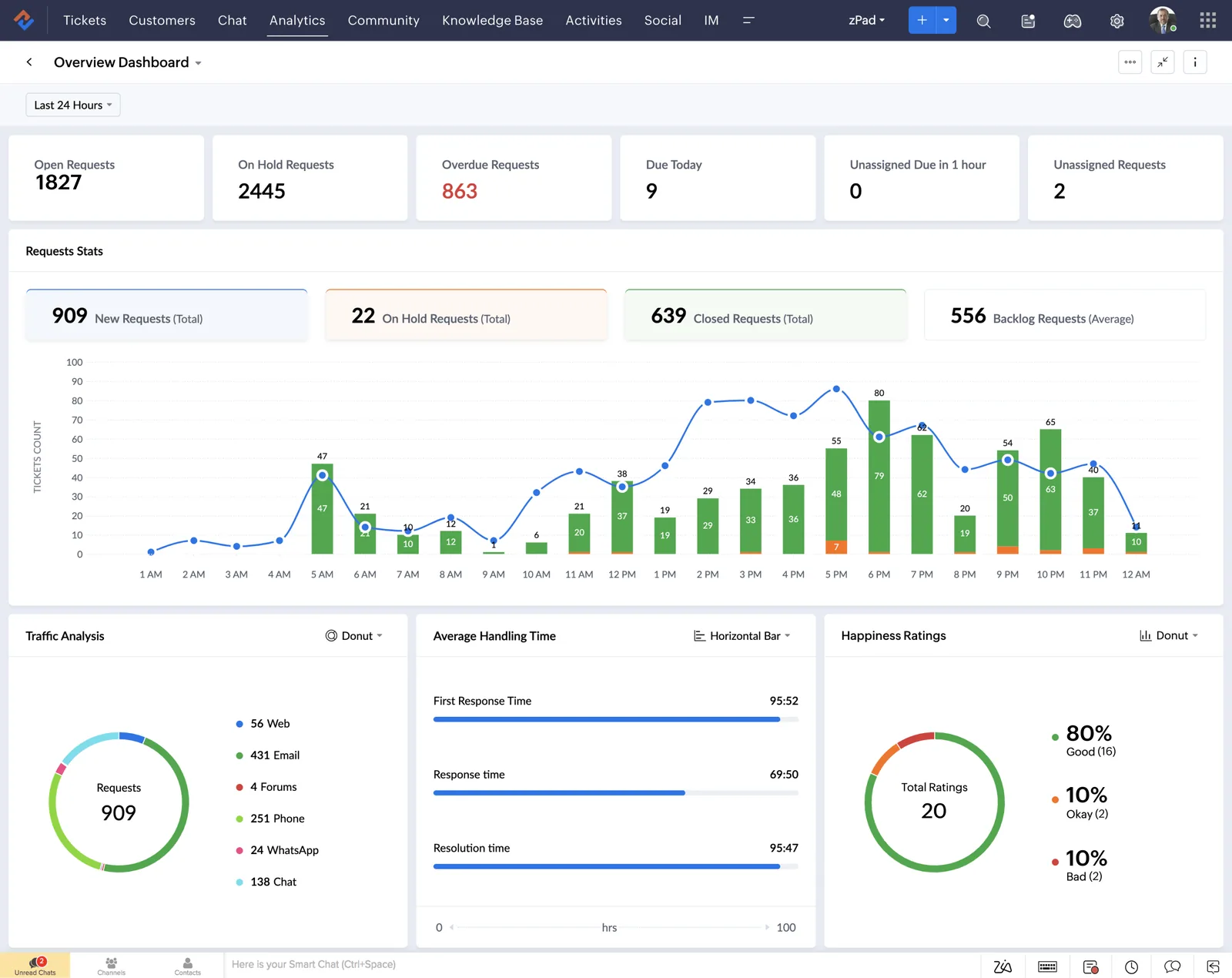
Support leads need to know right now which tickets are at risk and which agents are overloaded.
This is the default flow we configure, adjusted per department for returns, technical issues or complaints.
One shared database: every step updates stock, finance and reports in real time.
These capabilities make the difference between a ticket log and a service operation.
Email, web forms, phone, chat and social messages land as tickets in one shared view.
Response and resolution targets by priority or contract tier, with escalation to supervisors before a breach.
Round-robin or skill-based routing so Arabic requests reach Arabic-speaking agents.
Enforced steps for processes like returns, where inspection must happen before a refund is approved.
Public or private articles in multiple languages that customers search before raising a ticket.
Accounts, contacts and support contracts so agents know what each customer is entitled to.
Zoho's AI suggests answers, detects sentiment and tags tickets to help agents prioritize.
Built-in reports on volume, response times and satisfaction, with deeper analysis in Zoho Analytics.
Support quality depends on context. These are the integrations we set up most often.
Zoho Desk holds customer conversations and personal data, so a few UAE rules shape how we set it up. Confirm specific obligations with your legal advisor.
Role-based access, field masking and retention settings help you meet obligations under Federal Decree-Law No. 45 of 2021 on personal data protection.
Returns, warranty and complaint workflows can be timed against the commitments in your terms and UAE consumer protection rules, with a clear audit trail.
When a ticket results in a refund, the credit note is raised in Zoho Books with the correct VAT adjustment and reference to the original tax invoice. Check treatment with your tax advisor.
Bilingual templates and help center content support customers and regulators who expect Arabic, especially in government-facing or regulated sectors.
General information, not tax or legal advice. Rules change; confirm current FTA, MOHRE and Ministry of Finance guidance with your advisor.
Most failed helpdesk projects fail on process, not software. These steps avoid the usual traps.
Compare helpdesk options and see how Zoho Desk links to sales, field service and finance.
We configure the system for the rules UAE businesses report against, and test it before go-live.
General information, not tax or legal advice. Confirm current requirements with the FTA, MOHRE or your advisor. See all UAE compliance guides.
On-site workshops in Dubai, Abu Dhabi and Sharjah, and remote or on-site delivery across the Northern Emirates and free zones.
Official sources and references
Facts on this page were checked against these sources in October 2026. Rules change, so confirm current requirements before acting.
Still have a question? Our consultants are happy to help.
Ask an ExpertYes, through Zoho's supported WhatsApp Business channel or approved connectors, depending on your edition and setup. Messages become tickets with the same SLAs as email. We confirm the current option during scoping.
Zoho Desk supports multilingual help centers, so you can publish articles in English and Arabic and let customers switch languages.
No, Zoho Desk has its own contacts and accounts. Linking it to Zoho CRM is useful when sales and support need to see the same customer history.
We track first response time, resolution time, SLA compliance, backlog age and satisfaction ratings, and compare them month to month after go-live.
Yes. A ticket that needs a technician visit can create a work order in Zoho FSM, so the on-site job and the original complaint stay linked.
A single-department setup with email, web form and chat often takes 2-5 weeks. More channels, departments and integrations add time, which we estimate after discovery.
Related Solutions
Related Industries
Related ERP Platforms
Share how customers contact you today, and our Dubai team will design a Zoho Desk setup with the right channels, SLAs and integrations.
Dubai, United Arab Emirates