
L
O
A
D
I
N
G


Zoho, Odoo, ERPNext, Dynamics 365 and custom ERP, delivered by one accountable team.

Give each production job one traceable record that reserves material, follows the routing, captures output and closes with a clear cost variance.
Work order management in a UAE manufacturing ERP gives each production job one controlled record that authorizes a quantity, by a date, using a specific bill of materials and routing. The work order reserves and issues materials, follows each operation, receives partial or full output, records scrap, and closes with a cost variance. Clean closing keeps work in progress on the balance sheet explainable.
Work order management UAE manufacturers need is about one document: the production work order (also called a manufacturing order or production order). It authorizes the plant to make a quantity of a product by a date, using a specific bill of materials and routing. Everything that happens in production should hang off it: materials reserved and issued, operations performed, output received into stock, scrap recorded, and finally a cost that can be compared with the standard.
In many UAE factories, a work order is a printed job ticket or an Excel row. It gets created, but it is rarely closed properly. Material is issued against the wrong job, partial quantities are delivered without being recorded, and the order stays open for months. Finance cannot tell what is finished, what is still in progress and what the real cost was. Work orders created for a customer order in make-to-order plants often lose the link to that order altogether.
This page covers the work order lifecycle in a manufacturing ERP. Note that the term also covers maintenance jobs on equipment and buildings; that is a different process, described under maintenance work order software.

These issues are common in plants where work orders are tickets rather than controlled records.
Hundreds of old work orders stay open with small balances. Work in progress on the balance sheet becomes a number nobody can explain.
Storekeepers issue in bulk to the line, not to a specific order. Consumption per job is unknown and cost variances are meaningless.
For make-to-order products, the work order does not reference the sales order. When a customer asks about status, sales has to call the floor.
Orders are released to the floor without checking material or drawings. Jobs start, stop and restart, filling the floor with half-made products.
Quantities, components or dates are changed on paper. There is no history of who changed what, which makes disputes with customers hard to resolve.
Part of the order is delivered to the warehouse or customer before the whole job finishes, but stock is not updated until the end.
Each status change is a control point, and only authorized roles can move an order forward.
One shared database: every step updates stock, finance and reports in real time.
The work order links demand, materials, the floor and finance. These modules carry each part.
Make-to-order work orders created from or linked to the customer order, managed through sales order management.
Planned orders firmed into work orders with the right quantity and due date.
The approved BOM version and routing copied onto the work order, so later changes do not alter jobs already running.
Reservations, picking lists, issues, returns and finished-goods receipts posted against the order.
Order-specific materials or subcontracted operations bought against the work order through purchase order management.
Operation start, finish, time and quantities reported against each step of the order.
Actual material, labor and overhead accumulated on the order and compared with standard at closure.
Rules for who can release, change quantities or close orders, with every change logged.
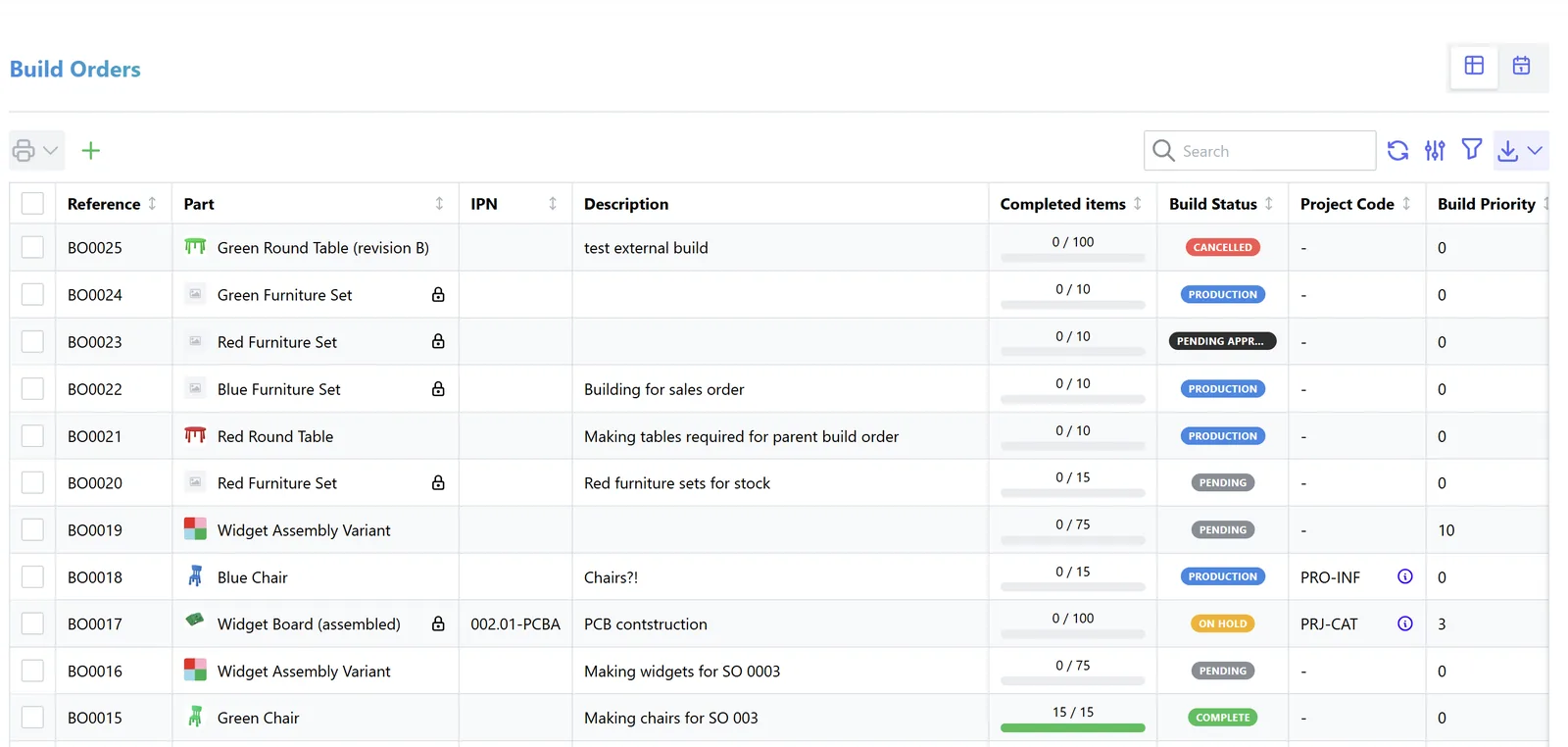
Production and finance should both review the open work order list, from different angles.
All four platforms we implement handle production orders, with differences in depth and terminology. Confirm details for your edition.
| Zoho | Odoo | ERPNext | Dynamics 365 | |
|---|---|---|---|---|
| Document | Assemblies in Zoho Inventory for simple builds; full work orders usually in a Zoho Creator app | Manufacturing Order with work orders per operation | Work Order with Job Cards per operation | Production Order in Business Central and Supply Chain Management |
| Status control | Custom statuses in Creator | Draft, confirmed, in progress, to close, done | Draft, not started, in process, completed, stopped, closed | Simulated, planned, firm planned, released, finished |
| Material handling | Components consumed on assembly | Reservation, consumption and backflush options | Transfer to WIP warehouse, then consume on manufacture | Picking, consumption journal and flushing methods |
| Partial output | Separate assemblies | Split or partial production with backorders | Partial manufacture entries against the work order | Output journal for partial quantities |
| Link to sales order | Custom link in Creator | Make-to-order route creates orders from sales | Work orders from sales order or production plan | Order-to-order planning links |
| Typical fit | Simple assembly and kitting | SMEs and mid-sized plants | Cost-conscious plants with WIP warehouse discipline | Larger plants needing detailed control |
Features change with releases. We implement all four platforms and recommend by fit.
Work order data is used well beyond the factory office.
Work orders drive inventory and cost postings, so they matter for tax and audit. This is general information, not tax advice; confirm treatment with your advisor.
Open work orders make up work in progress. A clean closing process supports the inventory figures that feed taxable income under corporate tax.
Keep a log of who released, changed and closed each order. Auditors and tax authorities expect changes to accounting-relevant records to be traceable.
Work orders, issues and receipts are supporting records and generally need to be kept for at least five years.
When finished goods are invoiced, the tax invoice must meet VAT requirements, and B2B invoices will move to the UAE e-invoicing model in the coming phases; check the latest Ministry of Finance and FTA guidance.
General information, not tax or legal advice. Rules change; confirm current FTA, MOHRE and Ministry of Finance guidance with your advisor.
Benefits appear in production control and in the monthly close.
Work in progress reflects real open jobs, not a pile of forgotten orders.
Material and time are booked to the right order, so variances point to real problems.
Sales sees the status of each customer's work order without calling the floor.
Release checks stop orders from starting without material or drawings.
Durations are typical ranges and depend on product complexity and existing data quality.
Durations are typical ranges; your plan is agreed after discovery.
Agree order types, statuses, who can release and close, and how partial output is handled.
Set up order types, material flushing, approval rules and links to sales and purchasing.
Close or migrate existing jobs and agree a clean opening WIP balance with finance.
Run the weekly open order review and fix the habits that keep orders open.
We configure the system for the rules UAE businesses report against, and test it before go-live.
General information, not tax or legal advice. Confirm current requirements with the FTA, MOHRE or your advisor. See all UAE compliance guides.
On-site workshops in Dubai, Abu Dhabi and Sharjah, and remote or on-site delivery across the Northern Emirates and free zones.
Official sources and references
Facts on this page were checked against these sources in October 2026. Rules change, so confirm current requirements before acting.
Still have a question? Our consultants are happy to help.
Ask an ExpertWhen all output is received, scrap and returns are recorded and no more cost is expected. Set a rule, such as within a few days of the last receipt, and review exceptions weekly.
Each customer order generates or links to its own work order, so status and cost are traceable to the customer. Our page on make-to-order manufacturing covers the full flow.
Engineered products often need design work before the BOM is final, so work orders are created per stage. See engineer-to-order ERP for how projects and work orders combine.
The cost accumulated on open orders is work in progress. Our page on work in progress explains valuation and the reports finance needs.
Yes, but record it as a controlled change with approval and a note of the effect on cost and date. For contractors, a similar idea applies to variation orders on projects.
We map your current job flow, configure statuses and controls, migrate open jobs and coach supervisors during the first weeks. Our delivery approach describes the phases.
Related Solutions
Related Industries
Related ERP Platforms
We review your current job tickets and open orders and show how a controlled work order lifecycle would run in your ERP.
Dubai, United Arab Emirates










