
L
O
A
D
I
N
G


Zoho, Odoo, ERPNext, Dynamics 365 and custom ERP, delivered by one accountable team.

Your customers already message you on WhatsApp. Connect it to the CRM so every enquiry becomes a lead, every chat sits on the customer record, and no conversation is lost when a salesperson leaves.
A CRM WhatsApp integration connects your business number on the WhatsApp Business Platform to the CRM, so each chat creates or updates a lead, conversations sit on the customer record, and a shared inbox lets several agents reply. Zoho CRM, Odoo, ERPNext and Dynamics 365 can all connect, either directly to Meta's Cloud API or through a Business Solution Provider.
For most UAE businesses, WhatsApp is the main sales channel whether or not anyone planned it. Customers send enquiries from Instagram and Google ads, ask for prices, share site photos and confirm orders in chat. A CRM WhatsApp integration UAE teams set up properly turns that traffic into structured data: the chat creates or updates a lead, it is assigned to the right salesperson, and every message is stored on the contact's timeline next to calls, emails and quotes.
Without it, the history sits on personal phones. Managers cannot see response times, leads from paid campaigns are never logged, and when a salesperson resigns their customer conversations leave with the SIM card. Using WhatsApp Business app on a few shared phones only moves the problem; it does not connect to the CRM.
The supported route is the WhatsApp Business Platform (the API), accessed through Meta directly or a Business Solution Provider, and connected to your CRM. This page covers the sales and service process around it. For platform-specific setups see Zoho CRM WhatsApp integration and Odoo WhatsApp integration.

These are the issues sales and service managers describe before integration.
Click-to-WhatsApp ads and website buttons generate chats that salespeople answer but never log. Marketing cannot measure which campaigns produce revenue.
Prices offered, documents shared and promises made exist only in one person's chat list. When staff change, the relationship has to start again.
Managers have no way to see how long enquiries wait for a reply, which matters in markets where customers message three suppliers at once.
Each salesperson writes their own price messages and follow-ups. Some send bulk broadcasts from personal numbers, which risks the number being restricted and ignores consent.
Details from the chat (name, company, requirement, location) are retyped into the CRM later, if at all, and quotes are sent as screenshots of Excel files.
Each step is logged against the contact, so the whole conversation and its outcome are visible in one place.
One shared database: every step updates stock, finance and reports in real time.
WhatsApp integration is not one switch. These parts of the CRM need to be set up together.
Phone number matching in international format (+971) so chats attach to the right record instead of creating duplicates.
One WhatsApp number answered by several agents, with assignment, internal notes and handover.
Route chats by product interest, language, emirate or campaign source to the right salesperson or team.
Pre-approved templates for quote follow-ups, appointment reminders and payment links, with merge fields from the CRM.
Send a quote PDF or link from the deal, and record the customer's reply against that deal.
Opt-in source and date stored on the contact, with opt-out handling that stops future template messages.
Out-of-hours replies and simple qualification questions before a human takes over.
Chat volume, first response time, conversion by source and agent workload.
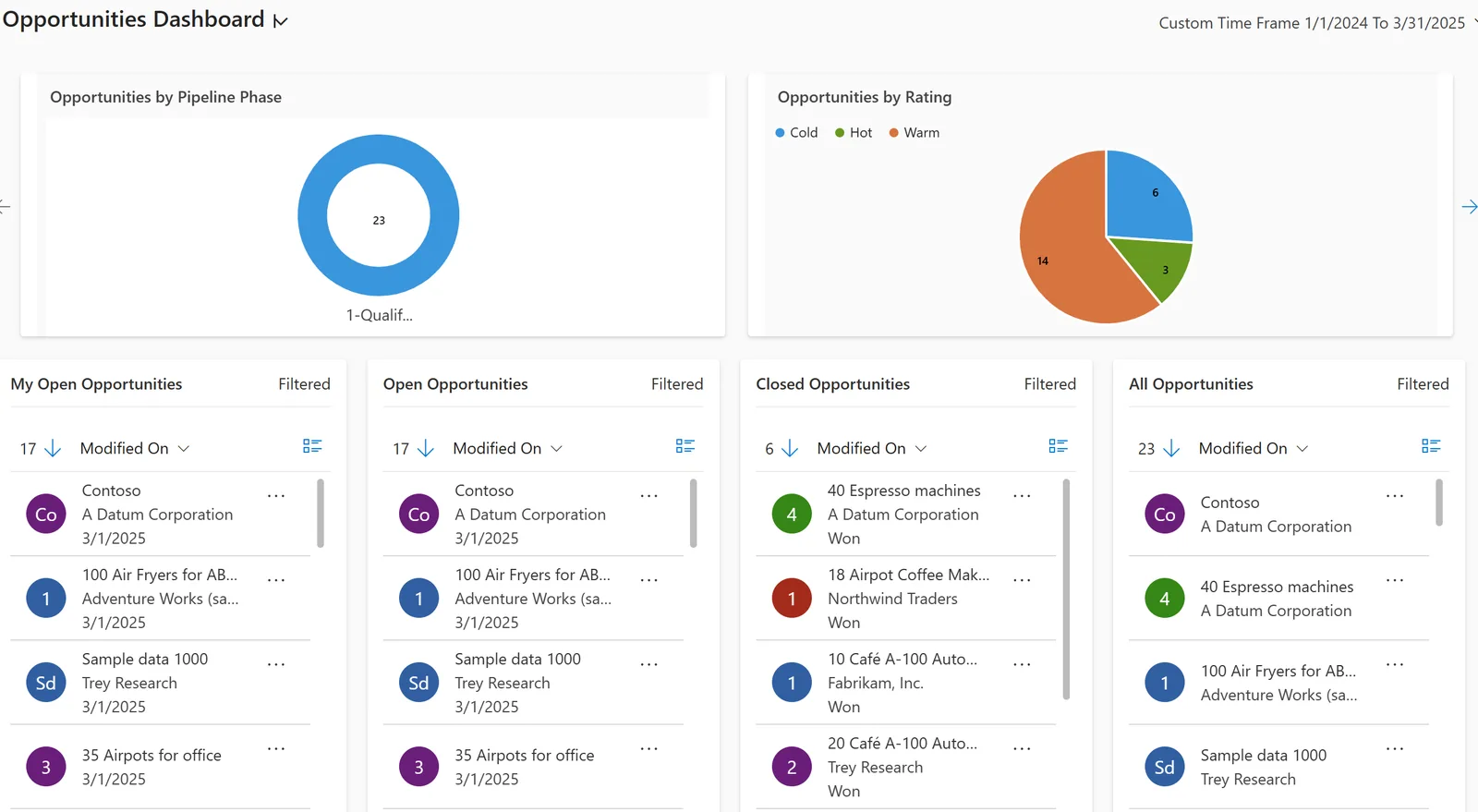
Once chats are in the CRM, WhatsApp becomes a measurable channel like email or phone.
All four can connect to the WhatsApp Business Platform. How they do it differs, and options change often, so we confirm the current route during design.
| Zoho | Odoo | ERPNext | Dynamics 365 | |
|---|---|---|---|---|
| Connection route | Built-in WhatsApp channel in Zoho CRM (edition dependent) and marketplace extensions | WhatsApp app in Odoo Enterprise (recent versions) using Meta's Cloud API | Community apps for Frappe or a custom API integration | Customer Service / Contact Center channels via Azure Communication Services; partner connectors |
| Shared inbox | Conversations within CRM; Zoho Desk or SalesIQ for larger service teams | Discuss-based conversations linked to records | Typically built or provided by the app | Omnichannel agent workspace (service-focused) |
| Templates | Template management linked to Meta account | Templates defined in the app with record merge fields | Depends on the app; often custom | Configured per channel |
| Triggered messages | Workflow rules and Blueprint | Automated actions on records | Server scripts, notifications, webhooks | Power Automate flows |
| Good fit | SMEs already on Zoho CRM or Zoho One | Firms wanting chats tied to sales orders and invoices | Teams comfortable with open-source customization | Larger service teams on Microsoft stack |
Hedged summary. Check your edition and the provider's current terms. Meta charges for template messages by category; review current pricing before go-live.
These are the systems we most often connect alongside WhatsApp.
These shape how the integration is configured. They are not legal advice; confirm with your counsel.
Meta's Business Platform rules require customer opt-in before you start conversations and approved templates for messages outside the customer service window. We store the opt-in source and date and honor opt-outs. The integration is for genuine customer conversations, never bulk unsolicited messaging.
Chats contain names, numbers, Emirates ID copies and addresses. Role-based access, retention settings and a clear privacy notice support the UAE PDPL and any free-zone data protection law that applies.
A PDF tax invoice shared in chat must still carry the required VAT fields and TRN. Once UAE e-invoicing applies to you (phased from 2027), the legal invoice is the structured one exchanged through an Accredited Service Provider; WhatsApp becomes a courtesy copy. Check the latest MoF and FTA guidance.
UAE rules on marketing communications and calls apply alongside WhatsApp's own policy. Keep promotional templates to opted-in contacts and confirm current requirements with your advisor.
General information, not tax or legal advice. Rules change; confirm current FTA, MOHRE and Ministry of Finance guidance with your advisor.
Benefits depend on adoption and on keeping the business number off personal phones.
Every chat becomes a lead or attaches to a contact, so campaign enquiries are counted and followed up.
Assignment rules and a shared inbox put each chat in front of the right person, and managers can see who is waiting.
Conversations sit on the CRM record, so a new salesperson sees what was offered and agreed.
Approved templates for quotes, reminders and payment follow-ups keep tone and content consistent. They also fit naturally into sales automation.
Ranges for adding WhatsApp to an existing CRM. Meta business verification time varies and is outside anyone's control.
Durations are typical ranges; your plan is agreed after discovery.
Meta Business verification, choose the provider route and register the business number.
Phone matching, inbox, assignment rules, consent fields and templates.
Submit templates, build triggered follow-ups and connect quotes and payment links.
One team goes live, then the rest of sales and service move off personal phones.
We configure the system for the rules UAE businesses report against, and test it before go-live.
General information, not tax or legal advice. Confirm current requirements with the FTA, MOHRE or your advisor. See all UAE compliance guides.
On-site workshops in Dubai, Abu Dhabi and Sharjah, and remote or on-site delivery across the Northern Emirates and free zones.
Official sources and references
Facts on this page were checked against these sources in October 2026. Rules change, so confirm current requirements before acting.
Still have a question? Our consultants are happy to help.
Ask an ExpertOften yes, by migrating it to the WhatsApp Business Platform, but the app and the platform handle numbers differently, and chat history on the phone does not move with it. We check the options before you switch.
Not always. Some CRMs connect to Meta's Cloud API directly, while others work through a provider. The right choice depends on your CRM, message volume and support needs.
Only to contacts who opted in, using approved templates. Mass messaging to people who did not agree breaks WhatsApp's rules and can get the number restricted.
Yes, if the CRM is connected to your ERP. See ERP WhatsApp integration for order, delivery and payment notifications from the back office.
Yes. That is one of the main reasons to use the platform rather than the phone app. Chats are assigned, transferred and noted inside the CRM.
Yes. A simple bot can ask for name, requirement and emirate before handing over to a person. Our AI chatbot for CRM page covers what works and where human review is needed.
Related Solutions
Related Industries
Related ERP Platforms
We will review your current WhatsApp use, pick the right connection route for your CRM and plan the inbox, templates and consent setup.
Dubai, United Arab Emirates










