L
O
A
D
I
N
G


Zoho, Odoo, ERPNext, Dynamics 365 and custom ERP, delivered by one accountable team.

We take data from Tally, QuickBooks, Sage, spreadsheets or an older ERP and load it into ERPNext with the platform's own import tools, scripted where volume demands it.
ERPNext migration services move data from Tally, QuickBooks, Sage, spreadsheets or an older ERP using ERPNext's own tools: Data Import for any DocType, the Chart of Accounts Importer, the Opening Invoice Creation Tool and Stock Reconciliation for opening quantities and valuation. High volumes are loaded by script through the REST API, and the trial balance must agree with audited closing figures.
ERPNext migration services in the UAE are about one moment that matters: the day your team stops posting in the old system and starts in ERPNext. Everything before that day is preparation. Customers, suppliers, items and warehouses must be in place. Unpaid invoices must show the right amounts and due dates. Stock must match what is on the shelves and in the ledger. And the trial balance must agree with the closing figures your auditor will look at.
ERPNext, built on the Frappe Framework, gives us good tools for this. The Data Import tool loads CSV or Excel files for any DocType and keeps an import log of every row. The Chart of Accounts Importer builds the account tree from a template. The Opening Invoice Creation Tool posts open sales and purchase invoices against a temporary opening account. Stock Reconciliation sets opening quantities and valuation rates per warehouse, with batch and serial numbers. We use each tool where it fits and switch to scripted loads through the REST API when volumes are high.
This page covers migrating into ERPNext from another system. If you already run ERPNext and need a version upgrade or a server move, see our ERPNext upgrade and server migration page. For a source-specific guide, read Tally to ERPNext migration.
The products we configure, integrate and support on projects like this one.
 ERPNext
 Frappe HR
 Frappe Framework
 Frappe CRM
Product names and logos are trademarks of their respective owners and are shown only to identify the software we implement.
ERPNext is flexible, which also means it lets you load data in ways that cause trouble later.
Open invoices and opening stock post against a temporary opening account. If the final opening journal entry does not clear it exactly, the balance sheet carries an unexplained figure from day one.
Fields such as stock item, batch tracking, serial tracking and valuation method are hard to change once transactions exist. They must be right before Stock Reconciliation is submitted.
Skipping customer groups, territories and supplier groups seems quicker, but sales reports, pricing rules and credit controls in ERPNext depend on them.
Sales and purchase tax templates for UAE VAT need to exist before invoices are loaded, or open invoices carry the wrong tax. Your VAT reporting then needs manual correction.
Adding custom fields during import to hold old-system data leads to clutter. We decide which legacy fields deserve a place in ERPNext before the first load.
How we load each object and in what sequence.
| Source data | ERPNext DocType | Tool used | Sequence |
|---|---|---|---|
| Chart of accounts | Account | Chart of Accounts Importer | 1 |
| Cost centers and departments | Cost Center, Department | Data Import | 1 |
| VAT rates | Sales and Purchase Taxes and Charges Template | Manual setup and review | 1 |
| Customer and supplier groups | Customer Group, Supplier Group, Territory | Data Import | 2 |
| Customers and suppliers | Customer, Supplier, Address, Contact | Data Import with TRN in tax ID | 3 |
| Items and item groups | Item, Item Group, UOM | Data Import | 3 |
| Warehouses | Warehouse tree per company | Data Import | 3 |
| Unpaid sales and purchase invoices | Sales Invoice, Purchase Invoice (opening) | Opening Invoice Creation Tool | 4 |
| Stock on hand | Stock Reconciliation (opening stock) | Data Import or scripted load | 4 |
| Remaining balances | Journal Entry (Opening Entry type) | Data Import | 5 |
| Employees | Employee (Frappe HR) | Data Import | 5 |
DocType and tool names refer to recent ERPNext versions. We confirm against the version you deploy, whether self-hosted or on Frappe Cloud.
Each step ends with a check before the next begins.
We collect exports or read access from your current system, count records, find duplicates and agree the cut-off date with finance.
Company, AED currency, fiscal year, chart of accounts, cost centers, warehouses and UAE VAT tax templates are configured first, so imports have valid references.
Groups, customers, suppliers, items and employees are loaded with the Data Import tool. We review the import log after each run and fix rows at the source file, not by hand in ERPNext.
Open invoices go through the Opening Invoice Creation Tool, stock through Stock Reconciliation, then a final opening journal entry clears the temporary account.
We compare trial balance, receivables, payables and stock between systems in a test site, repeat as needed, then run the final load on production.
Documented outputs that make future changes easier.
The data workstream usually runs in parallel with ERPNext setup. Ranges are typical and depend on volume.
Durations are typical ranges; your plan is agreed after discovery.
Exports collected, record counts and quality issues documented.
Chart, taxes, warehouses configured; import files prepared.
Full loads into a test site with reconciliation reviews.
Old system frozen, final extract loaded and checked.
First month-end close and VAT period supported.
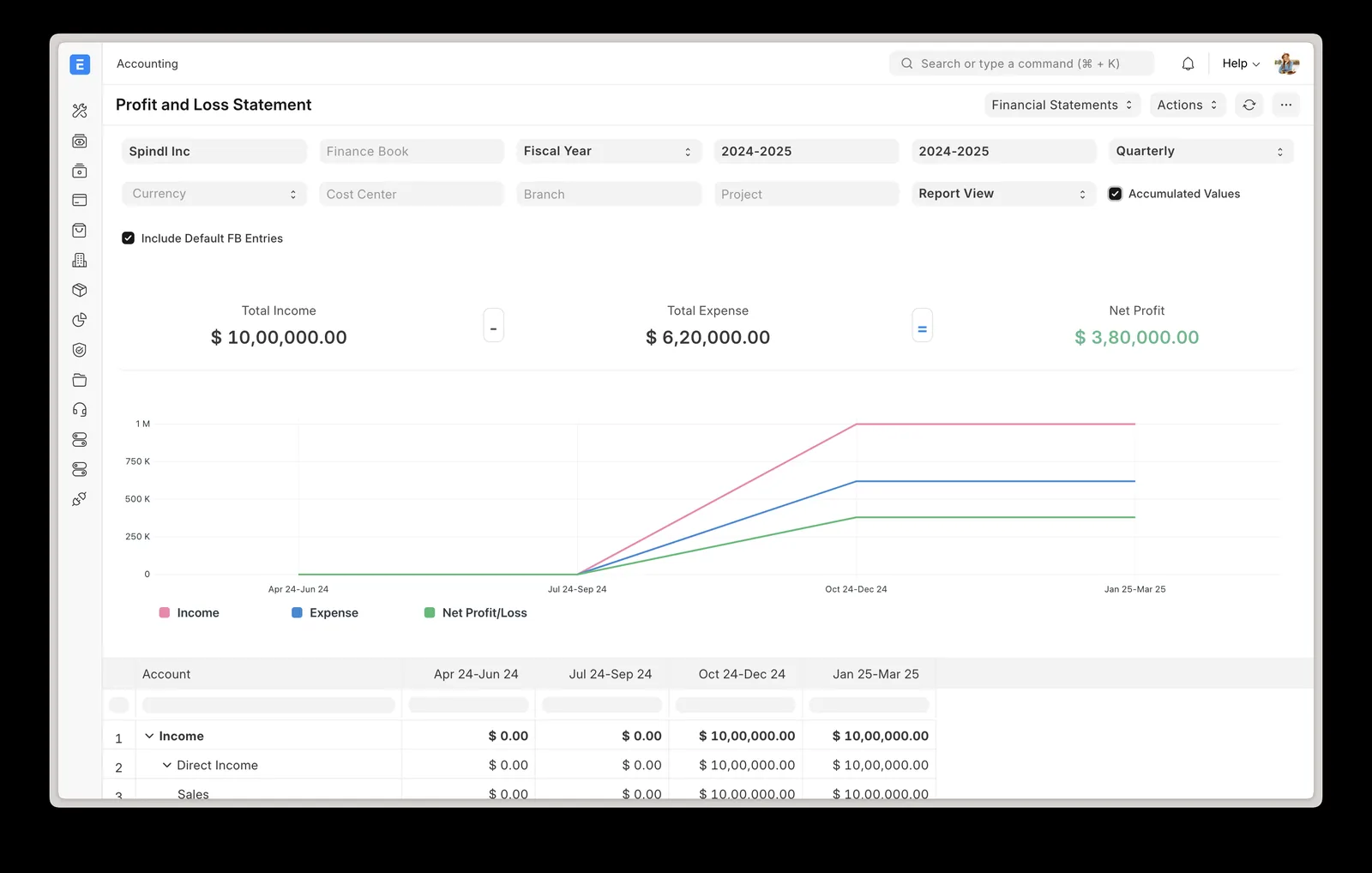
We share a tracker built around ERPNext's own import logs and reconciliation checks.
Other ERPNext services and migration routes.
We configure the system for the rules UAE businesses report against, and test it before go-live.
General information, not tax or legal advice. Confirm current requirements with the FTA, MOHRE or your advisor. See all UAE compliance guides.
On-site workshops in Dubai, Abu Dhabi and Sharjah, and remote or on-site delivery across the Northern Emirates and free zones.
Official sources and references
Facts on this page were checked against these sources in October 2026. Rules change, so confirm current requirements before acting.
Still have a question? Our consultants are happy to help.
Ask an ExpertCommon sources include Tally, QuickBooks, Sage, Zoho Books, SAP Business One, Excel and custom databases. If the system can export data or provide read access, we can map it into ERPNext.
Both. The Data Import tool, Chart of Accounts Importer, Opening Invoice Creation Tool and Stock Reconciliation handle most needs. For large volumes or complex transformations we script loads through the Frappe REST API.
Usually only open items and balances. Older history stays in an archive or a read-only copy of the old system. You still need to be able to produce records for the retention period the FTA requires, so the archive must stay accessible.
Yes. Upgrading an existing ERPNext site between versions or servers is covered separately. This service is for companies moving into ERPNext from another system.
Yes. Employee records go into Frappe HR, including details needed for WPS salary files such as bank and labour card information. Payroll history is usually archived rather than loaded.
For one company the data work often takes around 5-9 weeks alongside setup. Several companies, heavy batch tracking or large history extend that.
Related Solutions
Related Industries
Related ERP Platforms
Call +971 55 145 3265 or email contact@uaeerpexperts.com to review your source data and agree a cut-off date.
Dubai, United Arab Emirates