L
O
A
D
I
N
G


Zoho, Odoo, ERPNext, Dynamics 365 and custom ERP, delivered by one accountable team.

Give head office a live view of each branch while branch managers keep control of their own sales, stock and cash, all inside one legal entity and one set of books.
A multi-branch ERP in the UAE serves a single legal entity trading from several locations, such as showrooms, depots and counters, under one TRN, one VAT return and one set of statutory accounts. Every invoice, bill, receipt and stock move is tagged with its branch when created, giving branch-level profit and loss from one ledger and restricting branch users to their own documents and cash.
A multi branch ERP UAE setup is for a single legal entity that trades from several physical locations: a showroom on Sheikh Zayed Road, a depot in Al Quoz, a counter in Sharjah Industrial Area and perhaps a branch office in Musaffah. Each site sells, receives stock and handles cash, yet the business files one VAT return under one TRN and produces one set of statutory accounts.
The difficulty is that most small systems treat the company as one big bucket. Branch managers cannot see their own margin, head office cannot tell which site is carrying slow stock, and the accounts team spends the first week of every month splitting revenue and expenses by hand. A proper multi branch design tags every transaction with its branch at the moment it is created, so reports come out split without spreadsheet work.
This is different from running several legal entities. If you hold separate trade licenses with separate TRNs, you need a group structure with intercompany eliminations, which we cover on our multi company ERP page. Many UAE groups end up with both: two or three companies, each with several branches.

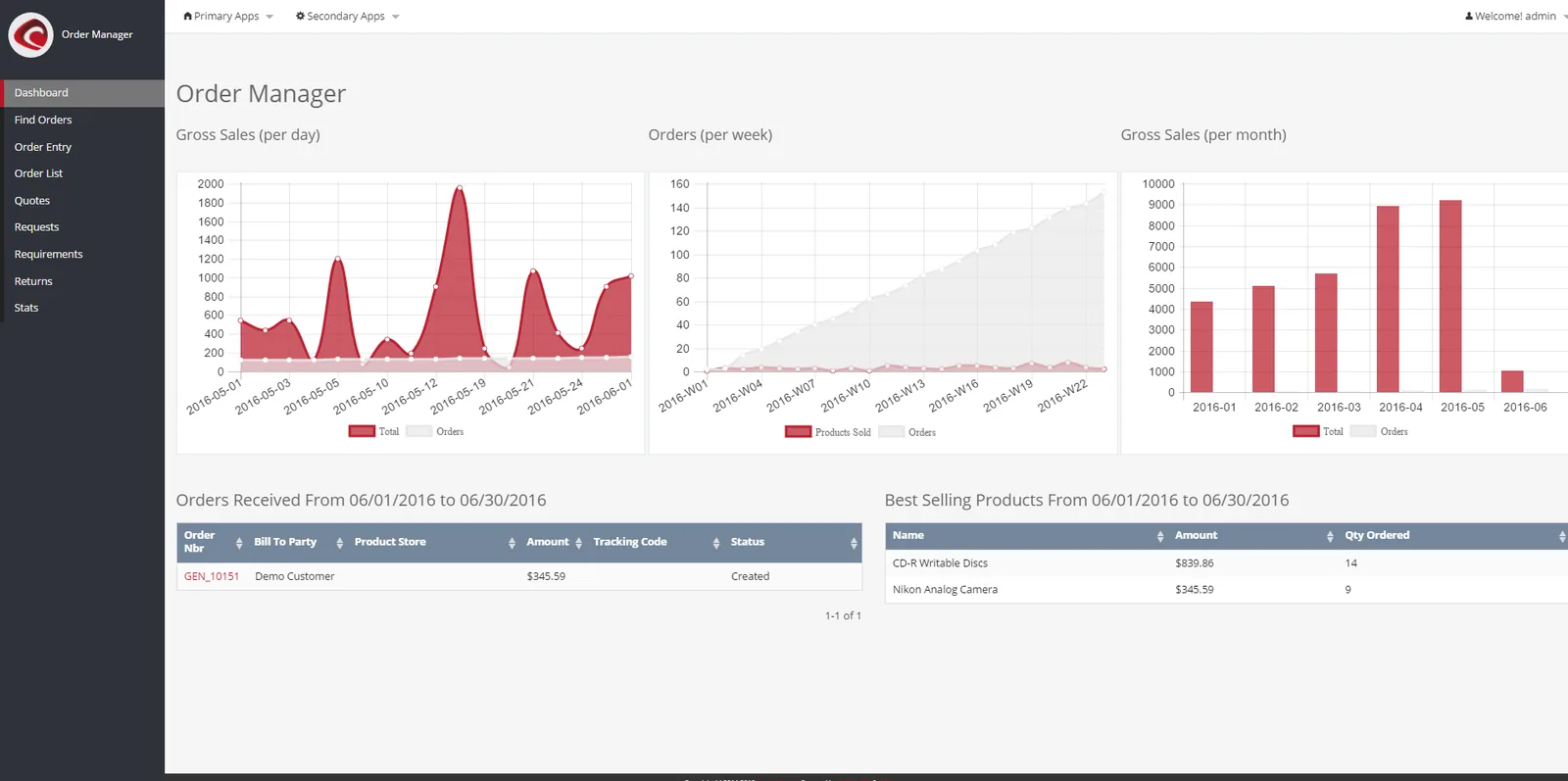
Area managers and the finance controller need the same numbers at the same time. A branch dashboard pulls from the live ledger rather than from files emailed in by each site.
The key design choice is that branch identity is set once, by the user or the location, and then carried through every downstream document automatically.
One shared database: every step updates stock, finance and reports in real time.
These are the controls we configure first on any multi location rollout, because they decide whether branch reports can be trusted.
Every journal line carries a branch value, so profit and loss can be filtered by site without manual allocation. Shared costs can be split with allocation rules at month-end.
Each branch gets its own stock location with reorder levels set to local demand. Head office can still see total company stock in one report.
Transfers create a dispatch at the sending branch and a receipt at the receiving branch, with goods in transit visible in between. Discrepancies are flagged instead of disappearing.
A Sharjah cashier sees only Sharjah sales and cash. Area managers see their cluster, and finance sees everything.
Invoices print the issuing branch address alongside the legal entity name and TRN, which customers often ask for when receiving goods at site.
Each site has its own cash journal and petty cash float, reconciled daily against the POS or receipt book before deposit.
All four platforms we implement can run a branch structure, but the mechanism differs and that affects reporting and licensing.
| Zoho | Odoo | ERPNext | Dynamics 365 Business Central | |
|---|---|---|---|---|
| Branch mechanism | Branches feature in Zoho Books on supported plans, plus locations in Zoho Inventory | Branches as child companies under a parent, or analytic accounts per site | Branch field plus cost centers and accounting dimensions | Dimensions (e.g. a BRANCH dimension) plus locations and responsibility centers |
| Branch stock | Separate locations with transfer orders | Separate warehouses with internal transfers and transit routes | Separate warehouses with stock entries of type material transfer | Locations with transfer orders and in-transit codes |
| Branch P&L | Branch filter on standard reports | Analytic or branch-filtered reports | Cost center and dimension filters on P&L | Dimension filters and account schedules |
| User restriction | Branch-level user access | Record rules by company or warehouse | User permissions by branch, warehouse or cost center | Permission sets plus responsibility center setup |
| Best fit | Smaller branch networks wanting simple setup | Retail and distribution with POS at branches | Cost-sensitive firms wanting full control of the code | Larger networks needing detailed dimension reporting |
Feature availability depends on edition and plan. We confirm the exact setup during discovery.
Branches generate data in many places. These are the connections that keep each site's figures complete.
Branches change how you organize data, not how many tax registrations you have. Confirm the details with your tax advisor.
Branches of the same legal entity normally fall under one VAT registration, so the ERP must produce a single VAT return that combines all branch sales and purchases, filed through EmaraTax.
Every branch must issue tax invoices with the legal entity name, address and TRN plus the prescribed fields. Branch-specific invoice number series are fine as long as numbering stays sequential and unique.
Under Federal Decree-Law No. 47 of 2022 a domestic branch is part of the same taxable person, so branch P&Ls roll up into one corporate tax computation. Treatment of free zone or foreign branches has specific conditions.
Once e-invoicing applies to your business (from 1 January 2027 for revenue of AED 50 million or more, 1 July 2027 for others), every branch's invoices must flow to your Accredited Service Provider. Check the latest Ministry of Finance and FTA guidance.
Staff may sit on different branch cost centers, but salaries still go through one WPS Salary Information File per employer establishment as required by MOHRE.
General information, not tax or legal advice. Rules change; confirm current FTA, MOHRE and Ministry of Finance guidance with your advisor.
Explore connected topics for multi location businesses.
We configure the system for the rules UAE businesses report against, and test it before go-live.
General information, not tax or legal advice. Confirm current requirements with the FTA, MOHRE or your advisor. See all UAE compliance guides.
On-site workshops in Dubai, Abu Dhabi and Sharjah, and remote or on-site delivery across the Northern Emirates and free zones.
Official sources and references
Facts on this page were checked against these sources in October 2026. Rules change, so confirm current requirements before acting.
Still have a question? Our consultants are happy to help.
Ask an ExpertIf all locations operate under one trade license and one TRN, a branch structure is usually correct. If each location has its own license, TRN or shareholders, you need multi company with intercompany handling. Some groups need both layers.
Yes. Most platforms let you set a number series per branch, for example DXB-INV and SHJ-INV. The series must stay unique and sequential within the legal entity.
Shared costs are first booked to a head office or common branch, then allocated at month-end using a rule such as sales share or floor area. This keeps branch reports honest about the overhead they carry.
You decide. A common setup lets branch staff check stock availability at other sites for customer enquiries, while hiding cost prices and other branches' sales figures.
Cloud ERPs need connectivity, but POS apps in Odoo and Zoho can continue in offline mode for a period and sync later. Back-office tasks like transfers wait until the connection returns.
It depends on the number of branches and how much POS or warehouse work is involved. A focused rollout for a handful of sites often takes 6-10 weeks, with a pilot branch going live first.
Related Solutions
Related Industries
Related ERP Platforms
Related Guides
Tell us how many sites you run and how you report today, and we will map out a branch design on the platform that fits.
Dubai, United Arab Emirates