
L
O
A
D
I
N
G


Zoho, Odoo, ERPNext, Dynamics 365 and custom ERP, delivered by one accountable team.

A customer pays one lump sum for twelve invoices minus a disputed credit note. A gateway settles net of fees. An ERP allocates both correctly so ledgers and ageing stay true.
An ERP matches payments by allocating each receipt to the specific invoices, credit notes and advances it settles, including lump-sum, partial and short payments. It imports gateway, courier COD and marketplace settlement files, splits out fees, and applies write-off tolerance rules. This differs from bank reconciliation: money can be correctly banked yet still unallocated, which distorts customer ageing reports.
An ERP for payment reconciliation in the UAE matches each receipt and payment to the specific invoices, bills, credit notes and advances it settles. It is different from bank reconciliation: the money may already be correctly recorded in the bank, yet still sit unallocated on the customer's account, so the ageing report shows invoices as overdue that were paid weeks ago.
UAE payment patterns make allocation hard. Distributors pay several invoices in one transfer with no remittance advice, government and semi-government customers pay after deductions, e-commerce gateways settle daily batches net of fees and VAT on fees, couriers remit cash-on-delivery collections in weekly batches, and buy-now-pay-later providers settle on their own schedules.
This page covers allocation and settlement matching. Matching the bank statement to the books is covered in bank reconciliation, and collecting overdue amounts in accounts receivable.

These are the problems that leave customer and supplier ledgers out of step with reality.
A customer transfers one amount covering many invoices with no breakdown. The accountant guesses, or parks it on account, and the ageing becomes unreliable.
Customers deduct for returns, penalties or price differences without a credit note. The small balances left on invoices linger for months.
Online sales settle in batches after the gateway deducts its fee and VAT on the fee. Matching one bank credit to dozens of orders by hand is slow and error-prone.
Couriers send weekly payouts with their charges deducted and some parcels returned. Without a remittance import, delivered orders stay unpaid in the system.
Customer advances and credit notes sit open next to unpaid invoices for the same customer. Statements look confusing and customers dispute balances.
A disciplined allocation routine keeps every partner ledger clean and every ageing report accurate.
One shared database: every step updates stock, finance and reports in real time.
These capabilities move allocation from guesswork to rules.
Allocate one payment across many invoices, oldest first or by reference, with partial amounts.
A screen that lists unallocated payments and open invoices side by side for one partner.
Small differences under a set limit are written off to a defined account with approval.
Settlement reports from gateways matched to orders, with fees split out. See payment gateway integration.
Courier remittance files matched to delivery orders, with returns and courier charges posted.
Open advances and credit notes applied against invoices with a clear audit trail.
The same logic on the payables side for payments, debit notes and supplier advances.
A daily list of payments not yet allocated, with age and owner.
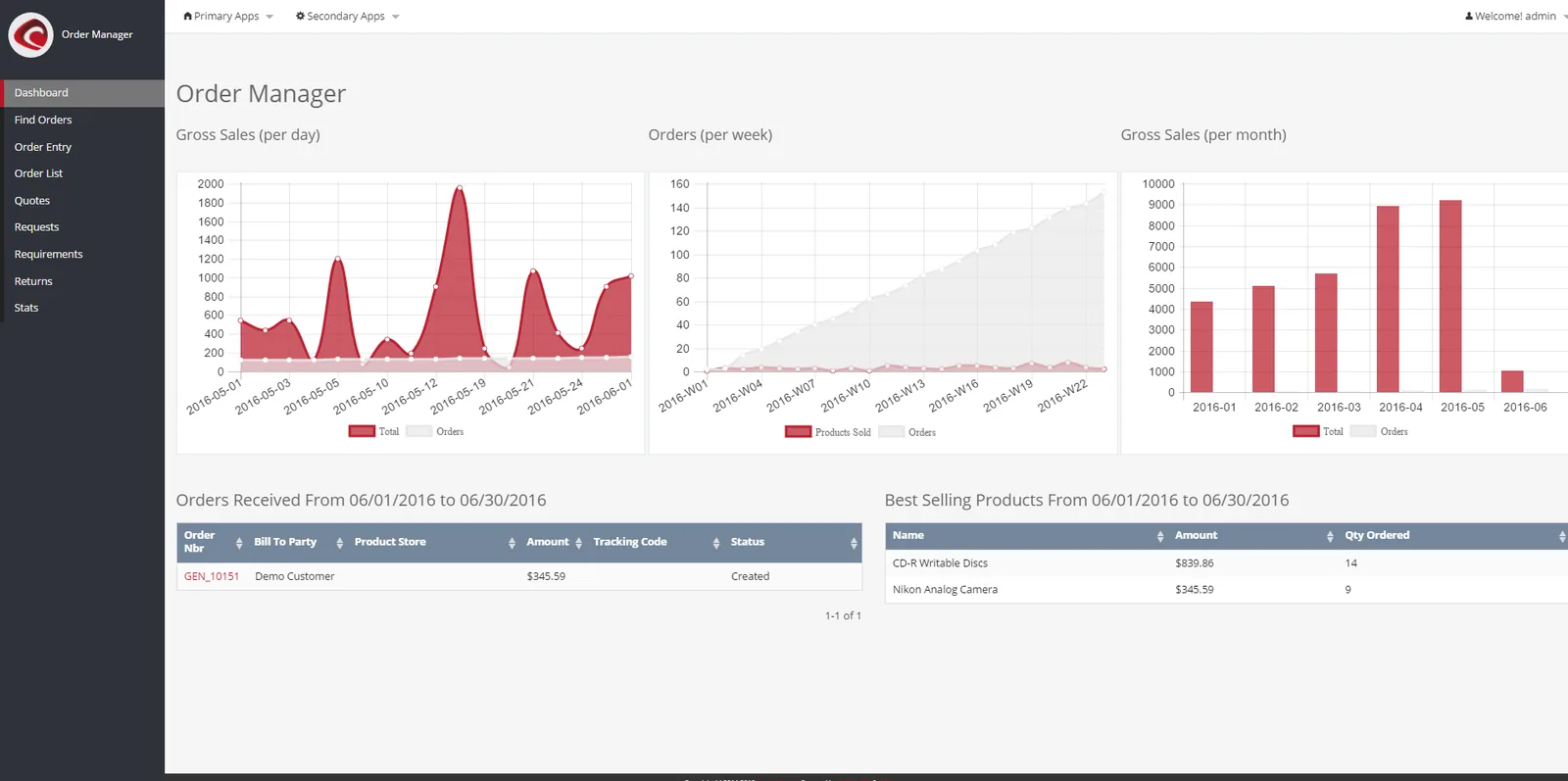
Finance needs to see how much cash is unallocated and which settlements are not yet matched.
All four platforms allocate payments to invoices. They differ in bulk tools and in settlement imports. Confirm for your edition.
| Zoho | Odoo | ERPNext | Dynamics 365 | |
|---|---|---|---|---|
| Allocation of one payment to many invoices | Customer payment applied across invoices in Zoho Books | Register payment on multiple invoices; reconcile open items | Payment Entry with references to several invoices | Apply entries on customer and vendor ledger entries |
| Bulk reconciliation tool | Applying credits and payments per customer | Reconciliation widgets and partner matching | Payment Reconciliation tool for unallocated payments and invoices | Payment reconciliation journal with auto-matching |
| Write-off of small differences | Manual adjustment or write-off | Write-off via reconciliation models | Difference amount posted to a write-off account | Payment tolerances and discounts |
| Gateway settlements | Gateway integrations; see Zoho Books gateway integration | Payment providers built in; see Odoo gateway integration | Payment Request and gateway apps; see ERPNext gateway integration | Typically through extensions or middleware |
| COD remittances | Usually via import or custom function | Import or connector, depending on courier | Import with Data Import or a custom script | Import through configuration packages or extensions |
Settlement file formats differ by gateway and courier. We confirm them during discovery.
Most allocation work disappears when settlement data arrives in the ERP automatically.
Allocation affects VAT and tax records more than it first appears. Confirm treatment with your tax advisor.
A customer deduction for a return or price change usually needs a tax credit note to adjust output VAT. Writing it off without one can leave VAT overstated.
Fees deducted by gateways and couriers often carry VAT. Recording them as separate bills or entries with input VAT allows recovery where conditions are met.
Receiving payment before the invoice can create a VAT point in some cases. The ERP should track advances so the VAT position is clear.
Remittance advices, settlement reports and allocations should be kept with the accounting records, generally for at least 5 years.
General information, not tax or legal advice. Rules change; confirm current FTA, MOHRE and Ministry of Finance guidance with your advisor.
These are the improvements clean allocation brings.
Paid invoices are closed promptly, so collection effort goes to genuinely overdue accounts.
Statements show clear allocations, applied credits and advances.
Gateway, courier and BNPL fees are booked separately, so the true cost of each channel is clear.
With allocations up to date, payment reminders go only to customers who still owe money.
Effort depends on the number of channels and the backlog of unallocated items. Durations are typical ranges.
Durations are typical ranges; your plan is agreed after discovery.
List every way money arrives and leaves, with the settlement file each produces.
Allocate old unapplied cash, open credit notes and short payments before go-live.
Configure allocation rules, tolerances and settlement imports for gateways and couriers.
The AR and AP team clear the unapplied cash list daily, with weekly review by the finance manager.
We configure the system for the rules UAE businesses report against, and test it before go-live.
General information, not tax or legal advice. Confirm current requirements with the FTA, MOHRE or your advisor. See all UAE compliance guides.
On-site workshops in Dubai, Abu Dhabi and Sharjah, and remote or on-site delivery across the Northern Emirates and free zones.
Official sources and references
Facts on this page were checked against these sources in October 2026. Rules change, so confirm current requirements before acting.
Still have a question? Our consultants are happy to help.
Ask an ExpertIt uses rules: invoice references in the payment description, exact amount matches, or oldest invoices first. Anything uncertain is suggested for review instead of being posted automatically.
If the difference is under an agreed tolerance, the ERP writes it off to a set account with approval. Larger differences stay open and are followed up or settled with a credit note.
Yes, by importing the gateway's settlement report and matching each transaction to its order or invoice, then posting the fee and VAT separately. Some platforms do this through built-in providers, others through middleware.
Yes. Payments to suppliers are allocated to bills, debit notes and advances in the same way, which keeps supplier statements in agreement.
No. Payment reconciliation matches money to invoices. Stock reconciliation matches physical counts to system quantities. Both keep ERP records aligned with reality.
Related Solutions
Related Industries
Related ERP Platforms
Tell us how payments reach you and we will design allocation rules and settlement imports for your channels.
Dubai, United Arab Emirates










