
L
O
A
D
I
N
G


Zoho, Odoo, ERPNext, Dynamics 365 and custom ERP, delivered by one accountable team.

Volume breaks, promotions, free goods, early-payment discounts and year-end rebates all cost margin. Manage them as rules in the ERP, with limits, approvals and a clear VAT treatment.
Trade discounts should be managed as ERP rules with validity dates, limits and eligible customers, covering quantity breaks, promotions, free goods, early-payment discounts and year-end rebates. Manual discounts above a threshold go for approval, stacking is controlled, rebates are accrued monthly, and post-sale rebates are settled with tax credit notes so UAE VAT stays correct. Confirm VAT treatment with your tax advisor.
Trade discount management covers every reduction a UAE distributor or wholesaler gives off its agreed price: quantity breaks, seasonal promotions around Ramadan or the Dubai Shopping Festival, buy-ten-get-one free goods, early-payment discounts, and retrospective rebates paid when a supermarket or contractor hits an annual target. Each is a sound commercial tool. Together, and unmanaged, they are often the largest leak between list price and actual margin in a wholesale business.
The problem is rarely the discount itself. It is that discounts are typed on invoices by hand, stacked on top of special prices, given after the promotion ended, or promised verbally by a salesman and settled later with a credit note nobody can explain. Finance sees a lower margin but cannot trace it back to a decision.
This page is about the rules and controls for discounts and rebates. The base net price per customer belongs to customer price lists, and the approval chain for one-off exceptions is detailed on our ERP for discount approval page.

Most UAE trading companies recognize at least three of these.
A key account already on a special price also gets the promotional discount and a cash discount. Nobody intended the combined reduction, but the system allowed it.
A Ramadan offer keeps appearing on invoices in June because the salesman reuses an old quotation. Without end dates on the rule, the system cannot stop it.
Bonus units are shipped but entered as a separate zero-value delivery, or not entered at all. Stock goes missing on paper and promotional cost is invisible.
Rebate agreements with retailers are tracked in a spreadsheet. At year end, the calculation is disputed, the accrual was never booked and profit for the year was overstated.
Customers deduct a 2% cash discount even though they paid after 60 days. Collections staff accept the short payment because there is no rule to check it against.
Management cannot tell whether a promotion actually lifted volume or simply gave margin to customers who would have bought anyway.
Discounts are agreed commercially, set up once as rules, applied automatically and reviewed against results.
One shared database: every step updates stock, finance and reports in real time.
Discount control relies on several parts of the system working from the same rules.
Percentage or amount discounts by customer, customer group, item, brand or category, with minimum quantities and validity dates.
Buy-X-get-Y schemes that add the bonus item to the order automatically, so stock and promotional cost are both recorded.
Manual discounts above a salesperson's limit go to the sales manager, and above a higher limit to finance.
Early-payment discount terms on the customer, checked against the actual receipt date before the short payment is accepted.
Target-based retrospective rebates per customer with tiers, tracked against invoiced sales and accrued each month.
Rebates and post-sale discounts settled with credit notes that reduce the original supply value and its VAT.
Gross-to-net reporting from list price through each discount type to net margin by customer and product.
Discounts posted to separate accounts by type, so the P&L shows promotional cost, cash discount and rebates individually.
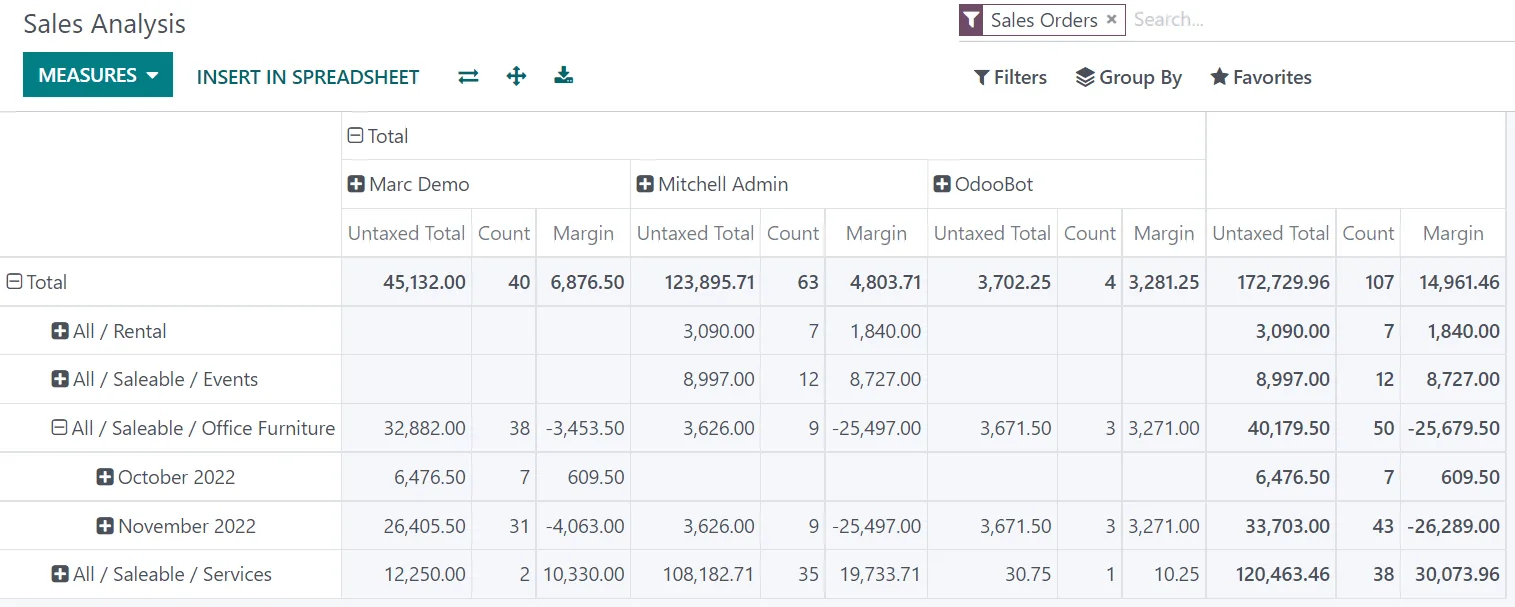
The key view is gross-to-net: how much revenue each discount type is costing, and whether it is within plan.
Standard discounts are well covered on all four platforms. Retrospective rebates usually need configuration or an extension. Confirm details for your version.
| Zoho | Odoo | ERPNext | Dynamics 365 | |
|---|---|---|---|---|
| Line and order discounts | Line-level or transaction-level discount in Zoho Books and Inventory | Line discount setting plus pricelist discount rules | Discount on item lines and additional discount on the document | Line discounts and invoice discounts in Business Central |
| Rule-based discounts | Mainly via price lists; complex rules need customization | Pricelist rules by product, category, quantity and dates | Pricing Rules by customer, group, territory, item group or brand | Customer discount groups and item discount groups |
| Promotions and free goods | Limited natively; often custom | Discount and loyalty programs, including buy-X-get-Y | Promotional Schemes with free item slabs | Typically via extensions or manual free lines |
| Early-payment discount | Not a standard feature; handled in collections | Early payment discount in payment terms in recent versions | Payment terms with discount in recent versions; confirm | Payment discount on payment terms |
| Year-end rebates | Custom via Zoho Creator or Analytics | Custom module or partner app | Custom doctype or app | Partner extensions are common |
| Approval for manual discounts | Custom workflow rules | Sales approval rules where configured | Workflow on Sales Order | Approval workflows |
Names and capabilities change between releases; we confirm the exact setup during discovery.
If a promotion is valid on one channel, it must be the same everywhere the customer can buy.
Discount treatment affects VAT and the timing of profit. This is general guidance, not tax advice; confirm with your tax advisor.
A discount given on the tax invoice reduces the value on which 5% VAT is charged. The invoice should show the gross price, the discount and the net taxable amount clearly.
A rebate given after the supply generally requires a tax credit note referencing the original supply, which adjusts output VAT. The ERP should generate it from the rebate calculation, not by hand.
Bonus items given without charge can raise deemed supply questions under UAE VAT, depending on the value and the arrangement. Record them as zero-priced lines on the same invoice and agree the treatment with your advisor.
Rebates earned during the year should be accrued so taxable income for corporate tax reflects the real margin. Keep the rebate agreement and calculation as support.
Distributors licensed in a free zone, for example under ERP for the UAQ Free Trade Zone, may sell both to mainland customers and abroad. Discount rules and their VAT treatment can differ by destination, so configure them per channel.
General information, not tax or legal advice. Rules change; confirm current FTA, MOHRE and Ministry of Finance guidance with your advisor.
Benefits we aim for with clients; the scale depends on how loose control is today.
Only approved discount types reach invoices, within their dates and limits.
Management sees margin after every discount and rebate, not just after the price list.
Rebates are accrued monthly, so there is no surprise adjustment when the agreement is settled.
Each promotion is measured against results, so the next one is planned on evidence.
On an existing ERP, a discount and rebate project often takes 4-8 weeks depending on the number of schemes and channels.
Durations are typical ranges; your plan is agreed after discovery.
List every discount type, promotion and rebate agreement currently in use, and who can give each one.
Agree stacking rules, approval limits per role and the GL accounts for each discount type.
Build rules, promotions, approvals, rebate tracking and credit note generation.
Re-run a recent month of orders and compare system discounts with what was actually given.
Switch to rule-based discounts and review the first monthly rebate accrual with finance.
We configure the system for the rules UAE businesses report against, and test it before go-live.
General information, not tax or legal advice. Confirm current requirements with the FTA, MOHRE or your advisor. See all UAE compliance guides.
On-site workshops in Dubai, Abu Dhabi and Sharjah, and remote or on-site delivery across the Northern Emirates and free zones.
Official sources and references
Facts on this page were checked against these sources in October 2026. Rules change, so confirm current requirements before acting.
Still have a question? Our consultants are happy to help.
Ask an ExpertYes. Most platforms let you define whether a rule applies on top of others or replaces them, and approval rules catch the total discount on a line. We agree the stacking policy with you before configuring it.
The bonus item is added as a zero-price line on the order and delivery, so it leaves stock with a record and its cost shows as promotional expense rather than an unexplained loss.
Yes. When a brand owner funds part of a promotion, we record the claim against the supplier so it can be recovered, linking to the vendor side covered under supplier price lists.
The rebate agreement holds the tiers and period. Each month the system calculates progress against invoiced sales and posts an accrual. At the end, it generates the credit note and reverses the accrual.
Ideally yes. When a receipt is posted, the system compares the payment date with the discount terms and flags any deduction taken late, which helps the accounts receivable team respond consistently.
No. Salespeople keep a limit they can use without asking, which keeps orders moving. The system records every use and escalates only what goes beyond it.
Related Solutions
Related Industries
Related ERP Platforms
We will review your discount schemes and rebate agreements and show how to turn them into controlled ERP rules.
Dubai, United Arab Emirates










