
L
O
A
D
I
N
G


Zoho, Odoo, ERPNext, Dynamics 365 and custom ERP, delivered by one accountable team.

Treat every van as a moving warehouse: load it, sell from it, collect cash and cheques on the route, and settle it against the ERP before the driver goes home.
Van sales software treats each van as a moving warehouse for UAE route distributors. Stock is transferred to the van, salesmen sell and print VAT tax invoices on a handheld at each grocery or cafeteria, collect cash or cheques, record returns, and settle the van against the ERP at day end. Every carton loaded, sold, returned and unloaded has a document.
In a typical UAE FMCG, beverage, bakery or dairy distributor, a salesman leaves the Al Quoz, Sharjah or Mussafah depot at dawn with a loaded van, visits 25 to 40 groceries, cafeterias and baqalas on a fixed route, and sells straight from the vehicle. The order, the delivery, the tax invoice and often the payment all happen in the same five-minute stop. Van sales software UAE distributors rely on has to support exactly that: an invoice printed at the shop counter, stock deducted from the van, and cash recorded against the right customer.
Without it, the day runs on a paper loading sheet, a carbon invoice book and a cash bag. The storekeeper reconciles the van in the evening by counting cartons, accounts keys the invoices the next morning, and differences in stock or cash surface a week later when nobody remembers the stop. Credit limits are ignored because the salesman cannot see the outstanding balance, and expired returns pile up in the van without a credit note.
Van sales is different from pre-sales order taking, where a rep books an order and the warehouse delivers later; that model is covered on our mobile sales app page. Here the van carries the stock, so the software must control inventory, pricing, VAT and cash in one handheld flow that syncs to the ERP behind your wider distribution management setup.
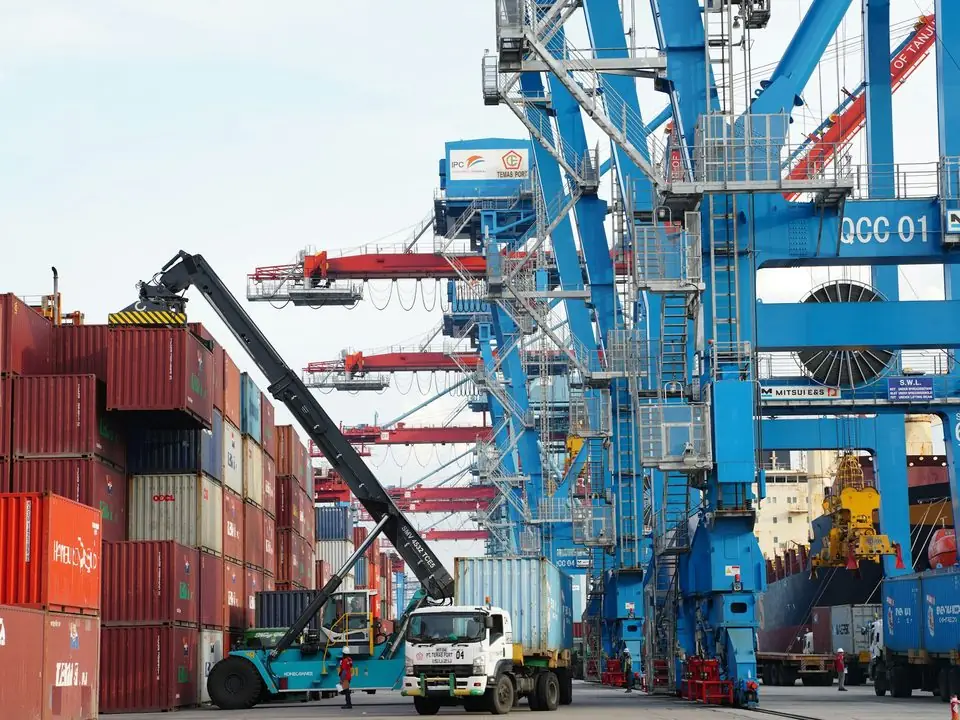
These are the problems we hear most from route distributors in Dubai, Sharjah, Ajman and Abu Dhabi before they move van sales into the ERP.
Loading is done from a handwritten sheet and returns go back without a document. The evening count shows shortages nobody can explain, and the van becomes a write-off account.
Carbon books miss the customer TRN, use the wrong price or round VAT by hand. Accounts re-keys hundreds of invoices a day and errors flow straight into the VAT return.
Collections are written on the back of invoices and the cash bag is counted at night. Post-dated cheques get lost in the van and unallocated receipts sit on customer statements for months.
The salesman cannot see that a baqala already owes for three weeks. He sells on credit to keep the account, and overdue balances grow route by route.
Short-dated dairy, bread and juice come back off the shelf with no return reason or credit note. Write-offs are not linked to the customer, the batch or the salesman.
Managers do not know which stops were skipped, which SKUs sold, or how much each van collected until the paperwork is keyed in, usually a day or two later.
One cycle per van per day. Each step creates a document in the ERP, so stock, revenue and cash reconcile automatically at settlement.
One shared database: every step updates stock, finance and reports in real time.
Van sales touches more of the ERP than most teams expect. These are the pieces we configure together.
Each van is a stock location. Loading is an internal transfer from the depot and unloading reverses it, so van stock is always visible.
Android handheld or phone app with a Bluetooth printer. Works offline and syncs invoices, receipts and returns when signal returns.
Route, channel and customer price lists, case and piece pricing, and free-goods schemes applied automatically on the handheld.
Credit limit and overdue days checked at the stop. Credit sales are blocked or sent for supervisor approval when the customer is over limit.
Cash, cheque and post-dated cheque receipts allocated to open invoices, with a deposit slip at the end of the day.
Return reasons (expired, damaged, unsold), batch and expiry date, and a matching credit note so write-offs land on the right customer.
Journey plans by day, customer sequence and visit frequency, with skipped-visit reasons and GPS check-in.
End-of-day van settlement compares loaded, sold, returned and unloaded stock with cash and cheques, then posts to the ledger.
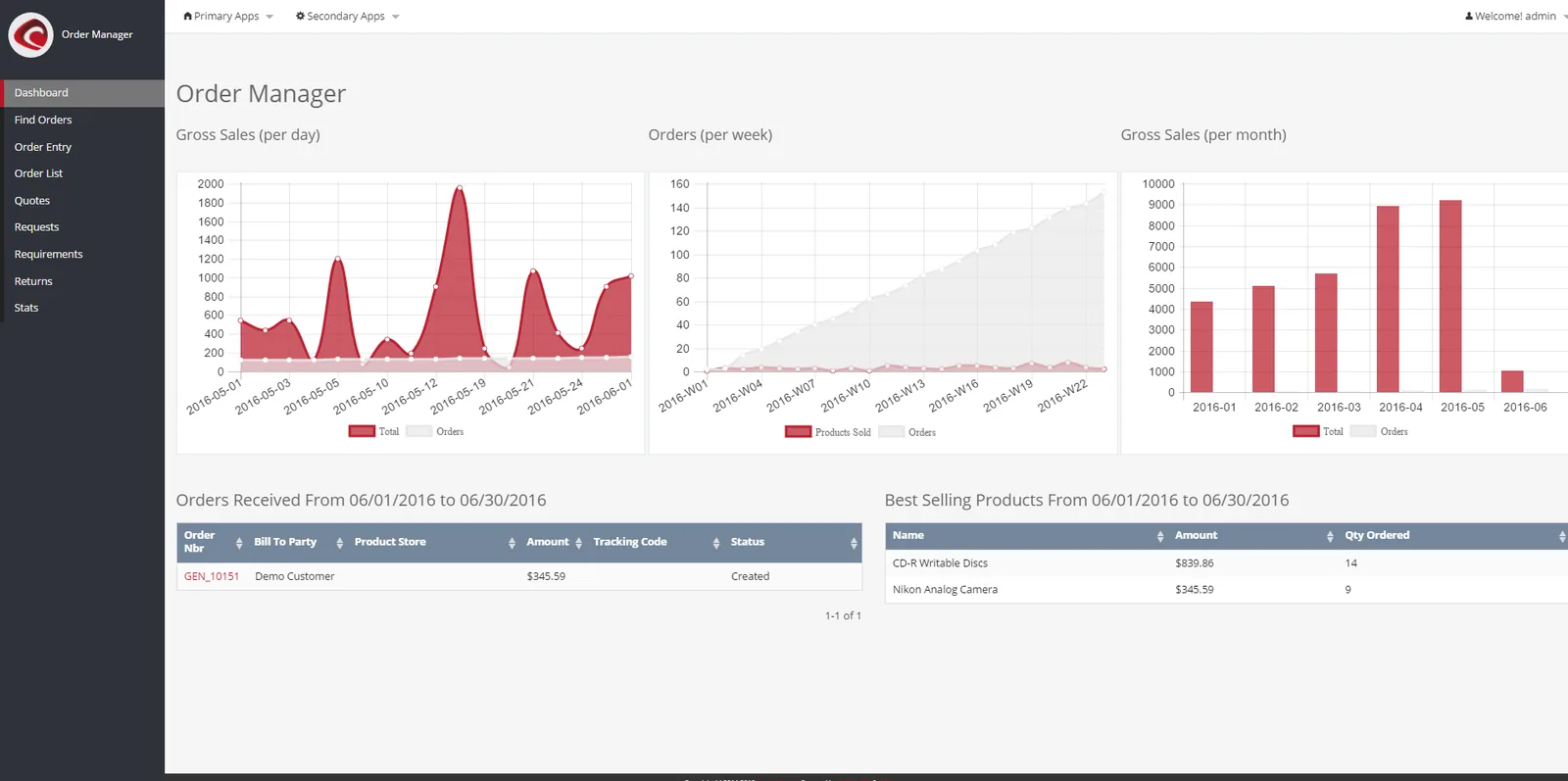
Once van transactions sync to the ERP, sales and distribution managers see each route on the same day instead of after the paperwork is keyed in. The same data feeds the wider sales dashboard used by management.
None of the four platforms we implement treats van sales exactly the same way. This is a practical summary; confirm the details for your edition and any add-on during discovery.
| Zoho | Odoo | ERPNext | Dynamics 365 | |
|---|---|---|---|---|
| Van as stock location | Van set up as a warehouse in Zoho Inventory, with transfer orders for loading | Van set up as a warehouse or location, with internal transfers | Van set up as a warehouse, with stock entries for material transfer | Van set up as a location in Business Central, with transfer orders |
| Handheld invoicing | Typically a Zoho Creator app or third-party van sales app linked to Zoho Inventory and Books | Point of Sale or a van sales app from the Odoo Apps store; confirm offline support | POS profile per van, or a custom Frappe app; offline behavior depends on version | Usually a partner van sales app from AppSource, or a Power Apps build |
| Offline working | Depends on the app chosen; test with no signal | POS has offline capability; other flows need a connector app | Depends on version and app; test in pilot | Depends on partner app; Power Apps supports offline with configuration |
| Credit limit check | Credit limits on customers in Zoho Books; enforce in the app | Credit limit setting on customers; enforcement depends on the flow | Credit limit per customer, checked on invoice submission | Credit limit warnings on customers |
| End-of-day settlement | Custom settlement form in Creator or the van app | POS session closing, or a van app settlement screen | POS closing entry or a custom settlement doctype | Partner app settlement, posting to journals |
| Best fit | Small fleets already on Zoho Books and Inventory | Mid-size distributors wanting one system for warehouse, POS and accounts | Cost-conscious distributors open to some development | Larger distributors on Microsoft with complex pricing and many depots |
Van sales nearly always needs some configuration or an add-on on every platform. We recommend a two-van pilot before rolling out to the whole fleet.
The handheld is only one part of the chain. These are the connections we usually set up.
Selling and invoicing at the roadside does not change the tax rules. The software has to apply them on the handheld. Confirm specific treatments with your tax advisor.
Invoices printed in the van must carry your TRN, the customer TRN where registered, sequential numbering and VAT at 5%. Configure the handheld template and numbering series per van so numbers never clash. See our UAE VAT ERP guide.
Under the UAE e-invoicing model, B2B invoices will be exchanged through an Accredited Service Provider using PINT AE. Offline van invoices must reach the ERP and the ASP promptly after sync. Read our UAE e-invoicing overview and check the latest MoF and FTA guidance for your phase.
Distributors of energy drinks, sweetened drinks or tobacco products must keep excise treatment in the item master so van invoices and stock records stay consistent with excise rules in force from 1 January 2026.
Van invoices, credit notes, receipts and settlement records are tax records and should be kept for at least five years. Store them in the ERP, not only on the device.
General information, not tax or legal advice. Rules change; confirm current FTA, MOHRE and Ministry of Finance guidance with your advisor.
Benefits come from controls and visibility, not from the handheld alone.
Every carton loaded, sold, returned and unloaded has a document, so variances are traced to a salesman and a day.
Invoices reach accounts when the van syncs, removing next-day re-keying and handwriting errors in the VAT return.
Receipts are allocated at the stop and cash is reconciled at settlement, so unallocated payments and missing cheques stand out.
Salesmen see overdue balances and limits before they sell on credit, and exceptions go to a supervisor.
Timelines vary with fleet size, pricing complexity and whether the ERP is already live. These are typical ranges, not commitments.
Durations are typical ranges; your plan is agreed after discovery.
Ride along on two or three routes, document loading, pricing, schemes, returns and settlement rules.
Vans as warehouses, price lists, invoice templates, numbering series, credit rules and the handheld app.
Run real routes in parallel with paper, test offline invoicing, printing and settlement.
Train salesmen route by route, load opening van stock and switch off carbon books.
Tune schemes and credit rules, and build route dashboards and salesman commission calculations on settled sales.
We configure the system for the rules UAE businesses report against, and test it before go-live.
General information, not tax or legal advice. Confirm current requirements with the FTA, MOHRE or your advisor. See all UAE compliance guides.
On-site workshops in Dubai, Abu Dhabi and Sharjah, and remote or on-site delivery across the Northern Emirates and free zones.
Official sources and references
Facts on this page were checked against these sources in October 2026. Rules change, so confirm current requirements before acting.
Still have a question? Our consultants are happy to help.
Ask an ExpertIn van sales the salesman carries the stock and invoices on the spot. In pre-sales the rep takes an order and the warehouse delivers later. Many UAE distributors run both, and the ERP should support each with its own flow.
Yes, if the app supports offline working. Invoices, receipts and returns are stored on the device with reserved numbers and sync when signal returns. We test this on the actual routes during the pilot.
Price lists by channel or customer and free-goods schemes are set in the ERP and pushed to the handheld. Our customer price list guide and trade discount page explain the setup in more detail.
The app compares opening van stock plus loads, minus sales and plus returns, with the physical unload. Cash and cheques are compared with receipts. Differences are approved by a supervisor and posted with a reason.
Yes. Each van is a location in the same inventory, so depot replenishment, reorder levels and batch expiry cover the vans too. That is one reason to keep van sales inside the ERP rather than in a separate app.
It depends on fleet size, existing systems and pricing complexity. We implement Zoho, Odoo, ERPNext and Dynamics 365, and recommend after mapping your routes, not before.
Related Solutions
Related Industries
Related ERP Platforms
Tell us how many vans, routes and SKUs you run, and we will map a pilot that fits your ERP.
Dubai, United Arab Emirates










