L
O
A
D
I
N
G


Zoho, Odoo, ERPNext, Dynamics 365 and custom ERP, delivered by one accountable team.

Zoho Books will feel familiar to QuickBooks users, and it connects natively to Zoho CRM, Inventory, Projects and Payroll. As a Zoho Premium Partner, we move your QuickBooks data and set up the apps around it.
A QuickBooks to Zoho migration in the UAE moves QuickBooks Online or Desktop data into the Zoho Books UAE edition, mapping classes and locations to reporting tags and branches and recreating recurring invoices, payment terms and reminders. Zoho Books shares many QuickBooks concepts, so bookkeepers adapt quickly, and Zoho CRM, Inventory, Projects, Payroll or Zoho One can be connected afterwards.
A QuickBooks to Zoho migration in the UAE is one of the gentler system changes a finance team can make. Zoho Books shares many concepts with QuickBooks: a similar chart of accounts, customers and vendors, invoices, bills, recurring transactions, an Undeposited Funds account and bank feeds. Most bookkeepers are productive within days.
The real gain is what connects to the ledger. Agencies, consultancies and service firms can link Zoho CRM deals to quotes, log time in Zoho Projects and bill it from Zoho Books. Traders can add Zoho Inventory for warehouses and batches. Companies that want everything under one license often move to Zoho One, which bundles these apps with Zoho People and other tools.
We are a Zoho Premium Partner. We run the migration together with Zoho Books implementation and any extra Zoho apps you need. If you are comparing the two products before deciding, read our Zoho Books vs QuickBooks page.

The products we configure, integrate and support on projects like this one.






Product names and logos are trademarks of their respective owners and are shown only to identify the software we implement.
Because the products look similar, teams sometimes underestimate the details. These are the ones that matter.
Retainers, rent recharges and maintenance contracts often run on QuickBooks recurring templates. Each must be recreated in Zoho Books with the right next date so no client is billed twice or skipped.
Zoho Books reporting tags can hold several analysis dimensions at once. Splitting a mixed QuickBooks class list into clear tags lets reports filter properly from day one.
QuickBooks sub-customers used as jobs map well to Zoho Books projects. Unbilled hours and expenses at cut-over need to be brought across or billed beforehand.
Online payment links and bank feeds connected to QuickBooks stop at cut-over. New gateways and feeds must be set up in Zoho before customers receive the first Zoho invoice.
Unapplied credits, deposits and retainer balances in QuickBooks need to come across as credit notes or retainer invoices, or customers will be chased for amounts already paid.
Clients notice when invoice numbers or layouts change. Planning the new numbering series and a bilingual template if needed avoids questions from customers' finance teams.
How QuickBooks records land in Zoho Books and connected Zoho apps.
| QuickBooks | Zoho destination | Notes |
|---|---|---|
| Chart of accounts | Zoho Books chart of accounts | Account types are close; UAE VAT accounts reviewed |
| Customers and vendors | Zoho Books contacts | TRN, tax treatment, place of supply, currency, terms |
| Sub-customers used as jobs | Zoho Books projects | Billing method set per project: fixed, hourly or by task |
| Classes | Reporting tags | One tag per dimension, mandatory where needed |
| Locations | Branches or locations | Separate tax registration details only where they apply |
| Products and services | Items in Zoho Books or Zoho Inventory | Inventory-tracked items go to Zoho Inventory |
| Recurring transactions | Recurring invoices, bills and expenses | Next run date aligned to cut-over |
| Open invoices and bills | Invoices and bills dated before the opening balance date | Original numbers kept |
| Credits and deposits | Credit notes, customer advances or retainer invoices | Applied balances checked per customer |
| Undeposited Funds | Zoho Books Undeposited Funds | Cleared or carried with a supporting list |
Zoho offers import tools for some QuickBooks data in certain editions; we confirm what your edition supports and use templates for the rest.
Quick to run, but every balance still gets checked.
We confirm whether you need Zoho Books only, Books with Inventory or Projects, or the full Zoho One bundle, based on users and processes.
Bank reconciliations are completed, unapplied payments resolved and inactive contacts and items marked before export.
Organization details, TRN, VAT settings, tags, branches, templates, payment gateways and user roles are set before any import.
Contacts, items, projects, open documents and opening balances are imported, then Zoho reports are compared with the QuickBooks balance sheet and aging reports.
Recurring profiles are activated, bank feeds connected and customers notified of any change to payment links. QuickBooks is closed for posting.
Ready for day-to-day use and for your auditor's review.
Indicative ranges. Adding Zoho CRM, Inventory or Payroll in the same project extends the plan.
Durations are typical ranges; your plan is agreed after discovery.
QuickBooks review and agreement on Zoho apps.
Zoho Books configuration, templates, roles and integrations.
Test import, reconciliation and fixes.
Bookkeepers, managers and approvers trained.
Go-live with support through month-end and VAT period.
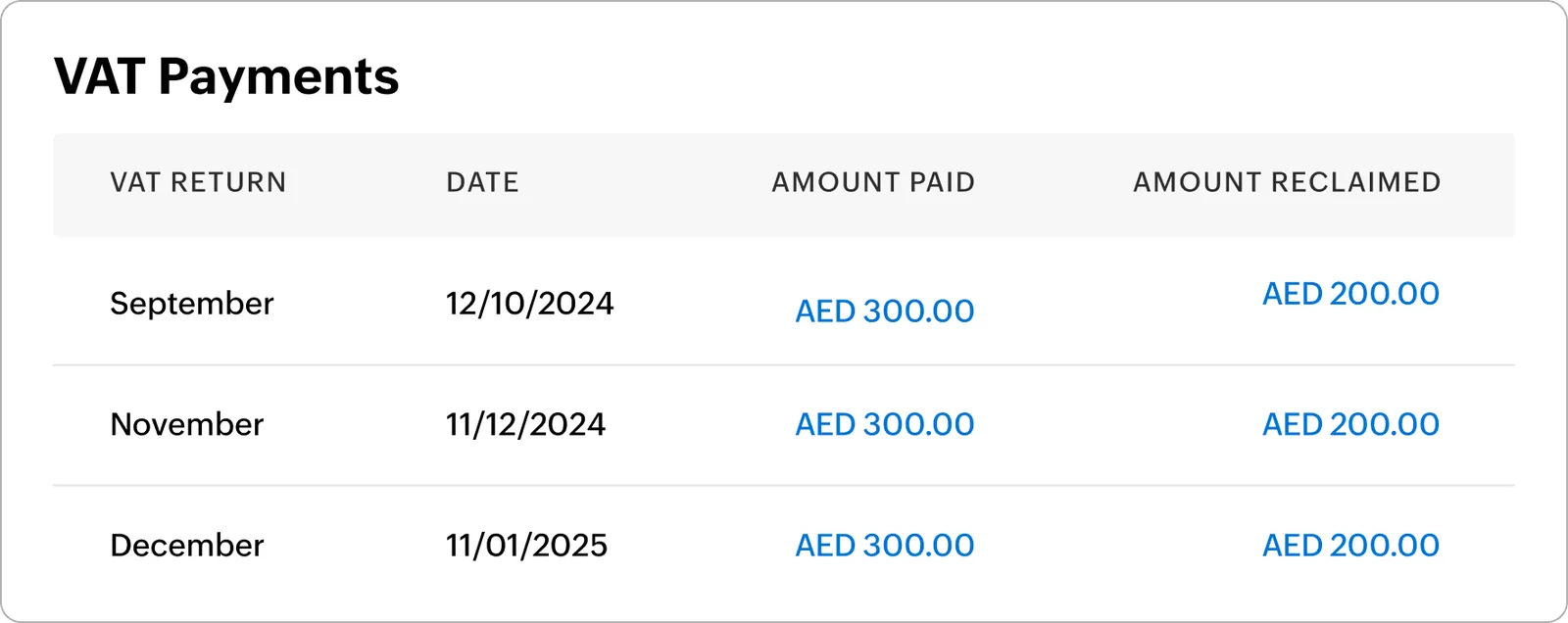
We keep a simple view of what has moved and what is pending.
More on Zoho apps and other migration routes.
We configure the system for the rules UAE businesses report against, and test it before go-live.
General information, not tax or legal advice. Confirm current requirements with the FTA, MOHRE or your advisor. See all UAE compliance guides.
On-site workshops in Dubai, Abu Dhabi and Sharjah, and remote or on-site delivery across the Northern Emirates and free zones.
Official sources and references
Facts on this page were checked against these sources in October 2026. Rules change, so confirm current requirements before acting.
Still have a question? Our consultants are happy to help.
Ask an ExpertZoho has offered migration helpers for QuickBooks in some editions, and Zoho Books accepts CSV and XLS imports for contacts, items and transactions. We check what your edition supports and use templates where a helper does not cover your data.
Usually very little for bookkeeping, since the concepts are similar. Most training time goes on the apps around Zoho Books, such as approvals, projects, inventory or CRM.
We turn them into reporting tags in Zoho Books. A mixed class list is usually split into separate tags, for example department and branch, so reports can be filtered on each.
The UAE edition supports TRN on documents, VAT treatments, reverse charge and VAT return data for filing on EmaraTax. If accreditation matters to you, check the FTA's current Tax Accounting Software Register, and have your tax advisor review the setup.
Zoho One makes sense when several departments will use Zoho apps, because it bundles them under one subscription. If only finance will use Zoho, Zoho Books alone is often more economical.
Related Solutions
Related Industries
Related ERP Platforms
Tell us your QuickBooks edition and the teams involved, and we will recommend the right Zoho setup and migration plan.
Dubai, United Arab Emirates