
L
O
A
D
I
N
G


Zoho, Odoo, ERPNext, Dynamics 365 and custom ERP, delivered by one accountable team.

Standard CRM covers leads, deals and contacts. Your business also has tender numbers, consultant approvals, distributor tiers and site visits. Customization adds those without turning the CRM into something nobody can upgrade.
CRM customization should add what your sales process needs, such as tender fields, approval chains, role-based layouts, stage rules and custom modules, using each platform's supported methods: Zoho admin tools and Deluge, Odoo addons that extend rather than overwrite, ERPNext custom apps and Dynamics 365 solutions. Changes are built and tested in a sandbox first and documented.
CRM customization in the UAE is the work of changing a CRM beyond its standard setup: adding fields and record types, redesigning layouts, enforcing stage rules, building approval chains, writing scripts and occasionally creating whole new modules. It starts once the CRM is live, or as part of an implementation, when out-of-the-box screens no longer match how your teams work.
Common examples from UAE businesses include a contractor that needs a 'tender' record with submission date, bond amount and consultant name; a distributor that must block quotations below a minimum margin unless the sales manager approves; a real estate brokerage that tracks permit and listing references; and a services firm that wants a site survey form completed on mobile before a quote is allowed. Each is reasonable. Done carelessly, twenty such changes produce a slow, fragile CRM that breaks at the next upgrade.
Our approach follows the same principles as wider ERP customization: configure first, script second, develop only when needed, and keep every change documented. Changes that touch other systems, such as syncing a custom field to accounting, are handled together with CRM integration.

Both under- and over-customization cost sales time.
Salespeople type tender numbers, consultant names or project values into a free-text description. Nothing can be filtered or reported, so management asks for the same information by email.
Discounts and payment terms are approved by a quick message to the manager. The CRM shows the final price but not who approved it or why, which causes disputes later.
Every role sees the same 60-field screen. Inside sales, field sales and key account managers each scroll past fields they never use, and data entry suffers.
A previous developer wrote functions and triggers without documentation. When something fails, nobody knows which rule fired, and staff work around errors manually.
Core objects were modified directly instead of extended. Each platform update becomes a project in itself, so the company stays on an old version.
Every change, however small, follows a short controlled path. This keeps the CRM consistent and auditable.
One shared database: every step updates stock, finance and reports in real time.
From simple field changes to custom modules, grouped by complexity.
Industry data such as tender reference, emirate, free zone, project type or consultant, with validation.
Different screens for inside sales, field sales, key accounts and managers, showing only what each needs.
Mandatory data before a deal moves stage, for example a site survey before quotation.
Discount, credit term and special pricing approvals routed by amount, product group or branch.
New record types such as tenders, site visits, samples or service contracts linked to accounts and deals.
Bilingual English and Arabic layouts, VAT summaries, terms by product line and branch letterheads.
Calculated fields, auto-numbering, record creation and external calls where configuration is not enough.
Reports on your custom data, such as tender win rate by consultant or margin by product group.
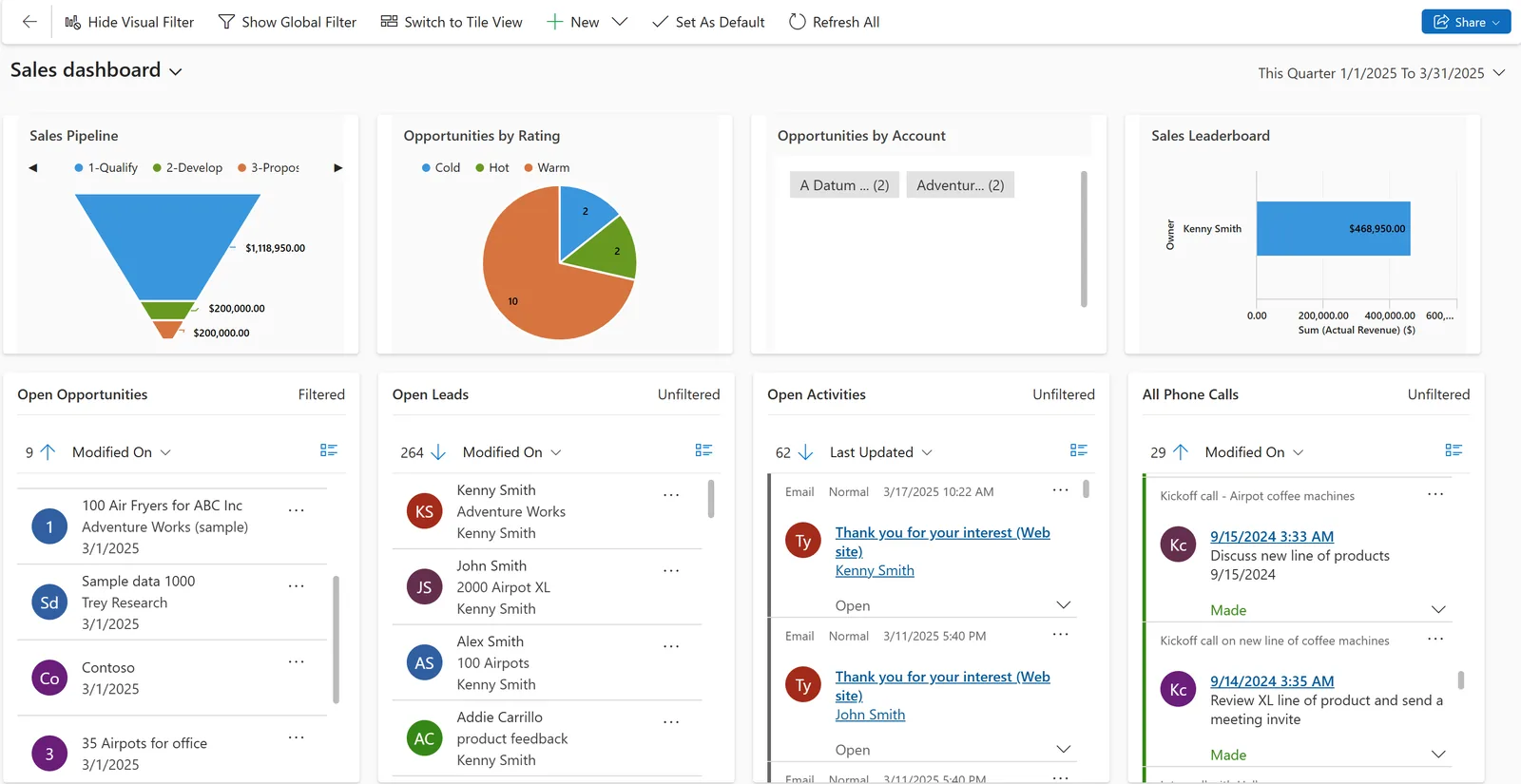
Customization is only useful if the new fields feed decisions. These are reports we typically build on top of custom data.
Each platform has a preferred, upgrade-safe way to customize. We stay within it wherever possible.
| Zoho | Odoo | ERPNext | Dynamics 365 | |
|---|---|---|---|---|
| Fields and layouts | Admin console layouts, custom fields and layout rules | Studio (Enterprise) or custom module views | Customize Form and Custom Field | Power Apps form and table designer |
| Process rules | Blueprint, validation rules and workflow rules | Automated actions and server actions | Workflow doctype and server scripts | Business process flows and business rules |
| Approvals | Approval processes and Blueprint transitions | Approval rules via Studio or modules | Workflow states with roles | Power Automate approvals |
| Scripting | Deluge functions and custom buttons | Python in custom modules | Client and server scripts; Frappe apps | Plugins (C#), JavaScript web resources, Power Fx |
| Custom modules | Custom modules within edition limits | New models in a custom addon | New doctypes in a custom app | Custom Dataverse tables in a solution |
| Safe deployment | Sandbox on higher editions | Staging database and module versioning | Separate site or bench for testing | Solutions moved between environments |
Limits and tools vary by edition and version; confirm for your licence.
When a custom field or record must appear elsewhere, we design the sync at the same time.
Customization can quietly weaken controls. These are the UAE-relevant ones we protect. Confirm tax points with your advisor.
Changes to price, discount, credit terms and customer TRN should stay field-tracked so you can show who changed what and when.
Custom quotation logic should not override the platform's 5% VAT calculation and tax codes. We extend templates rather than hard-code tax amounts.
New fields holding personal data, such as Emirates ID or passport details, need restricted visibility under the UAE PDPL. We apply field-level security where the platform allows.
Custom customer fields must not duplicate standard ones such as TRN, which future PINT AE e-invoices will draw on. Check the latest MoF/FTA guidance for required fields.
General information, not tax or legal advice. Rules change; confirm current FTA, MOHRE and Ministry of Finance guidance with your advisor.
Well-judged changes make the CRM fit without making it fragile.
Data that used to live in notes and side spreadsheets becomes structured and reportable.
Every special price or term carries an approver and a timestamp.
Upgrade-safe methods mean new platform features can be adopted without a rebuild.
Role-based layouts make the CRM easier for new hires to learn.
Small changes ship in days; larger packages run as short releases. Ranges are typical.
Durations are typical ranges; your plan is agreed after discovery.
Collect requests, remove duplicates and decide what configuration alone can solve.
Field lists, rules and screen mock-ups agreed with process owners.
Development in sandbox, peer review and user acceptance testing.
Deployment, short training note and updated configuration log.
We configure the system for the rules UAE businesses report against, and test it before go-live.
General information, not tax or legal advice. Confirm current requirements with the FTA, MOHRE or your advisor. See all UAE compliance guides.
On-site workshops in Dubai, Abu Dhabi and Sharjah, and remote or on-site delivery across the Northern Emirates and free zones.
Official sources and references
Facts on this page were checked against these sources in October 2026. Rules change, so confirm current requirements before acting.
Still have a question? Our consultants are happy to help.
Ask an ExpertNot if it uses each platform's supported methods: Zoho's admin tools and Deluge, Odoo addons that extend rather than overwrite, ERPNext custom apps, and Dynamics 365 solutions. We avoid editing core code.
Yes. We start with an audit of fields, rules and scripts, document what each does, and remove or rebuild what is broken or unused.
Odoo Studio, the no-code designer, is an Enterprise feature. On Community, the same changes are made through custom modules by a developer. See Odoo customization for details.
Mostly through layouts, Blueprint, validation rules and Deluge functions, with custom modules within edition limits. Our Zoho customization team handles more complex Zoho builds.
Yes, bilingual templates are common. Layout tools differ by platform, so we confirm font and right-to-left handling during design.
No. Customization extends an existing platform. A fully custom CRM is rarely necessary; if your process is unusual, compare options with our CRM consulting team first.
Related Solutions
Related Industries
Related ERP Platforms
Send us your list of CRM change requests and we will sort them into configuration, scripting and development with a release plan.
Dubai, United Arab Emirates










