
L
O
A
D
I
N
G


Zoho, Odoo, ERPNext, Dynamics 365 and custom ERP, delivered by one accountable team.

Move from a whiteboard sequence to a finite-capacity schedule that respects shifts, changeovers and material readiness, and can be rebuilt in minutes when a machine stops.
Production scheduling software decides which job runs on which machine, in what order and when, using a finite-capacity schedule. For UAE factories it respects shift calendars, setup and changeover times, routings and whether material and tooling have arrived. It replaces whiteboards and color-coded Excel sheets with a Gantt planning board that can be rebuilt quickly when a machine stops or a rush order arrives.
Production scheduling software UAE plants adopt is about the short term: which job runs on which machine, in what order, starting when. The weekly plan has already fixed the quantities. The schedule turns those quantities into a sequence on each line, injection molding machine, CNC, oven or filling station, taking account of the shift calendar, setup times and whether the material has actually arrived.
In many Sharjah and Dubai factories, the schedule today is a whiteboard in the supervisor's office or a color-coded Excel sheet. It reflects years of knowledge, such as running light colors before dark ones in plastics, or allergen-free batches before nut products in food. The problem is that this knowledge is not visible to sales or purchasing, and when a machine breaks or a rush order arrives, rebuilding the board takes the supervisor half a shift.
An ERP-based schedule keeps the same logic but makes it shared and fast to change. It starts from released work orders, created from the production plan, and it feeds the shop floor terminals where operators start and finish jobs. This page focuses on the scheduling step itself; for the floor-level execution, see shop floor management.
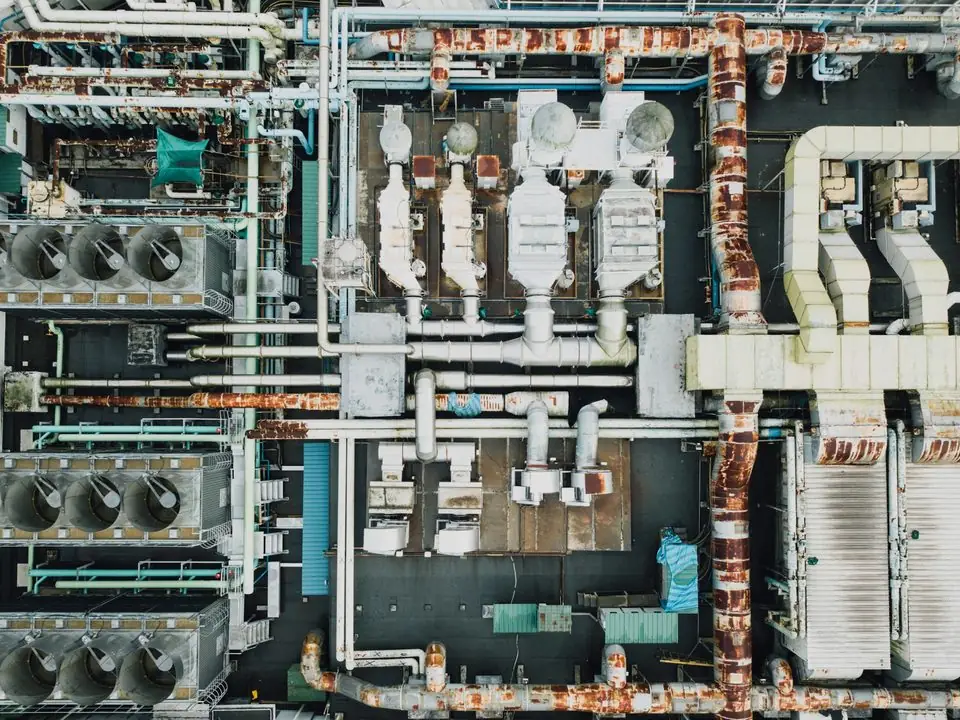
These are the scheduling problems supervisors and planners raise most often.
Jobs are lined up as if every machine runs 24 hours with no setups or breaks. By Wednesday the schedule is a day behind and nobody knows which orders will be late.
Jobs are run in order-received sequence, so the line switches mold, color or pack size several times a day. Each changeover costs time, material and labor.
A job is scheduled, the operator is ready, and the film or the label is still in customs clearance. The machine stands while the supervisor reshuffles.
A key customer calls for an urgent delivery. The rush job is squeezed in, and the effect on other orders is only discovered when they miss their dates.
Ramadan working hours, public holidays and maintenance shutdowns are not reflected, so the schedule promises output that cannot be produced.
Actual start and finish times are written on paper and never reach the schedule, so the next day starts from a fiction.
Scheduling usually runs daily, with a firm window for the next one or two shifts.
One shared database: every step updates stock, finance and reports in real time.
Scheduling depends on clean routing and calendar data, and it must talk to the floor.
Each machine or line with its available hours, efficiency and number of parallel units.
Setup and run times per operation, so the schedule knows how long each job will really take.
Shift patterns, breaks, public holidays, Ramadan hours and planned maintenance windows.
A visual board per machine where planners drag jobs and see conflicts and late orders at once.
Component reservations and expected receipts checked before a job is fixed on the schedule.
Preventive maintenance blocks time on machines, linked to machine maintenance plans.
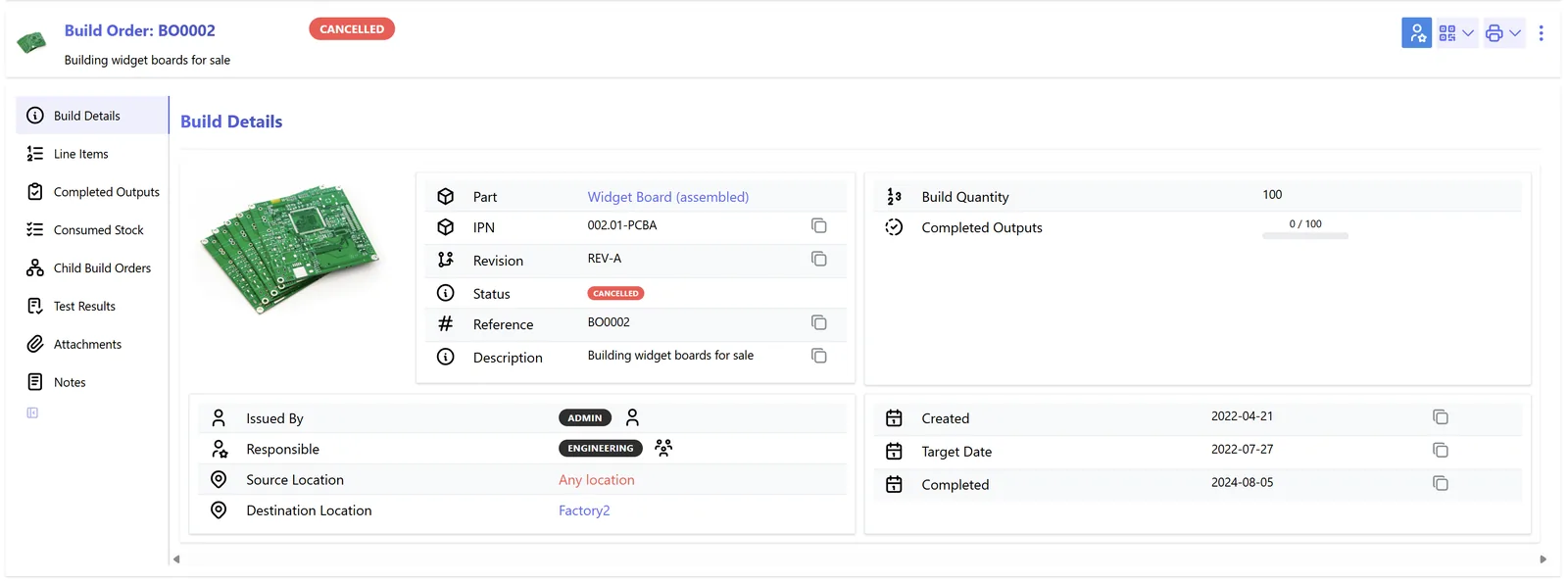
The schedule should show both the sequence and the risk to customer dates.
Scheduling depth differs widely between platforms and editions. Confirm the features for your version, and consider a specialist scheduling add-on for very complex plants.
| Zoho | Odoo | ERPNext | Dynamics 365 | |
|---|---|---|---|---|
| Scheduling basis | No native machine scheduling; usually a custom Zoho Creator app | Work orders planned on work centers based on availability and capacity | Job cards scheduled on workstations when capacity planning is enabled | Capacity-based scheduling in Business Central; operations and job scheduling in Supply Chain Management |
| Visual board | Custom views in Creator | Gantt view of work orders by work center (Enterprise) | Calendar and Gantt-style views of job cards | Production schedule views; Gantt for jobs in Supply Chain Management |
| Working calendars | Custom | Working hours per work center | Workstation working hours and holiday lists | Shop calendars and capacity calendars |
| Changeover logic | Custom rules | Setup time per operation; sequencing is largely manual | Setup time on operations; sequencing manual | Setup times and more scheduling options in Supply Chain Management |
| Typical fit | Simple assembly where a basic board is enough | SMEs wanting integrated scheduling without a separate tool | Plants with modest scheduling complexity | Complex multi-line plants needing finite capacity |
We implement all four and recommend by fit, including when a specialist scheduler is justified.
A schedule improves when it hears from machines, people and suppliers.
Schedules involve people and working time, so labor rules apply. This is general information, not legal advice.
UAE Labour Law sets limits on normal working hours and overtime, and private sector hours are typically reduced during Ramadan. Reflect these in shift calendars rather than adjusting by hand.
Overtime created by the schedule must be paid correctly and flows into salaries paid through WPS. Linking actual job hours to attendance helps payroll stay accurate.
Outdoor work is restricted during the summer midday break each year. If yard, loading or outdoor fabrication operations are scheduled, apply the restricted hours to those work centers.
General information, not tax or legal advice. Rules change; confirm current FTA, MOHRE and Ministry of Finance guidance with your advisor.
The results show up on the floor and in customer delivery.
Grouping similar jobs reduces changeovers and cleaning, so more of each shift is spent producing.
The impact of a breakdown or rush job on customer dates is visible immediately, so sales can manage expectations.
Material checks before scheduling stop jobs from being lined up when components are not available.
Sales, purchasing and maintenance see the same schedule instead of calling the supervisor.
Durations are typical ranges and depend on routing data quality and the number of machines.
Durations are typical ranges; your plan is agreed after discovery.
Confirm setup and run times per operation. Estimates from the floor are a fair start and improve with actuals.
Configure shifts, holidays, maintenance windows and sequencing preferences.
Schedule one line in the ERP, compare it with the whiteboard and collect actuals from operators.
Extend to all lines and connect floor feedback so the schedule updates during the shift.
We configure the system for the rules UAE businesses report against, and test it before go-live.
General information, not tax or legal advice. Confirm current requirements with the FTA, MOHRE or your advisor. See all UAE compliance guides.
On-site workshops in Dubai, Abu Dhabi and Sharjah, and remote or on-site delivery across the Northern Emirates and free zones.
Official sources and references
Facts on this page were checked against these sources in October 2026. Rules change, so confirm current requirements before acting.
Still have a question? Our consultants are happy to help.
Ask an ExpertPlanning sets quantities by week or month. Scheduling sets the sequence and timing on each machine for the next shifts or days. Both are needed, and the schedule should never quietly change the plan's quantities.
No. Factory scheduling assigns jobs to machines and lines. Technician scheduling assigns field engineers to customer sites, with travel time and skills as the main constraints.
Yes, mainly through fewer changeovers and less idle time. The effect shows when you compare planned and actual cost in production costing.
Record the downtime on the machine, then let the system move affected jobs to other machines or later slots. Tracking reasons through downtime management shows which machines cause the most rescheduling.
Most SMEs do not. The ERP's scheduling is usually enough when there are a few lines and simple rules. Plants with many machines, complex sequencing or tight changeover rules sometimes add a specialist tool connected to the ERP.
Schedule adherence and jobs at risk fit on a production dashboard reviewed at the start of each shift.
Related Solutions
Related Industries
Related ERP Platforms
We review your lines, routings and shift patterns and show how scheduling would work in the platform that fits your plant.
Dubai, United Arab Emirates










