
L
O
A
D
I
N
G


Zoho, Odoo, ERPNext, Dynamics 365 and custom ERP, delivered by one accountable team.

Give operators and supervisors simple tablet screens to start jobs, record output and scrap, call for material and log stoppages, so the office stops waiting for paper job sheets.
Shop floor management software gives operators and supervisors tablet screens to start and finish jobs, record good and rejected quantities, confirm material issues, log stoppage reasons and run quality checks at the machine. This replaces paper job sheets typed in the next day, so UAE manufacturers see output, labor time and losses during the same shift and cost products accurately.
Shop floor management software UAE manufacturers deploy has one job: get accurate, timely data from the people and machines doing the work. Planning, scheduling and costing all happen in the office. But the quantities produced, the minutes spent, the material actually used and the reasons a machine stopped are only known at the machine. If that information arrives a day later on a handwritten sheet, every report built on it is a day late and often wrong.
Factories in Dubai Industrial City, Jebel Ali, Sharjah and Ajman typically employ multilingual crews, many of whom will never use a desktop ERP screen. The answer is not more forms. It is a few large-button screens on a shared tablet or terminal at each line: scan the job card, press start, enter good and rejected quantities, choose a stoppage reason from a list, and press finish. Supervisors see the result immediately, and the office gets clean data without re-keying.
This page covers execution and data capture on the floor. The order itself, from release to closure, is covered under work order management, and the value of half-finished jobs is covered under work in progress.
These problems are typical in plants that rely on paper job sheets and end-of-shift reports.
Sheets are collected at the end of the shift and typed in the next morning, if at all. Progress, stock and cost are always a day behind.
Good output, rejects and material issued are recorded on different sheets by different people. The numbers rarely reconcile, and the gap is written off at month-end.
Without job-level time capture, labor is spread evenly across products. Products that tie up skilled operators for hours look as cheap as simple ones.
Short stops for material, adjustments or waiting for a forklift are never written down. The line seems busy, yet output is well below what it should be.
Supervisors spend much of the shift walking between machines and answering calls about job status instead of solving problems.
Complex forms in English discourage accurate entry. Operators guess or leave fields blank.
Each step is a tap or a scan for the operator, and each one updates the ERP immediately.
One shared database: every step updates stock, finance and reports in real time.
Shop floor control combines several modules, presented through simple operator screens.
Large-button screens for job start, pause and finish, usable with gloves and in several languages where the platform supports it.
Operation-level records of who worked, on which machine, for how long and with what output.
Component issue or backflush at operation finish, with scanning through barcode inventory to avoid wrong lots.
Inspection steps and measurements at the station, linked to manufacturing quality control.
Short lists of reasons that operators pick in one tap, feeding downtime and scrap analysis.
Live status of every machine and job, with alerts for stopped lines and late operations.
Drawings, setup sheets and SOPs attached to the operation and shown on screen at the right step.
Clock-in data from HR compared with job hours, so idle and indirect time are visible.
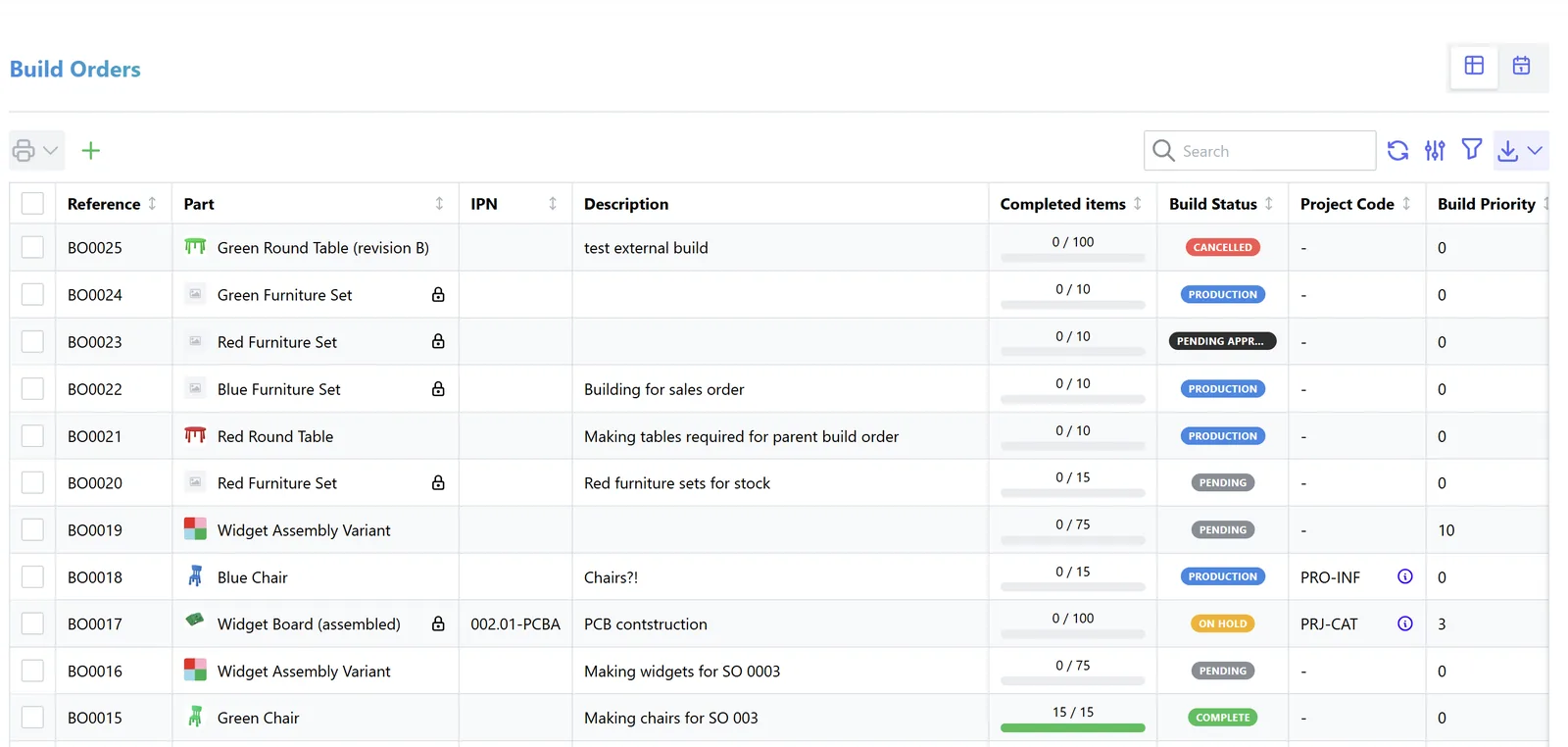
Shop floor data becomes useful when it is visible while there is still time to act.
Operator interfaces have improved a lot in recent releases. Confirm what your edition includes and test it with real operators.
| Zoho | Odoo | ERPNext | Dynamics 365 | |
|---|---|---|---|---|
| Operator interface | Custom Zoho Creator mobile app built for your process | Shop Floor app for operators in recent Enterprise versions; tablet view of work orders in earlier ones | Job Card forms on mobile or tablet; Plant Floor view in recent versions | Production floor execution interface in Supply Chain Management; journals and add-ons in Business Central |
| Time tracking | Custom timers in Creator | Start, pause and finish timers per work order | Time logs on job cards per employee | Job registration and output or capacity journals |
| Quality at station | Custom forms | Quality control points in Enterprise | Quality Inspection linked to job cards | Quality orders in Supply Chain Management; extensions in Business Central |
| Stoppage capture | Custom | Block work center with loss reason | Downtime Entry records | Indirect activities and stop reasons |
| Typical fit | Simple assembly or highly specific processes | SMEs wanting an integrated operator app | Plants comfortable configuring forms | Larger plants needing structured execution |
We implement all four platforms and recommend by fit. See our Odoo Manufacturing page for one widely used option.
Hardware choices matter as much as software on the shop floor.
Shop floor data touches labor, payroll and records. This is general information, not legal or tax advice.
Job time and attendance data support correct overtime under UAE Labour Law and help payroll pay accurately through WPS.
Operator sign-ins, biometric data and performance records are personal data. Limit access, define retention and consider the UAE Personal Data Protection Law when designing the system.
Recording incidents, safety checks and equipment status at the station supports the records that local authorities and free zone regulators may ask for.
Consumption and output postings form part of the accounting records behind inventory valuation, which generally must be kept for at least five years.
General information, not tax or legal advice. Rules change; confirm current FTA, MOHRE and Ministry of Finance guidance with your advisor.
The improvements come from faster, more honest data.
Supervisors and managers see output and problems during the shift, not the next morning.
Job-level time feeds product cost, so pricing reflects the actual effort.
Short stops, waiting time and rework become visible, which is the first step to reducing them.
No re-keying of job sheets, and fewer stock adjustments at month-end.
Durations are typical ranges and assume work orders and routings are already in the ERP.
Durations are typical ranges; your plan is agreed after discovery.
Observe each line, agree what operators record, and keep reason lists short.
Configure operator screens, install tablets and scanners, and test in the real environment, including heat and dust.
Run one line with operators and supervisors, then simplify anything they find slow.
Extend line by line with on-floor coaching in the crew's languages.
We configure the system for the rules UAE businesses report against, and test it before go-live.
General information, not tax or legal advice. Confirm current requirements with the FTA, MOHRE or your advisor. See all UAE compliance guides.
On-site workshops in Dubai, Abu Dhabi and Sharjah, and remote or on-site delivery across the Northern Emirates and free zones.
Official sources and references
Facts on this page were checked against these sources in October 2026. Rules change, so confirm current requirements before acting.
Still have a question? Our consultants are happy to help.
Ask an ExpertIt overlaps. A full manufacturing execution system adds deep machine integration, genealogy and detailed sequencing. Most UAE SMEs get what they need from the ERP's shop floor features plus a few device links.
They do when screens are simple: a scan, a few large buttons and a reason list. Long forms fail. We design and test screens with operators before rollout.
Backflush stable, low-value components at operation finish. Issue critical, lot-controlled or variable materials manually with a scan so you can trace them.
Record rejected quantity and reason at the operation where it happens. That data feeds scrap management and shows which step and material cause losses.
Yes, through IoT gateways that read counters or PLC signals. Start with manual entry, then automate the counts on the machines where volume justifies it.
Output, stoppages and scrap roll up into a production dashboard, and repeated stoppages feed downtime analysis.
Related Solutions
Related Industries
Related ERP Platforms
We walk your lines, design operator screens your crews will use, and show how floor data flows into stock, cost and dashboards.
Dubai, United Arab Emirates










