
L
O
A
D
I
N
G


Zoho, Odoo, ERPNext, Dynamics 365 and custom ERP, delivered by one accountable team.

Every inbound delivery checked against the purchase order, inspected where needed and posted as a GRN that drives stock, cost and supplier payment.
An ERP goods receipt process records what physically arrived against the approved purchase order, applies over- and under-delivery tolerances, holds goods needing inspection, captures batch and expiry details, and adds freight, duty and clearing charges as landed cost. The posted GRN then updates stock and lets accounts payable run a three-way match before paying UAE suppliers.
ERP for goods receipt UAE is about the moment a supplier's truck reaches your gate. A storekeeper checks the delivery note, counts what is on the pallets and records a goods received note (GRN). That single document updates stock, sets the item cost, tells purchasing what is still outstanding and tells accounts payable what it may pay for. When the GRN is wrong, every number downstream is wrong too.
In many UAE trading, contracting and manufacturing companies the receipt is still a signed paper delivery note that waits in a tray until someone types it in. Quantities are entered as invoiced rather than as received, damaged cartons are accepted without comment, and batch or expiry details are skipped. A proper receiving process starts from the approved purchase order (see purchase order management), records what physically arrived, holds goods that need inspection and only then releases them to stock.
This page covers inbound receipts from suppliers and from your own production. Stock leaving the warehouse is covered on our page on ERP for goods issue, and storing received goods in the right bin is covered under warehouse putaway.

These are the issues we see most often when reviewing receiving processes in Dubai, Sharjah and Abu Dhabi warehouses.
Paper delivery notes are keyed in at the end of the week. Meanwhile the system shows the item as out of stock and sales teams turn customers away.
A supplier sends 120 units against an order for 100 and the extra is absorbed into stock. Accounts payable then receives an invoice for 120 and pays it.
Goods that need checking, such as food, pharmaceuticals or electrical items, go straight to the shelf. Rejects are found only when a customer complains.
Freight, customs duty and clearing agent fees are booked as expenses instead of being added to item cost. Margins look better than they are on imported lines.
Without a GRN linked to the purchase order, AP cannot run a three-way match. Bills are approved on trust, and goods received but not yet invoiced are missing from month-end accruals.
The workflow below applies to local suppliers and imports. Imports add customs clearance and landed cost steps.
One shared database: every step updates stock, finance and reports in real time.
Receiving connects purchasing, inventory, quality and accounts payable. These are the parts we configure.
Approved orders with quantities, prices and delivery dates that the storekeeper receives against.
Full and partial receipts with tolerance rules for over- and under-delivery, plus a printed or digital GRN.
Inspection templates by item group, with accept, reject or hold decisions recorded against the receipt.
Lot numbers, serials and expiry dates captured at receipt, when the supplier's labels are in front of you.
Freight, duty, insurance and clearing charges spread across receipt lines by value, weight or quantity.
Supplier bills matched to PO and GRN, with an accrual for goods received but not yet invoiced.
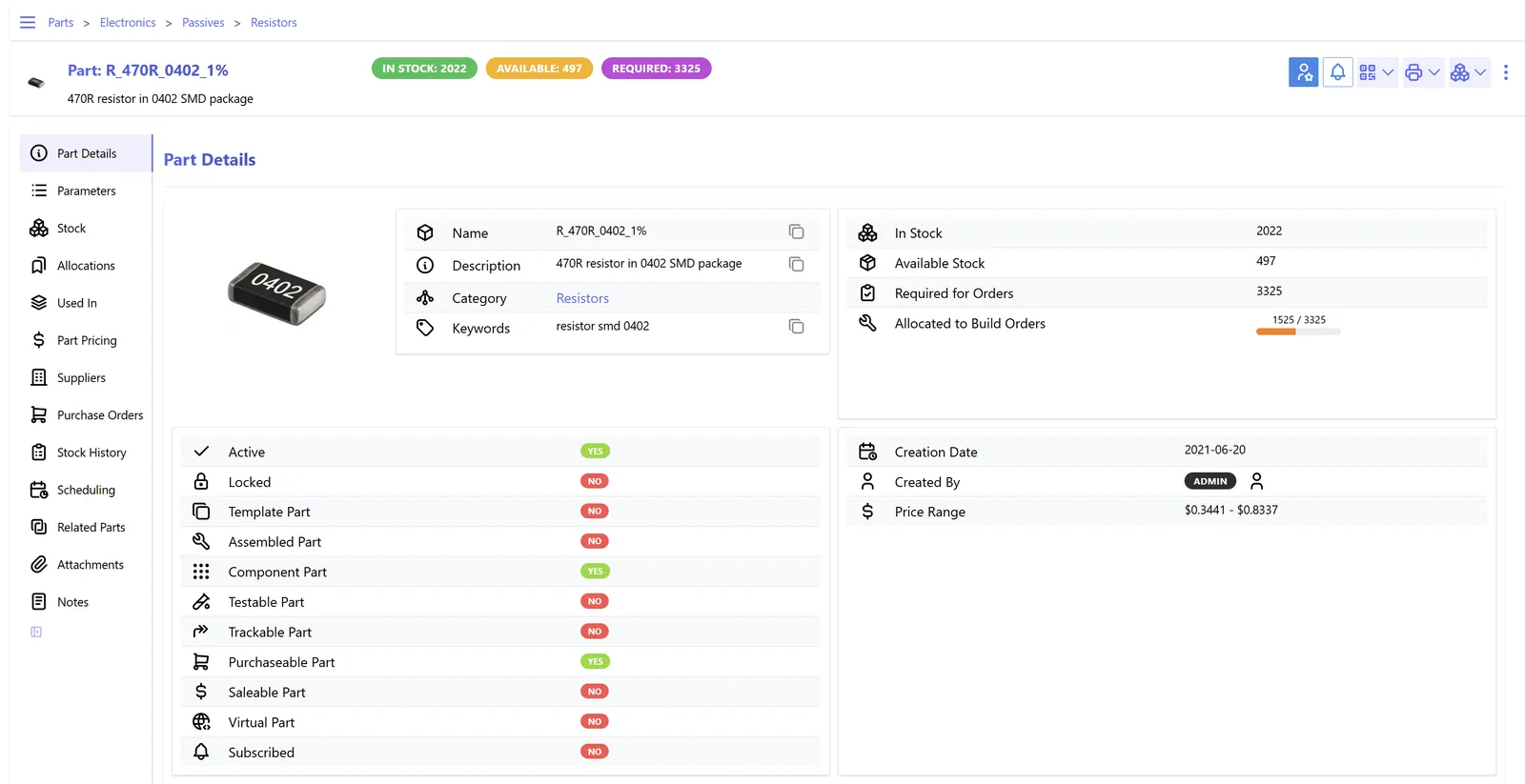
Receiving managers and procurement need the same view of what is due, what has arrived and what is stuck.
Each platform we implement handles receipts against purchase orders. The differences are in inspection, landed cost and accrual handling. Capabilities vary by edition and version, so confirm for yours.
| Zoho | Odoo | ERPNext | Dynamics 365 | |
|---|---|---|---|---|
| Receipt document | Purchase Receives against purchase orders in Zoho Inventory | Receipt operation created from the purchase order | Purchase Receipt created from the purchase order | Posting the receipt on the purchase order, or a Warehouse Receipt where the location requires it (Business Central) |
| Partial and over-receipt | Partial receives supported; over-receipt control is limited, so confirm for your edition | Backorders for partial receipts; bill control based on ordered or received quantity | Partial receipts; over-receipt allowance percentage in stock settings | Partial receipts and backorders; over-receipt codes in recent Business Central versions |
| Inspection before stock | Typically handled with a separate inspection warehouse or custom status | Two- or three-step receipt (input, quality, stock) and the Quality app (Enterprise) | Quality Inspection can be made mandatory before the purchase receipt is submitted | Quality management in Supply Chain Management; in Business Central usually via a partner app or a quarantine location |
| Landed cost | Landed cost allocation on bills in recent editions; confirm for yours | Landed costs feature in Inventory, allocated by value, quantity, weight or volume | Landed Cost Voucher applied to purchase receipts | Item charges assigned to receipt lines |
| Batch and expiry at receipt | Batch number and expiry captured on the receive | Lots and serials with expiry dates on receipt lines | Batch with expiry date created on the receipt | Item tracking lines with lot, serial and expiration date |
| Received, not invoiced | Reported through open receipts and unbilled purchase orders | Accrual handled through stock interim accounts in perpetual valuation | Stock Received But Not Billed account updated on receipt | Expected cost and interim accounts when configured |
| Mobile receiving | Mobile app with barcode scanning | Barcode app (Enterprise) | Browser or mobile scanning on the receipt form | Warehouse mobile app or partner apps, depending on product |
Receiving data often starts outside the ERP. These links reduce typing at the dock.
Receiving records feed VAT, customs and audit evidence. This is general information, not tax advice; confirm the treatment with your tax advisor.
For imports, the customs declaration number, duty paid and import VAT need to be recorded with the receipt or its landed cost. VAT-registered importers generally account for import VAT through their VAT return, so the VAT setup in your ERP should link those references.
Input VAT on local purchases is recoverable only with a valid tax invoice showing the supplier TRN and required fields. Matching the bill to the GRN confirms the goods were actually received before tax is claimed.
Under the UAE e-invoicing program, supplier invoices will increasingly arrive as structured PINT AE data through Accredited Service Providers, with mandatory phases from 1 January 2027 for larger businesses. A clean PO and GRN process makes automatic matching realistic. Check the latest Ministry of Finance / FTA guidance for dates.
GRNs, delivery notes, inspection results and customs papers are accounting records. Keep them for at least five years, attached to the transaction.
General information, not tax or legal advice. Rules change; confirm current FTA, MOHRE and Ministry of Finance guidance with your advisor.
Better receipts improve stock accuracy, supplier performance and the accuracy of margins.
Goods are in the system when they are on the dock, so sales and production can use them the same day.
Three-way matching stops payment for short or rejected deliveries.
Landed cost puts freight and duty into inventory value, which matters for imported lines. See our landed cost software page for allocation methods.
On-time and in-full data per supplier replaces impressions with facts at review meetings.
Durations are typical ranges and depend on supplier count and how many item groups need inspection.
Durations are typical ranges; your plan is agreed after discovery.
Walk the dock, review delivery note handling and agree tolerances, inspection rules and landed cost methods.
Set up receipt steps, quality templates, batch rules, landed cost types and accounting for receipts not yet invoiced.
Configure handhelds, item barcodes and internal labels for goods without supplier barcodes.
Receive live for a group of high-volume suppliers and test three-way matching with AP.
Extend to all suppliers and imports, and start the weekly unmatched-receipts review.
We configure the system for the rules UAE businesses report against, and test it before go-live.
General information, not tax or legal advice. Confirm current requirements with the FTA, MOHRE or your advisor. See all UAE compliance guides.
On-site workshops in Dubai, Abu Dhabi and Sharjah, and remote or on-site delivery across the Northern Emirates and free zones.
Official sources and references
Facts on this page were checked against these sources in October 2026. Rules change, so confirm current requirements before acting.
The delivery note is the supplier's document saying what they sent. The GRN is your document saying what you actually received and accepted. Differences between the two are exactly what the receiving process should capture.
Only as an exception, with a reason and approval. Unplanned receipts bypass price and quantity control, so most companies require a PO, even a retrospective one, before stock is accepted.
Record the rejection on the receipt, keep the goods in a quarantine location and raise a return to supplier. Where inspection is formal, a quality management module keeps the test results with the batch.
At receipt, while the supplier label is in front of the storekeeper. Capturing batches later is unreliable. Our page on batch tracking covers traceability after that point.
Broadly yes. Finished output is received into stock against the work order instead of a purchase order, at production cost. We cover that flow on our finished goods page.
Usually by value for duty and insurance, and by weight or volume for freight. The allocation is applied to the receipt lines, so item cost reflects the full cost of bringing the goods to your warehouse.
Related Solutions
Related Industries
Related ERP Platforms
We review your receiving, inspection and matching steps and show how a GRN-driven process fits your ERP.
Dubai, United Arab Emirates










