
L
O
A
D
I
N
G


Zoho, Odoo, ERPNext, Dynamics 365 and custom ERP, delivered by one accountable team.

Connect order release, picking, packing, courier handover and invoicing so every order ships complete, on time and fully accounted for.
An ERP manages pick, pack and ship by running each order on one record: release only when stock is allocated and credit cleared, group pick lists into waves around courier cut-offs, scan items at the pack station, print labels and airway bills, hand over on a carrier manifest, then post the invoice, tracking number and proof of delivery. This suits UAE same-day and marketplace delivery deadlines.
ERP for pick pack ship UAE is about the full journey of an order inside your warehouse: the moment it is released, the stock is allocated, a picker collects it, a packer checks and boxes it, a label is printed, and a courier or your own driver takes it away. Each step is simple on its own. The problems come from the handoffs, when an order is released without stock, a packer cannot tell whether a pick was complete, or a parcel leaves without a tracking number in the system.
UAE customers now expect same-day or next-day delivery in Dubai and Sharjah, and marketplaces such as Amazon.ae and Noon set their own dispatch deadlines. B2B buyers expect complete deliveries with a correct tax invoice. That puts pressure on daily cut-off times, wave planning and courier pickups. An ERP that runs the whole flow on one order record keeps the warehouse, customer service and finance looking at the same status. If you sell online, the ecommerce integration decides how quickly orders reach the warehouse in the first place.
This page covers the end-to-end fulfillment flow and its handoffs. The detailed methods for each step have their own pages: warehouse picking, warehouse packing and delivery management.

These are the failures we hear about from distributors, online retailers and 3PL operators.
An order is printed for picking even though the stock is committed elsewhere. The picker finds an empty bin, the order waits, and the customer was already promised delivery today.
Packers work from a printed list and do not scan. A similar SKU in the wrong size or color ships, and the cost of the return and redelivery wipes out the margin.
There is no view of which orders must be packed before the 4 pm pickup. Urgent orders sit behind routine ones and miss the van.
Labels are created on the courier website and the airway bill number never reaches the order. Customer service has to call the warehouse for every where-is-my-order query.
Cash-on-delivery amounts collected by couriers are remitted weekly in a lump sum. Without order-level matching, short remittances and failed deliveries go unnoticed.
One order record moves through each step, so status is visible to everyone without phone calls.
One shared database: every step updates stock, finance and reports in real time.
Fulfillment touches sales, inventory, shipping and receivables. These modules carry the order from release to cash.
Reserve stock by priority, delivery date or channel, and hold orders on credit or payment checks.
Group orders by courier, route or zone so pickers walk less and urgent orders go first.
Scan-to-pack verification, carton type, weight and dimensions recorded on the package.
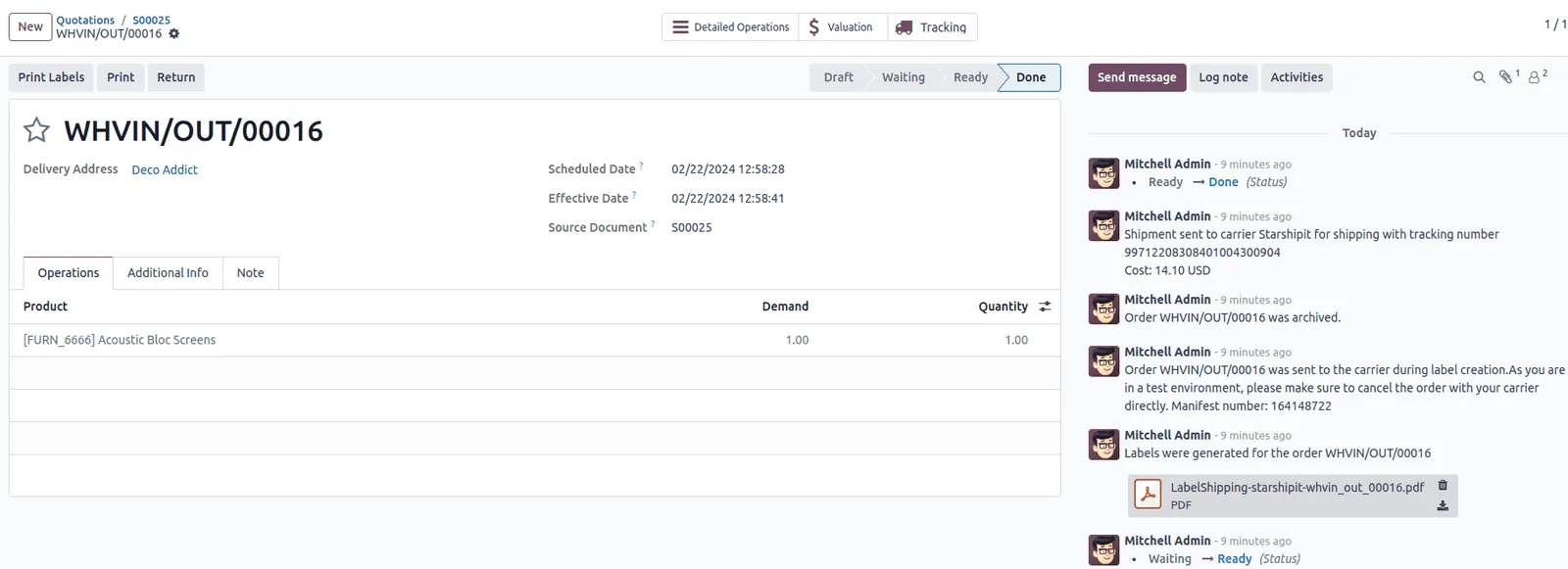
Labels, airway bills and tracking numbers created from the ERP through carrier connectors or APIs.
Tax invoice generated on dispatch or delivery, with the delivery note and package details attached.
Courier remittances matched to orders, with short payments and failed deliveries flagged.
The board is built around today's cut-off times, not yesterday's totals.
All four platforms support a staged fulfillment process. They differ in carrier connectivity and how picking and packing are split. Capabilities vary by edition and version, so confirm for yours.
| Zoho | Odoo | ERPNext | Dynamics 365 | |
|---|---|---|---|---|
| Fulfillment stages | Sales order, picklist, package and shipment in Zoho Inventory | Delivery in one, two or three steps (pick, pack, ship) set per warehouse | Sales order, pick list, delivery note, packing slip and shipment | Warehouse pick and warehouse shipment documents when the location requires them (Business Central) |
| Batch or wave picking | Picklists can combine several orders | Batch and wave transfers | Pick list can be created for multiple sales orders | Pick worksheets combine shipments; waves in Supply Chain Management |
| Pack verification | Package creation from picked items; scan support in the mobile app | Barcode app with pack operation and package tracking (Enterprise) | Packing slip against the delivery note; scanning on forms | Packing usually via partner apps in Business Central; packing stations in Supply Chain Management |
| Carrier labels and tracking | Shipping integrations with several carriers, availability varies by region | Built-in connectors for several international carriers; local UAE couriers often via API or a third-party module | Shipment document; carrier labels through apps or API integration | Shipping agents on documents; labels usually through partner apps or APIs |
| Marketplace orders | Integrations with selected marketplaces and stores | Connectors and apps for marketplaces and online stores | Integrations through apps, middleware or API | Connectors from partners or middleware |
| COD reconciliation | Payments recorded against invoices; courier remittance matching often customized | Payments matched to invoices; courier matching usually configured or customized | Payment entries against invoices; reconciliation tools | Cash receipt journals with application to invoices |
Fulfillment depends on systems outside the warehouse. These integrations remove manual steps at each handoff.
The shipping step triggers tax and documentation duties. This is general information, not tax advice; confirm the treatment with your tax advisor.
For goods, the VAT date of supply is generally linked to when the goods are delivered or made available, or when payment or an invoice comes first. Invoicing on dispatch or delivery keeps the tax invoice aligned with the supply.
Under the UAE e-invoicing program, B2B invoices will be exchanged as PINT AE data through Accredited Service Providers, with mandatory phases from 2027. Retailers selling to businesses should plan for it; our page on e-invoicing for retail companies covers the impact. Check the latest Ministry of Finance / FTA guidance for dates.
Zero-rating exports depends on keeping official and commercial evidence of export. Store customs exit documents and courier proof with the shipment.
Delivery notes, proofs of delivery and courier remittance statements support revenue and VAT records. Keep them for at least five years with the order.
General information, not tax or legal advice. Rules change; confirm current FTA, MOHRE and Ministry of Finance guidance with your advisor.
Improvements show up in customer complaints, courier costs and cash collection.
Scan verification at picking and packing catches wrong items before the box is sealed.
Wave planning around courier pickups gets urgent orders out first.
Tracking numbers and delivery status sit on the order, so customer service can answer immediately.
Order-level remittance matching shows exactly which deliveries each courier still owes you for.
Durations are typical ranges and depend on order volume, channels and the number of carriers.
Durations are typical ranges; your plan is agreed after discovery.
Map channels, carriers, pickup times and packing rules, and decide one-, two- or three-step fulfillment.
Set up allocation rules, pick list grouping, package types, invoice triggers and COD accounts.
Connect courier APIs, label printing and order feeds from stores and marketplaces.
Run one channel or one carrier live and measure pick and pack exceptions.
Switch all channels, train each shift and start daily cut-off reviews.
We configure the system for the rules UAE businesses report against, and test it before go-live.
General information, not tax or legal advice. Confirm current requirements with the FTA, MOHRE or your advisor. See all UAE compliance guides.
On-site workshops in Dubai, Abu Dhabi and Sharjah, and remote or on-site delivery across the Northern Emirates and free zones.
Official sources and references
Facts on this page were checked against these sources in October 2026. Rules change, so confirm current requirements before acting.
Small warehouses often pick and ship in one step. Separate pack stations make sense once order volume or mistake rates justify a verification step. Three steps suit operations with a dedicated dispatch area and multiple carriers.
Usually yes, through a native carrier connector, a third-party app or an API integration. Coverage of local UAE couriers varies by platform, so confirm the carriers you use during selection.
Decide per customer whether backorders are allowed. If they are, the ERP ships what is available and keeps the balance open; if not, the order waits until it can ship complete.
Returns start from the original shipment so the reason, condition and refund are linked. Our return management page covers the reverse flow.
A 3PL runs the same flow for many clients, with client-owned stock and billing per activity. See our page on ERP for 3PL companies.
Import the courier's remittance file, match each line to a delivered order and post the payment. Unmatched or short lines go to an exception list for follow-up with the courier.
Related Solutions
Related Industries
Related ERP Platforms
We map your channels, cut-offs and carriers and design a pick, pack and ship flow that fits your ERP and volume.
Dubai, United Arab Emirates










