
L
O
A
D
I
N
G


Zoho, Odoo, ERPNext, Dynamics 365 and custom ERP, delivered by one accountable team.

Turn the packing bench from a blind spot into a checkpoint: every item scanned into a known carton, weighed, labelled and linked to the order before it reaches the dispatch lane.
An ERP controls warehouse packing by making it a confirmed step between picking and dispatch. Packers scan each item against the sales order or transfer, record contents per carton, capture weight and dimensions, and print packing lists, carton labels and courier labels from the same data. Short picks and damage are logged at the bench, before the customer finds them.
An ERP for warehouse packing in the UAE controls the short but costly step between picking and dispatch: checking that the picked goods match the order, putting them into the right cartons or pallets, recording what is inside each package, and producing the packing list, carton labels and shipping label. Picking errors that slip through here become wrong deliveries, credit notes and angry calls from customers in Sharjah or Abu Dhabi.
In many UAE trading and distribution warehouses, packing is still done from a printed pick slip. The packer counts by eye, writes carton numbers with a marker, and the dispatch clerk types a packing list in Excel for the export customer or the freight forwarder in Jebel Ali. Nobody can later say which carton held which serial number, or why a 12-carton shipment arrived as 11.
This page focuses on the packing step itself: verification, package building, weights, documents and labels. Picking methods are covered in ERP for warehouse picking, the end-to-end order flow in pick, pack and ship, and what happens after the truck leaves in delivery management.

Most packing issues are invisible in the books until a customer disputes a delivery or a forwarder rejects a shipment.
Packers trust the pick slip and do not re-check against the order. A wrong variant or one missing unit is only found when the customer opens the box, and the return costs more than the margin on the line.
When a 20-carton order arrives with one carton damaged, the warehouse cannot tell which items were in it. Claims to the transporter or insurer stall without a carton-level packing list.
Dispatch staff rebuild packing lists, gross and net weights and HS codes by hand for forwarders and customs brokers. Errors between the commercial invoice and the packing list cause delays at the port or at the free zone gate.
Courier and freight charges are billed on actual or volumetric weight, but the ERP only holds an item weight that was never verified. Shipping costs are underquoted to customers and surcharges arrive weeks later.
Cartons, pallets, stretch film and void fill are expensed in bulk with no link to orders. Nobody knows packing cost per order, and the store runs out of the right carton size at peak times.
Items are picked by batch or serial but the link to the carton is lost. Recalls and warranty claims then need a manual search, which batch tracking only solves if packing records the numbers too.
The packing station works from a pack task generated by the ERP, not from paper. Each step updates the order, so dispatch and accounts see the same status.
One shared database: every step updates stock, finance and reports in real time.
Packing sits between inventory, sales and shipping, so the configuration spans several modules rather than one screen.
Multi-step outbound routes (pick, then pack, then ship) so packing is a confirmed stage with its own user and timestamp.
Handheld or bench scanners verify each item and quantity against the order; see ERP barcode integration for hardware and label options.
Package types with tare weight and dimensions, package numbers (often SSCC-style labels), and nested cartons on pallets.
Packing works for customer orders and for inter-branch transfers, with the packed quantity feeding the delivery note.
Courier labels and tracking numbers generated from package weight and destination where a carrier connector is available.
Packed lots and serial numbers are stored per package, so a recall can be traced to the carton and the customer.
Cartons, pallets and film held as consumable stock items and consumed per package or per order.
Packing throughput, error rates and backlog by station, usually shown on a warehouse dashboard.
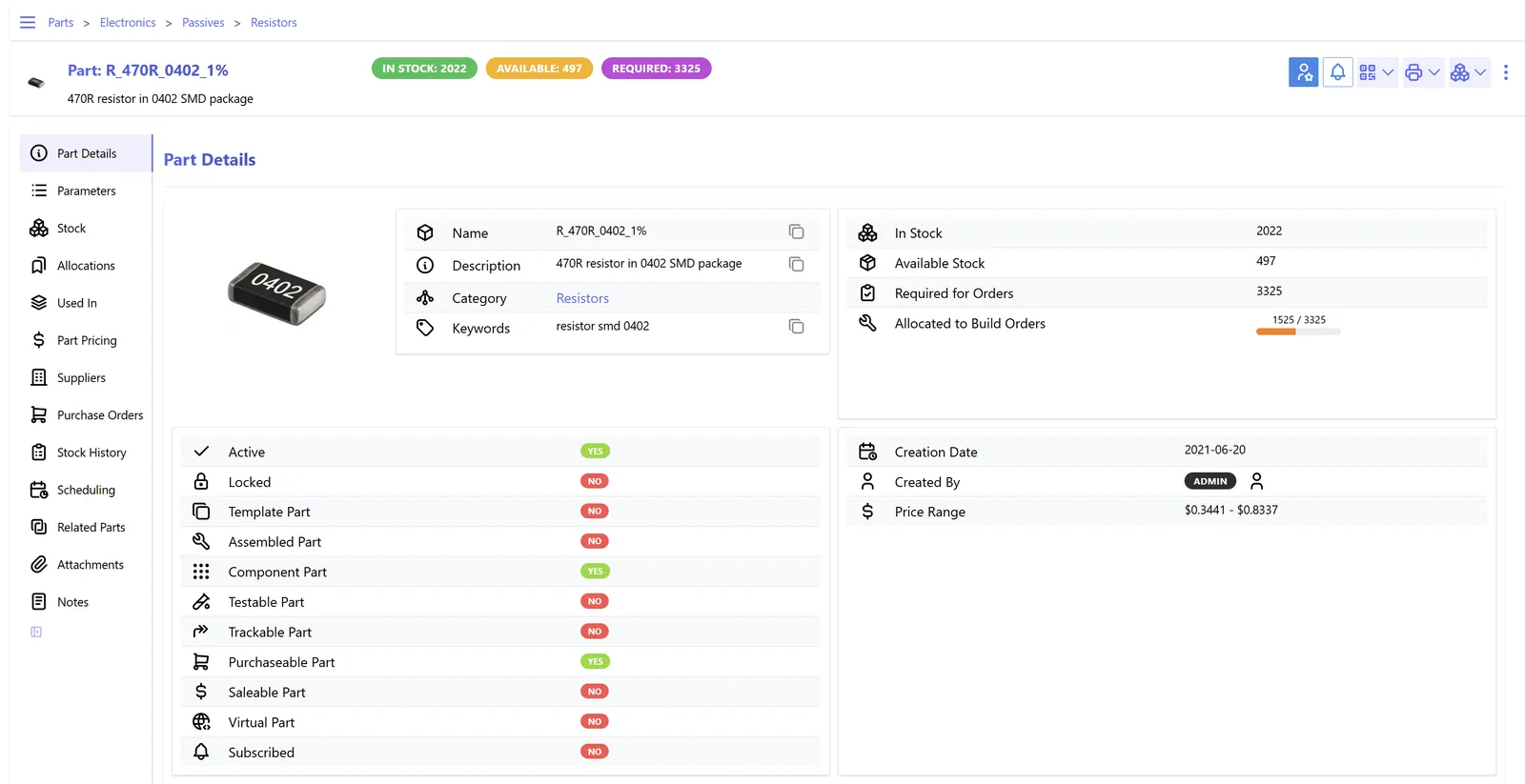
Packing data is most useful when it is reviewed by shift, so bottlenecks are fixed the same day rather than at month end.
All four platforms we implement can support a verified packing step. The depth of carton handling and label printing differs, so confirm the details for your edition and version.
| Zoho | Odoo | ERPNext | Dynamics 365 | |
|---|---|---|---|---|
| Packing as a separate step | Packages created from sales orders in Zoho Inventory before shipment | Two- or three-step delivery routes with a dedicated pack operation; see Odoo warehouse management | Pick List followed by Packing Slip against a draft Delivery Note | Warehouse shipments and picks in Business Central; packing stations and containerization in Supply Chain Management |
| Scan-to-pack verification | Barcode scanning in the Zoho Inventory mobile app; depth varies by plan | Barcode app validates items and quantities during the pack operation | Barcode scanning on Pick List and Delivery Note; stricter checks via customization | Mobile warehouse app in SCM; Business Central usually via a partner app |
| Cartons and package contents | Package slips listing items per package | Put in Pack creates packages with package types, weights and contents | Packing Slip records item, quantity and package number ranges | Containers with contents and weights in SCM; simpler handling in Business Central |
| Weights and dimensions | Package weight and dimensions on the shipment | Package type dimensions and shipping weight per package | Net and gross weight on the Packing Slip; dimensions via custom fields | Container weight and dimensions in SCM |
| Courier labels | Shipping integrations for several international carriers; check UAE coverage | Shipping connectors for major carriers, typically on Enterprise; local couriers via API work | Shipment doctype and carrier integrations via apps or API | Carrier integration usually via ISV apps or middleware |
| Export packing list | Package slip and custom templates | Configurable reports per package and pallet | Print formats on Packing Slip and Delivery Note | Configurable reports and document layouts |
Feature availability depends on edition, version and installed apps. We confirm fit during a workshop on your own order data.
Packing benches rely on hardware and outside services as much as on the ERP itself.
Packing is not a tax event in itself, but the documents it produces support customs, VAT and traceability obligations. Confirm specifics with your customs broker and tax advisor.
Packing lists, gross and net weights and package counts must match the commercial invoice and customs declaration for exports and movements to or from free zones. Generating them from the same ERP record avoids mismatches.
Where the tax invoice travels with the goods, the packed quantity should drive the invoice so quantities agree. Under the coming e-invoicing model the invoice is exchanged electronically through an accredited service provider; see UAE e-invoicing and check the latest MoF and FTA guidance.
Some product categories, such as food, cosmetics and medical items, have labelling and traceability expectations from UAE regulators. Recording batch and expiry per carton supports recalls and inspections.
Packing records that support invoices and customs declarations form part of the business records, which are generally kept for at least five years under UAE tax rules.
General information, not tax or legal advice. Rules change; confirm current FTA, MOHRE and Ministry of Finance guidance with your advisor.
The gains come from catching errors before dispatch and from having evidence when something goes wrong later.
Scan verification stops wrong variants and short quantities before the carton is sealed, so returns and credit notes drop.
Carton-level contents give transporters and insurers the evidence they ask for, instead of a dispute over what was shipped.
Real weights and dimensions let sales quote delivery charges correctly and finance reconcile courier bills.
Throughput per station shows whether you need another packer or bench before peak season, a question warehouse managers otherwise answer by instinct.
Packing is usually introduced as part of an outbound warehouse project. Durations are typical ranges and depend on order volume and hardware.
Durations are typical ranges; your plan is agreed after discovery.
Walk the bench, collect sample orders, and list carton types, label formats and customer packing rules.
Set up the pack step, package types, label templates and packing list formats, plus exception reasons.
Install scanners, label printers and scales, and test courier label output with each carrier.
Run real orders on one bench, compare error rates with the manual benches and fix friction points.
Extend to all stations and warehouses; for several sites see ERP for multiple warehouses.
We configure the system for the rules UAE businesses report against, and test it before go-live.
General information, not tax or legal advice. Confirm current requirements with the FTA, MOHRE or your advisor. See all UAE compliance guides.
On-site workshops in Dubai, Abu Dhabi and Sharjah, and remote or on-site delivery across the Northern Emirates and free zones.
Official sources and references
Facts on this page were checked against these sources in October 2026. Rules change, so confirm current requirements before acting.
For most UAE SMEs and mid-size distributors, the warehouse features in Odoo, ERPNext, Zoho Inventory or Dynamics 365 are enough for verified packing. A dedicated WMS makes sense at very high volumes or with automation such as conveyors; see warehouse management software for that comparison.
Yes. Most ERPs let you configure routes per warehouse or order type, so single-line courier orders can go pick-and-ship while large B2B orders go through a full pack step. The rule should be written down so staff do not skip packing on orders that need it.
Use nested packages: items go into cartons, and cartons go onto a pallet package. The packing list then shows pallet, carton and item levels with weights, which is what forwarders and customs brokers usually ask for.
The packer records a short-pack exception with a reason. Depending on your policy, the order waits for the missing quantity, ships partially with a backorder, or goes back to the picker. The ERP keeps the exception for reporting.
Yes, if cartons and pallets are set up as stock items and consumed per package. Many companies start with standard consumption per package type and refine it later.
At first, scanning adds a few seconds per item. In practice it usually removes more time than it adds, because rechecks, manual packing lists and customer disputes largely disappear.
Related Solutions
Related Industries
Related ERP Platforms
Send us a few typical orders and carton rules and we will map how scan-to-pack, packing lists and labels would run in your ERP.
Dubai, United Arab Emirates










