
L
O
A
D
I
N
G


Zoho, Odoo, ERPNext, Dynamics 365 and custom ERP, delivered by one accountable team.

Decide what to stock, how much and where, using real demand and lead times instead of gut feel. Keep stock value accurate enough that finance trusts your numbers.
An ERP helps UAE inventory managers decide what to stock, how much and where using real demand and lead times. It supports reorder rules and purchase suggestions, landed cost allocation for freight, customs duty and clearing, ABC and movement analysis, batch, serial and expiry tracking, approved adjustments, cycle counts and aging reviews, and reconciliation of stock value with the general ledger.
An ERP for inventory managers in the UAE serves the person accountable for stock as money. In a Dubai trading house, a Sharjah distributor or an Abu Dhabi project supplier, the inventory manager decides reorder levels, approves stock adjustments, chases slow movers and explains to the CFO why stock value moved this month. Imported goods often have long and uneven lead times from China, India or Europe, so a reorder made two weeks late can mean a stockout during a peak season.
Most inventory managers we meet work from exported stock reports and a spreadsheet of reorder levels that was last updated a year ago. Landed costs such as freight, customs duty and clearing charges are added late or not at all, so margins look better than they are. Batches near expiry are discovered at the physical count.
This page is about planning and control. The physical work on the floor (bins, picking, dispatch) belongs to the warehouse manager, and supplier negotiation sits with the procurement manager. Our inventory management software page explains the category itself.

These problems are common in UAE trading and distribution companies before an ERP is in place, or when an old ERP is used only for invoicing.
Fast movers run out while slow movers fill the racks. Reorder levels are fixed numbers that ignore seasonality, such as the Ramadan and back-to-school peaks.
Freight, duty and clearing invoices arrive weeks after the goods and are posted as expenses. Item costs and gross margins are understated or overstated by product.
Items without movement for months are never reviewed. By the time anyone notices, the stock is obsolete, expired or worth a fraction of its book value.
Storekeepers can adjust quantities without approval. Count variances are booked to make the system match, hiding losses and theft.
For food, cosmetics, chemicals and pharma, expiry dates sit on the carton but not in the system. Short-dated stock is found too late to sell or return.
The inventory report and the balance sheet disagree at month end. Hours go into reconciling instead of planning.
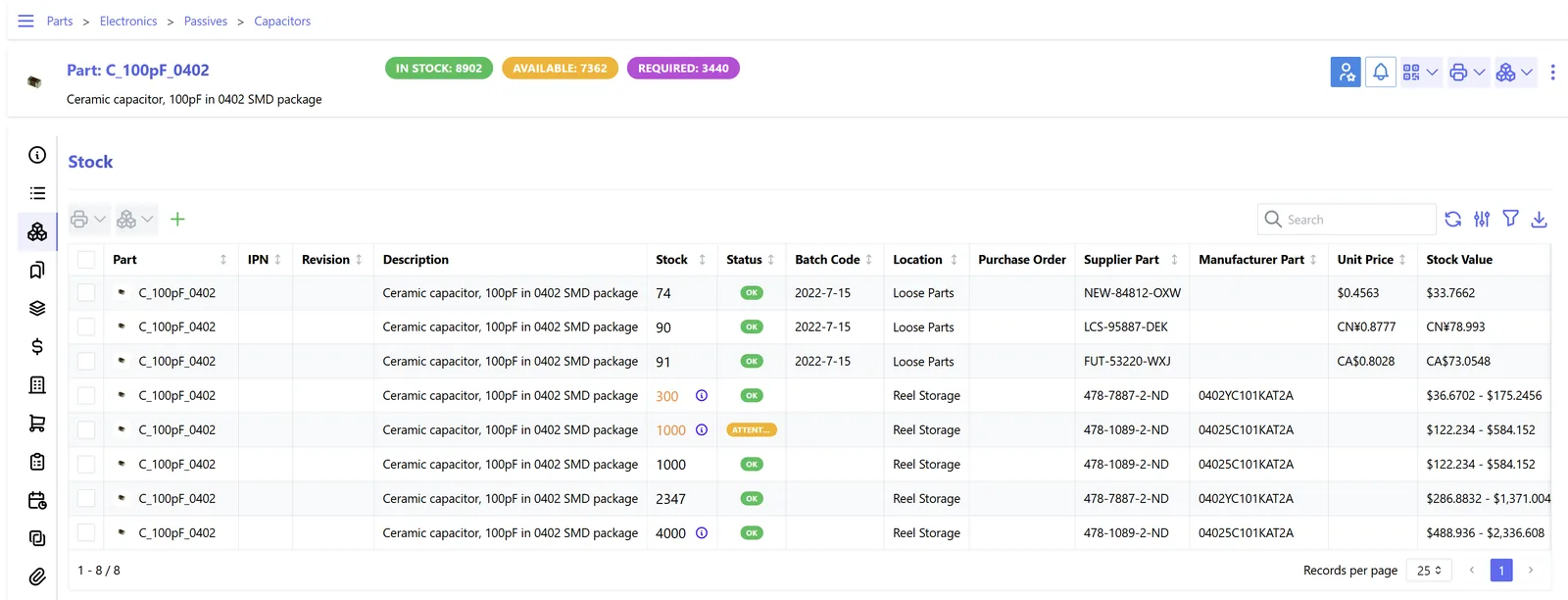
A planning view that combines stock levels, movements, cost and aging. We cover the full KPI set on the inventory dashboard page.
These are the controls that move an inventory manager from reacting to planning.
Minimum, maximum and safety stock per item and warehouse, with system-generated purchase suggestions. See ERP replenishment for the methods.
FIFO or weighted average costing, with freight, duty and clearing charges allocated to the receipt so item cost reflects reality.
Classify items by value and frequency, so count effort and buyer attention go to the items that matter most.
Track lots and expiry dates from receipt to sale and pick by first-expiry-first-out where required.
Adjustments above a threshold need approval with a reason code, and every change is logged with user and time.
Count a portion of items every week instead of closing the warehouse once a year, with variances reviewed before posting.
A repeatable cycle keeps stock value right and the reorder plan current. Each step uses ERP reports, not exports.
One shared database: every step updates stock, finance and reports in real time.
How each platform supports inventory planning and control. Confirm features for your edition and version before deciding.
| Zoho | Odoo | ERPNext | Dynamics 365 | |
|---|---|---|---|---|
| Reorder rules | Reorder points with alerts in Zoho Inventory | Min/max replenishment rules that can create draft RFQs automatically | Reorder level and quantity per warehouse creating Material Requests | Reorder policies and planning worksheets |
| Costing | FIFO or weighted average, depending on configuration | FIFO or average cost with automated valuation | FIFO or moving average per item | FIFO, average, standard and other methods |
| Landed cost | Can add charges to bills; allocation depth varies | Landed costs app allocates by quantity, weight, volume or value | Landed Cost Voucher | Item charges assigned to receipts |
| Batch and expiry | Batch and serial tracking with expiry | Lots and serials with expiry dates | Batch and serial with expiry | Lot and serial tracking with expiration |
| Aging and dead stock | Inventory aging reports | Stock reports with filters; aging often via custom views | Stock Ageing report | Inventory aging and analysis reports |
For a deeper single-platform view, see our pages on Odoo Inventory and ERPNext Inventory.
We configure the system for the rules UAE businesses report against, and test it before go-live.
General information, not tax or legal advice. Confirm current requirements with the FTA, MOHRE or your advisor. See all UAE compliance guides.
On-site workshops in Dubai, Abu Dhabi and Sharjah, and remote or on-site delivery across the Northern Emirates and free zones.
Official sources and references
Facts on this page were checked against these sources in October 2026. Rules change, so confirm current requirements before acting.
Still have a question? Our consultants are happy to help.
Ask an ExpertMost use weighted average or FIFO. The choice affects margins and stock value when prices change, so agree it with your finance team and auditors before go-live, because changing it later is hard. Confirm any tax implications with your tax advisor.
Most platforms let you set reorder levels manually and suggest purchases when stock falls below them. Calculating the levels from history usually takes a report or a small customization that uses average consumption and supplier lead time.
Restrict adjustment rights to a few users, require a reason code, and route anything above a value threshold for approval. Review the adjustment report weekly by user and warehouse.
The ERP keeps a full audit trail of receipts, costs and adjustments, which supports your records. How stock values and write-offs are treated for tax is a question for your tax advisor, and UAE tax records generally need to be kept for at least five years.
Purchase suggestions flow to the procurement team, and available-to-promise stock flows to sales. Using one ERP keeps all three teams on the same numbers.
Related Solutions
Related Industries
Related ERP Platforms
Share your item list and current stock reports, and we will show how an ERP would set reorder rules and costing for your business.
Dubai, United Arab Emirates










