
L
O
A
D
I
N
G


Zoho, Odoo, ERPNext, Dynamics 365 and custom ERP, delivered by one accountable team.

Run the warehouse floor from scanned tasks, not paper pick lists and WhatsApp messages. See what is waiting at the dock, what is late to ship and where every pallet sits.
A UAE warehouse manager needs ERP features that run the floor from scanned tasks: dock booking, GRN scanned against the purchase order, putaway to system-remembered bins, pick waves by priority and carrier cut-off, packing and labels, controlled transfers and mobile proof of delivery. Zoho Inventory, Odoo, ERPNext and Business Central cover this for most SMEs and mid-sized distributors without a separate WMS.
An ERP for warehouse managers in the UAE has to fit a job that is mostly about the physical floor. A typical week in a Jebel Ali, Al Quoz or Sharjah industrial area warehouse starts with containers arriving off the port with incomplete packing lists, supplier trucks queuing at the dock without a booking, and a sales team that promised same-day delivery across three emirates. The warehouse manager balances dock slots, pickers, forklift drivers, storekeepers and outsourced drivers, often with labor on rotating shifts.
In many companies the ERP sees only the commercial side: a purchase order goes in, an invoice comes out. Everything between the gate and the truck is handled on paper delivery notes, printed pick lists and spreadsheets of bin locations that one storekeeper keeps up to date. When that person is on leave, nobody can find the slow-moving pallets in rack C.
This page covers the warehouse manager's view: execution on the floor. Planning questions such as reorder levels and stock valuation belong to the inventory manager's ERP view, and the software category as a whole is covered on our warehouse management software page.
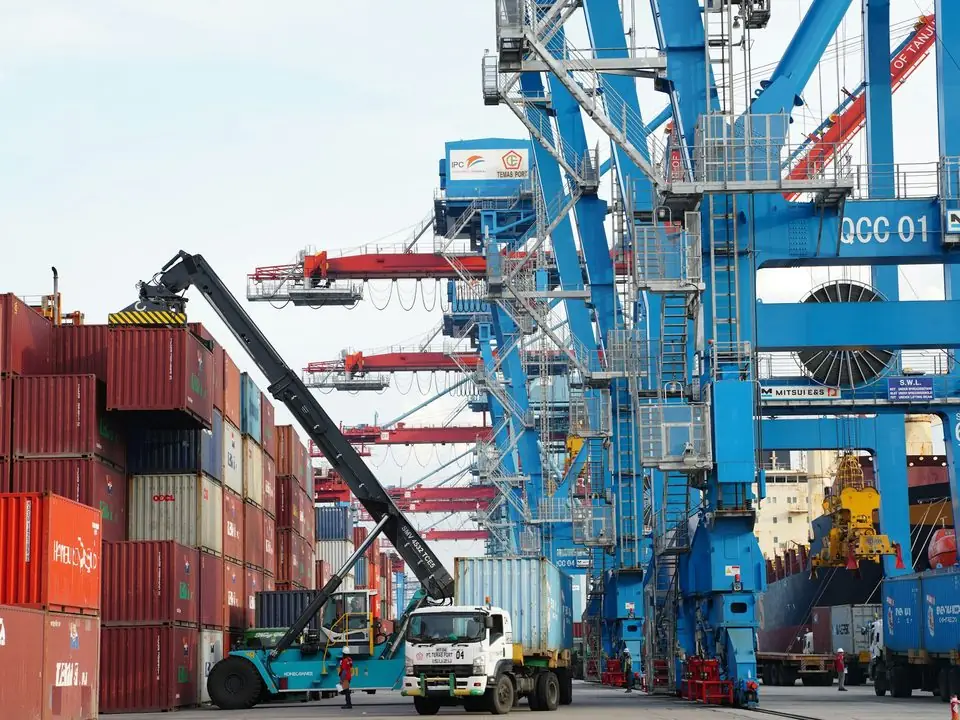
These are the floor-level problems we hear most from UAE warehouse managers before an ERP rollout.
Trucks arrive without notice and storekeepers count against a paper copy of the PO. Short or damaged deliveries are noted on the delivery note but never reach purchasing until the supplier invoice is disputed.
The system shows 40 cartons, but nobody knows which bin or mezzanine they sit in. Pickers walk the aisles searching, and orders ship late or partially.
Printed pick lists do not enforce the right batch, expiry or serial number. Wrong items reach customers, and returns pile up in a corner nobody has time to process.
The manager cannot see lines picked per hour per picker or how long putaway takes after receipt. Overtime is approved on instinct rather than workload.
Stock sent from the main warehouse to a showroom or a second site leaves on a handwritten note. Nobody confirms receipt, so in-transit stock disappears from both locations.
Drivers return signed delivery notes days later, if at all. Customer service cannot confirm what was delivered, and invoicing waits.
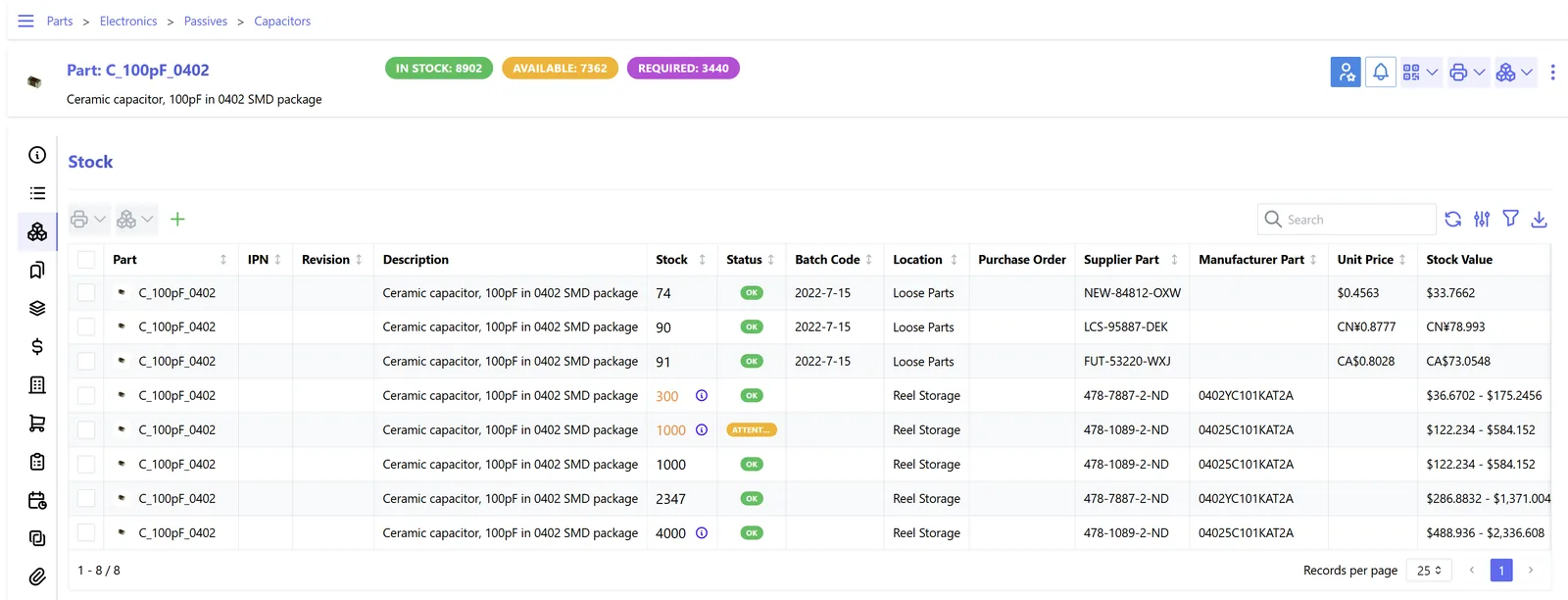
A floor view built from live warehouse transactions, refreshed as scanners post receipts, moves and shipments. A deeper breakdown of each KPI is on our warehouse dashboard page.
These capabilities are available across the platforms we implement, with differences in depth covered in the table further down.
Storekeepers scan items against the open PO and record shortages, damage and batch or expiry data at the dock, producing a GRN in one step.
Rules suggest where each product goes, by category, zone or temperature. Our ERP putaway guide covers rule design in detail.
Orders are grouped into waves or routes and sequenced by bin path, with FEFO enforced where expiry matters. See warehouse picking with ERP.
Packers confirm contents by scan, record carton weights and print shipping labels and packing lists, so the customer receives exactly what was invoiced.
Inter-site moves use transfer orders with an in-transit location and a receiving confirmation at the other end.
Drivers capture signatures or photos on a phone, closing the delivery in the ERP the same day and releasing it for invoicing.
This is the recurring flow the warehouse manager owns every day. Each step leaves a scanned record, so exceptions are visible before they become customer complaints.
One shared database: every step updates stock, finance and reports in real time.
Most warehouse rollouts succeed or fail on preparation done by the warehouse team itself.
All four platforms can run a UAE warehouse. The right choice depends on volume, number of sites and how much floor control you need. Confirm specific features for your edition.
| Zoho | Odoo | ERPNext | Dynamics 365 | |
|---|---|---|---|---|
| Bin locations | Bin locations available in Zoho Inventory on supported plans | Sub-locations with putaway rules in Odoo Inventory | Warehouse tree; bins modeled as child warehouses | Bins in Business Central; advanced zones in Supply Chain Management |
| Multi-step receiving and shipping | Receive and package steps; simpler flows | One, two or three-step receipts and deliveries via routes | Purchase receipt, then putaway or transfer | Warehouse receipts, put-aways, picks and shipments |
| Mobile scanning | Mobile apps with barcode scanning | Barcode app (Enterprise) for receipts, picks and counts | Scanning via barcode fields; mobile flows often customized | Warehouse Management mobile app |
| Wave or batch picking | Picklists across multiple orders | Batch and wave transfers | Pick List against multiple sales orders | Wave picking in Supply Chain Management |
| Best fit | Trading SMEs with one or two warehouses | Growing distributors needing routes and flexibility | Cost-conscious companies happy to configure | High-volume or multi-entity operations |
Details differ by edition and version. See Odoo warehouse management in the UAE for a single-platform view.
We configure the system for the rules UAE businesses report against, and test it before go-live.
General information, not tax or legal advice. Confirm current requirements with the FTA, MOHRE or your advisor. See all UAE compliance guides.
On-site workshops in Dubai, Abu Dhabi and Sharjah, and remote or on-site delivery across the Northern Emirates and free zones.
Official sources and references
Facts on this page were checked against these sources in October 2026. Rules change, so confirm current requirements before acting.
Still have a question? Our consultants are happy to help.
Ask an ExpertThe warehouse manager runs execution: receiving, putaway, picking, packing, dispatch and labor. The inventory manager plans stock levels, replenishment and valuation. Both use the same ERP data, but their screens, reports and approvals differ.
For most UAE SMEs and mid-sized distributors, the warehouse features inside Odoo, Business Central, ERPNext or Zoho Inventory are enough. A separate WMS starts to make sense with very high order volumes, automated equipment or complex 3PL billing.
Yes. Each site gets its own locations, users and dispatch queue, and stock moves between them through transfer orders. Our page on multiple warehouses covers the setup.
Usually handheld scanners or Android phones with scanning, label printers for bins and cartons, and reliable Wi-Fi across the floor. Fixed scanners at packing stations help in high-volume operations.
Returns are received into a separate returns or quarantine location, inspected, then either put back to a sellable bin, sent to the supplier or written off with approval. Each step is recorded so finance can issue the right credit note.
It depends on item count, sites and data quality. A focused single-warehouse rollout often takes several weeks, mostly spent on location labeling, master data and floor training.
Related Solutions
Related Industries
Related ERP Platforms
Show us your current receiving and dispatch process and we will map how an ERP would run it with scanned tasks.
Dubai, United Arab Emirates










