
L
O
A
D
I
N
G


Zoho, Odoo, ERPNext, Dynamics 365 and custom ERP, delivered by one accountable team.

Replace phone calls and handwritten delivery notes with transfer orders that track stock from dispatch, through transit, to confirmed receipt.
An ERP tracks warehouse transfers in the UAE through a single transfer order that moves from request and approval to picking, dispatch, in-transit, receipt and putaway. Stock on the truck stays valued in an in-transit location but cannot be sold from either end. Storekeepers confirm dispatch and receipt by barcode scan, and shortages or damage are recorded against the transfer with a reason code.
ERP for warehouse transfers UAE covers every movement of stock between locations your business controls: Jebel Ali to Al Quoz, a main store in Sharjah to a showroom in Abu Dhabi, a central warehouse to a project site store, or a JAFZA unit to a mainland warehouse. In many trading and distribution companies these moves still start with a WhatsApp message, travel with a handwritten delivery note and reach the system as a spreadsheet update the next morning. Stock leaves one location's books before it reaches the other, or it arrives physically and never moves in the system at all.
A controlled transfer treats stock on a truck as stock in transit: still owned and valued, but not available to sell from either end. The process needs a transfer request, an approved transfer order, a dispatch confirmation by the sending storekeeper and a receipt confirmation at the destination, with any shortage or damage recorded against the transfer itself. For companies running multiple warehouses, this is the process that decides whether branch stock figures can be trusted.
This page is about location-to-location movement. How goods are stored once they arrive is covered under warehouse putaway, and the full map of stock processes sits in our inventory and warehouse processes section.
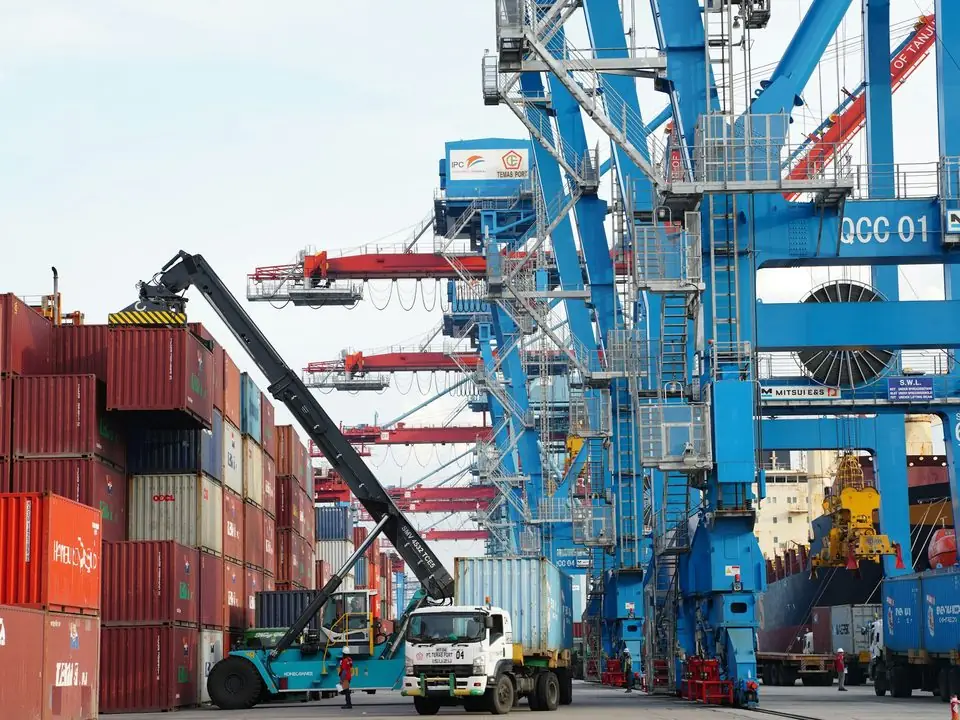
These problems show up most in trading, FMCG distribution, building materials and retail chains with several stores or warehouses.
The sending branch reduces stock when the truck leaves, but the receiving branch only adds it when someone remembers. For a day or a week the goods exist nowhere in the system.
Sales staff see a transfer was promised and quote it to a customer. When the truck is late or short, the delivery promise breaks and the customer calls the sales manager.
The receiving storekeeper counts 46 cartons instead of 50, but there is no document to record it against. The difference surfaces months later as an unexplained stock loss.
Goods moving from a free zone warehouse to the mainland usually need customs clearance and may attract duty and VAT. When the ERP records them as a simple internal shift, landed cost and tax records are wrong.
Groups with a free zone entity and a mainland entity often move stock at cost with no invoice. That leaves both sets of books incomplete and creates transfer pricing questions.
The same flow works for branch replenishment, site store supply and inter-warehouse rebalancing. Only the approval rules change.
One shared database: every step updates stock, finance and reports in real time.
A transfer touches inventory, logistics and accounting. These are the modules we configure for it.
Separate stock balances per warehouse, store and site, with an in-transit location for goods on the road.
A document with source, destination, items, quantities and expected date that moves through draft, shipped and received states.
Storekeepers scan items at dispatch and receipt on a handheld or phone, so quantities are captured where the goods are.
Batches, expiry dates and serial numbers travel with the transfer, so traceability is not lost at the branch.
Driver, vehicle and trip details on the transfer, with a delivery note the receiving store signs or confirms digitally.
In-transit valuation, variance accounts for shortages and inter-company postings when goods cross legal entities.
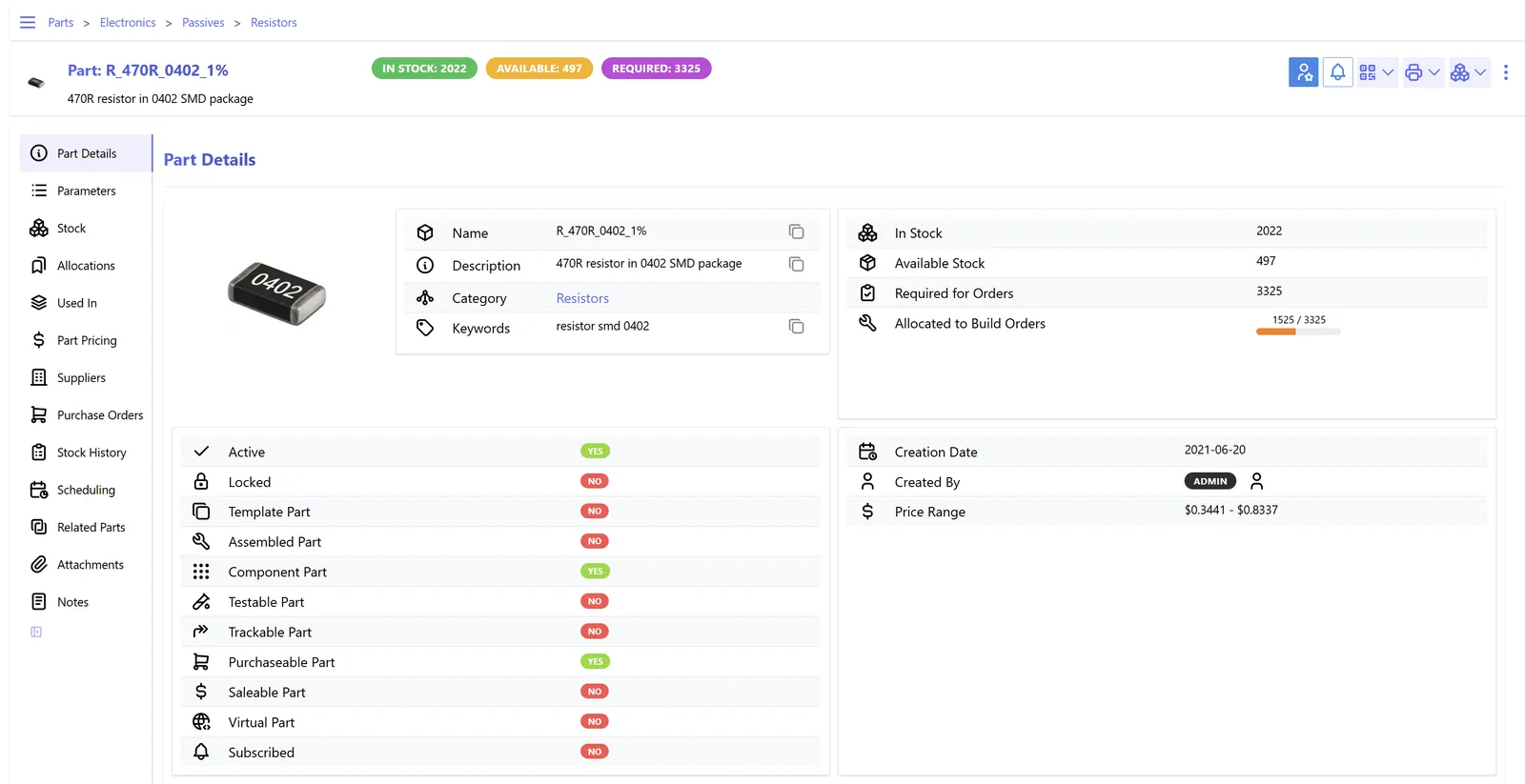
Open transfers and aged in-transit stock are the two numbers that reveal a broken process fastest.
All four platforms we implement support transfers between warehouses. They differ in how in-transit stock and inter-company moves are handled. Features vary by edition and version, so confirm for yours.
| Zoho | Odoo | ERPNext | Dynamics 365 | |
|---|---|---|---|---|
| Transfer document | Transfer Orders in Zoho Inventory between warehouses | Internal transfer operation type, or resupply routes between warehouses | Material Request (type Transfer) followed by a Stock Entry (Material Transfer) | Transfer Orders in Business Central; transfer orders and journals in Supply Chain Management |
| In-transit stock | Transfer order status shows goods in transit until marked received | Inter-warehouse routes can pass through a transit location | Recent versions support an in-transit warehouse on the stock entry | In-transit location code on the transfer order, with separate ship and receive posting |
| Two-step dispatch and receipt | Supported through the in-transit and received states | Separate source and destination operations, each validated by its own team | Two stock entries (out to transit, in from transit) when configured | Native: shipment and receipt posted separately |
| Barcode scanning | Zoho Inventory mobile app with barcode support | Barcode app (Enterprise) for picking and receiving transfers | Barcode fields on stock entry; mobile scanning through the browser or an app | Warehouse mobile app or partner apps, depending on product |
| Batch and serial on transfer | Batch and serial selected on the transfer order | Lots and serials carried on each move | Batch and serial fields on stock entry lines | Item tracking lines on the transfer |
| Inter-company moves | Separate organizations; invoices and bills between them, often automated with Zoho Flow or custom functions | Inter-company rules can create matching sales and purchase orders | Internal customer and supplier setup for inter-company transfers | Intercompany partners and documents in Business Central; intercompany trade in Finance and Operations |
Transfers rarely live only inside the ERP. These are the connections that matter most for UAE companies.
Most internal transfers have no tax effect, but some do. Configure them correctly at setup. This is general information, not tax advice; confirm the treatment with your tax advisor.
Moving goods between locations of the same legal entity within the UAE is generally not a supply for VAT. Movements into or out of a designated zone can have VAT consequences, so these routes should use their own transfer type and tax review.
Goods leaving a free zone for the mainland usually need a customs declaration, and duty paid becomes part of the landed cost. The ERP should hold the declaration reference on the transfer or the related purchase record.
When stock moves between related legal entities, the price should follow the arm's length principle under the Corporate Tax Law. Our page on transfer pricing in your ERP explains how to document it.
Transfer orders, delivery notes and variance approvals are part of your accounting records. Keep them for at least five years, linked to the transaction rather than in a shared folder.
General information, not tax or legal advice. Rules change; confirm current FTA, MOHRE and Ministry of Finance guidance with your advisor.
The gains appear in branch stock accuracy and in fewer arguments between warehouses.
Stock is only available at the destination once it is received, so sales teams quote what is really on the shelf.
Every shortage has a transfer number, a driver and a reason code, which makes losses traceable.
Managers see overstock and shortfalls across locations and move stock before they reorder from suppliers.
Group transfers carry a price and matching documents in both entities, which simplifies consolidation and audit.
Durations are typical ranges and depend on the number of locations and how clean your item master is.
Durations are typical ranges; your plan is agreed after discovery.
List every transfer route, decide which need approval, in-transit tracking or customs steps, and agree reason codes.
Set up warehouses, transit locations, transfer types, numbering, approval rules and accounting.
Configure handhelds, labels and delivery note layouts for drivers and storekeepers.
Run one busy route live, such as main warehouse to largest branch, and tune the variance process.
Extend to all branches and site stores, then start the weekly in-transit review.
We configure the system for the rules UAE businesses report against, and test it before go-live.
General information, not tax or legal advice. Confirm current requirements with the FTA, MOHRE or your advisor. See all UAE compliance guides.
On-site workshops in Dubai, Abu Dhabi and Sharjah, and remote or on-site delivery across the Northern Emirates and free zones.
Official sources and references
Facts on this page were checked against these sources in October 2026. Rules change, so confirm current requirements before acting.
Usually not. Transfer orders with scanning are standard in most ERPs. A dedicated warehouse management system becomes useful when you run high-volume sites with directed picking, slotting and labor tracking.
At the same cost it carried at the source location, plus any freight or duty you choose to capitalize. It stays on the balance sheet in an in-transit location until the receiving warehouse confirms it.
The receiving storekeeper records the actual quantity and a reason code. The difference stays in transit or moves to a discrepancy location until the warehouse manager approves a write-off, a claim against the transporter or a follow-up delivery.
Yes. Odoo can route stock through a transit location with separate dispatch and receipt operations. Our Odoo warehouse management page covers routes and operation types in more detail.
An aged in-transit report by route. Anything in transit longer than the normal trip time needs a call. We usually add it to the warehouse dashboard so it is reviewed daily.
Routine replenishment can be auto-approved within limits. High-value or cross-entity transfers usually need the warehouse manager or finance to approve, especially where customs or pricing is involved.
Related Solutions
Related Industries
Related ERP Platforms
We map your transfer routes, approval rules and scanning steps and show how your ERP can track every movement end to end.
Dubai, United Arab Emirates










