
L
O
A
D
I
N
G


Zoho, Odoo, ERPNext, Dynamics 365 and custom ERP, delivered by one accountable team.

Running stock across Jebel Ali, a mainland warehouse, showrooms and project stores is where single-location systems fail. An ERP gives every site its own balances and rules while head office sees the whole network.
A multi-warehouse ERP models each UAE site, such as a Jebel Ali free zone store, a mainland warehouse in Al Quoz or Sharjah, showrooms and project stores, as its own warehouse with balances, rules and permissions. Two-step transfers track stock in transit, per-site reorder levels suggest internal transfers before purchases, and head office sees the whole network in Zoho, Odoo, ERPNext or Dynamics 365.
An ERP for multiple warehouses in the UAE is usually needed when a business outgrows one store. A typical pattern: a free zone warehouse in Jebel Ali or KEZAD for imported stock, a mainland warehouse in Al Quoz, Ras Al Khor or Sharjah Industrial Area for local deliveries, a couple of showrooms, and sometimes site stores for project customers. Each location has its own stock, staff and paperwork, and stock moves between them every day.
The common symptoms are easy to recognise. Sales promises stock that is physically in another emirate. Branch managers phone each other to borrow items, and the transfer is never recorded. Head office sees one stock figure that does not match any single site. Our stock control page covers general controls; this page focuses on what changes when there is more than one location.
A multi-warehouse ERP models each site as a warehouse (and, where needed, zones, aisles and bins inside it), keeps separate balances and reorder levels, and moves stock only through documented transfers. Detailed in-warehouse processes such as putaway and picking sit on top of that structure.

Most of these problems come from stock moving between sites without a document that both sides confirm.
A van takes 40 cartons from the Dubai warehouse to the Abu Dhabi branch, but nobody posts a transfer. Dubai shows a surplus, Abu Dhabi shows negative stock.
Goods dispatched on Thursday and received on Monday belong to neither site in a manual system. Short receipts and damage are never traced back.
Treating free zone and mainland stock as one pool hides movements that may have customs and VAT implications, and confuses landed cost.
A company-wide reorder level triggers a PO when one site is short but another is overstocked. A transfer would have been cheaper and faster.
When every storekeeper can post to every warehouse, count variances cannot be assigned to a location or a person.
The transfer is the core multi-warehouse document. This is the flow we configure.
One shared database: every step updates stock, finance and reports in real time.
Small configuration choices decide whether head office can trust the network view.
Define each physical site as a warehouse, then add zones or bins only where they add value. A showroom rarely needs bins; a 3,000-pallet store does.
Dispatch moves stock into an in-transit location; receipt at the destination moves it in. Shortages are posted as a variance with a reason, so warehouse transfers are always accounted for.
Reorder levels are set per warehouse. The ERP suggests a transfer from a site with surplus before it suggests a PO from a supplier.
Storekeepers post only to their warehouse. Managers see all sites. This makes count variances traceable and supports inventory accuracy targets per location.
Eight areas typically come into scope.
Warehouses, zones and bins with their own addresses, managers and stock accounts if needed.
Request, approve, dispatch and receive, with in-transit tracking and delivery note printing.
Sales orders check stock by warehouse and reserve from the right site.
Site-level min-max rules that prefer internal transfers before external purchases.
Scanning on dispatch and receipt to prevent wrong-item and wrong-quantity transfers.
Count schedules per site, so each warehouse is checked regularly without a full shutdown.
Freight, duty and clearing charges allocated to stock as it arrives in the receiving warehouse.
Users and approvals restricted by warehouse and company.
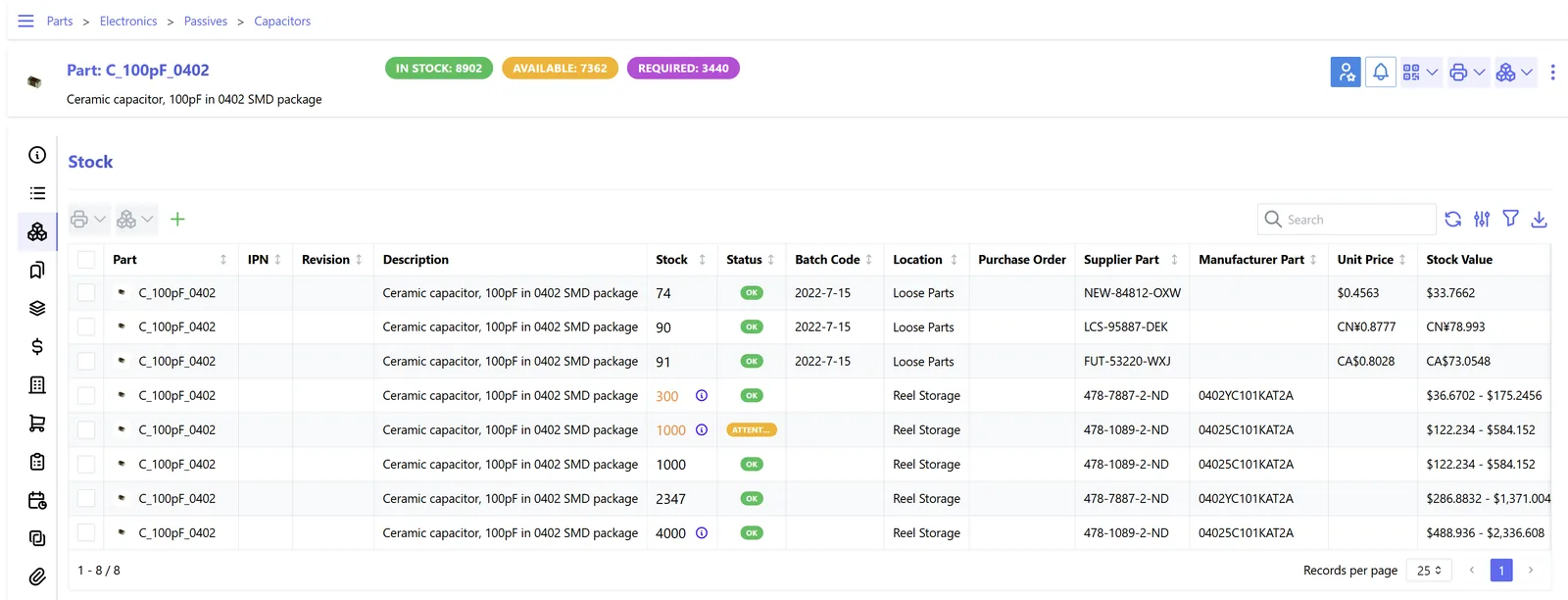
One dashboard across all sites, with drill-down to each warehouse.
All four support multiple locations. The differences are in depth of in-warehouse control and how transfers are modelled. Confirm against your edition.
| Zoho | Odoo | ERPNext | Dynamics 365 | |
|---|---|---|---|---|
| Warehouse structure | Multiple warehouses in Zoho Inventory; bin locations available on higher plans | Warehouses with locations and sub-locations; multi-step routes | Warehouse tree with group and child warehouses | Locations with bins in Business Central; advanced warehousing in Supply Chain Management |
| Transfers | Transfer orders between warehouses | Internal transfers with one, two or three-step routes | Stock Entry (Material Transfer) with optional in-transit warehouse | Transfer orders with in-transit codes |
| Replenishment by site | Reorder points per item; per-warehouse handling varies by plan | Reordering rules per warehouse, including resupply from another warehouse | Reorder levels per warehouse | Stockkeeping units per location with their own policies |
| Mobile and barcode | Mobile app with scanning | Barcode app for receipts, transfers and counts | Barcode fields and mobile-friendly forms; apps available | Mobile apps and warehouse device options |
| Multi-company | Separate organisations per entity | Multi-company in one database | Multi-company in one site | Multiple companies and intercompany |
| Best fit | SMEs with 2-5 simple sites | Distributors needing routes and bins | Cost-conscious multi-branch traders | Larger networks with complex warehousing |
Hedged summary as of October 2026.
The more sites, the more systems need to report into the ERP.
Location matters for tax and customs in the UAE. These points are general; confirm with your advisor.
Movements between a VAT designated zone and the mainland can be treated differently from mainland-to-mainland transfers. Keep free zone warehouses as separate locations so movements are visible and can be reviewed.
Goods moving out of a free zone to the mainland generally need customs clearance. Link the declaration reference to the transfer or invoice.
If a free zone company and a mainland company each own a warehouse, transfers between them are sales and purchases with tax invoices, not internal transfers.
Keep stock records for each site for the required retention period, and make sure counts and adjustments are approved and documented.
General information, not tax or legal advice. Rules change; confirm current FTA, MOHRE and Ministry of Finance guidance with your advisor.
These come from documented transfers and site-level visibility.
Sales sees stock at every site and can fulfil from another warehouse instead of saying no.
Transfers replace duplicate purchases, so the network carries less safety stock overall.
Each shortage is tied to a site, a transfer or a count, not written off company-wide.
A new site is a configuration task with copied rules, not a new spreadsheet.
Ranges depend on the number of sites, SKUs and whether bins are needed.
Durations are typical ranges; your plan is agreed after discovery.
Visit each warehouse, document layouts, users, transfer routes and current paperwork.
Agree warehouse and bin structure, transfer steps, approvals and permissions.
Set up locations, rules, barcodes and opening balances counted per site.
Start with the main warehouse, then add branches one by one with on-site support.
We configure the system for the rules UAE businesses report against, and test it before go-live.
General information, not tax or legal advice. Confirm current requirements with the FTA, MOHRE or your advisor. See all UAE compliance guides.
On-site workshops in Dubai, Abu Dhabi and Sharjah, and remote or on-site delivery across the Northern Emirates and free zones.
Official sources and references
Facts on this page were checked against these sources in October 2026. Rules change, so confirm current requirements before acting.
Still have a question? Our consultants are happy to help.
Ask an ExpertAll four platforms we implement support many warehouses; the practical limits come from plan or licensing (for example, some Zoho Inventory plans cap the number of warehouses) and from how well the team posts transactions.
No. Bins help in larger stores with racking and pickers. Showrooms and small branches usually work well with a single location. Our warehouse management software page explains when bin-level control is worth it.
With a two-step transfer, dispatched stock sits in an in-transit location until the receiving site confirms it. It still appears in company stock value, but neither site can sell it.
Yes. The sales order can reserve from a specific warehouse, and delivery can be arranged from there or after a transfer. Reservation rules are agreed during design.
Yes. The 3PL is set up as a warehouse, and receipts and dispatches are either keyed in from their reports or synced through an integration if the 3PL offers one.
Count each site, post adjustments with reasons, then switch on two-step transfers. The inventory and warehouse module overview shows the full scope.
Related Solutions
Related Industries
Related ERP Platforms
We map your sites, transfer routes and approvals and recommend the right multi-warehouse setup.
Dubai, United Arab Emirates










